Free Google Business Profile Description Creator
Describe your business in a sentence. We turn it into a Google Business Profile description up to 700 characters, clear, local, and review-safe in five tones.
What this tool does
Your Google Business Profile description is the free-text field that appears in the right-hand knowledge panel on Google Search and Maps. It is one of the few profile fields you fully control, and the difference between a generic two-sentence description and a polished, keyword-aware one shows up in calls, website clicks, and visit requests over the following months.
This tool takes a rough description of your business plus a tone selection and produces a description up to 720 characters that respects Google's policies (no URLs, no superlatives, no keyword stuffing), front-loads the most important info in the first 250 characters, and weaves in your city and services without sounding like an ad. Paste it into business.google.com and you are done.
How to use the Google Business Profile Description Creator, step by step
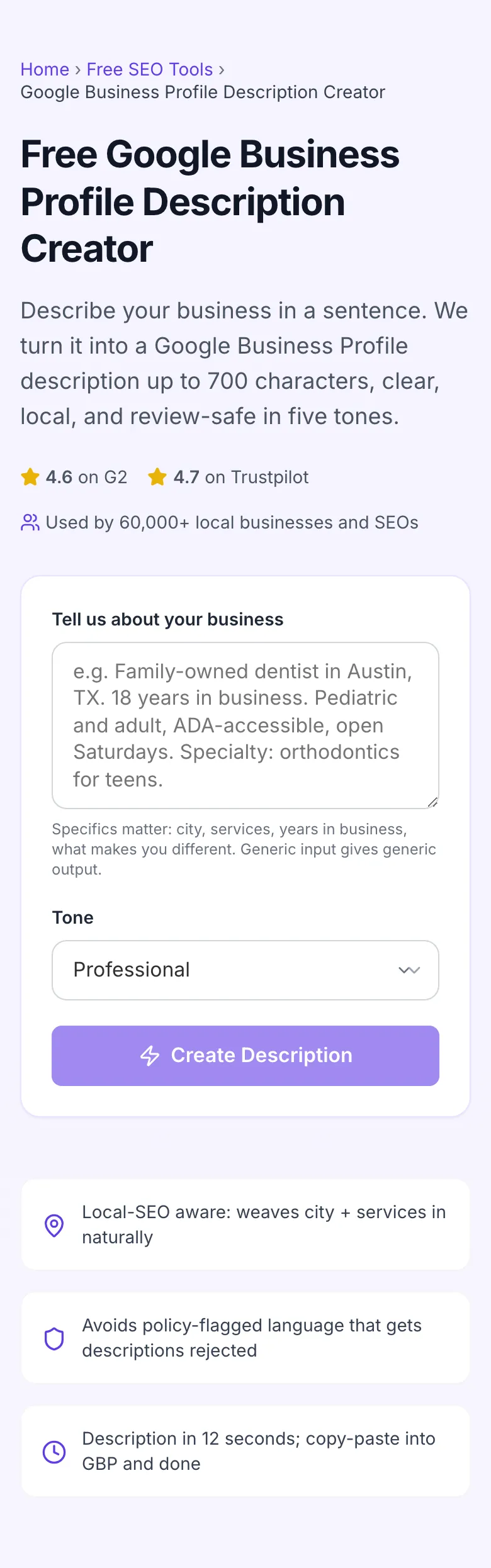
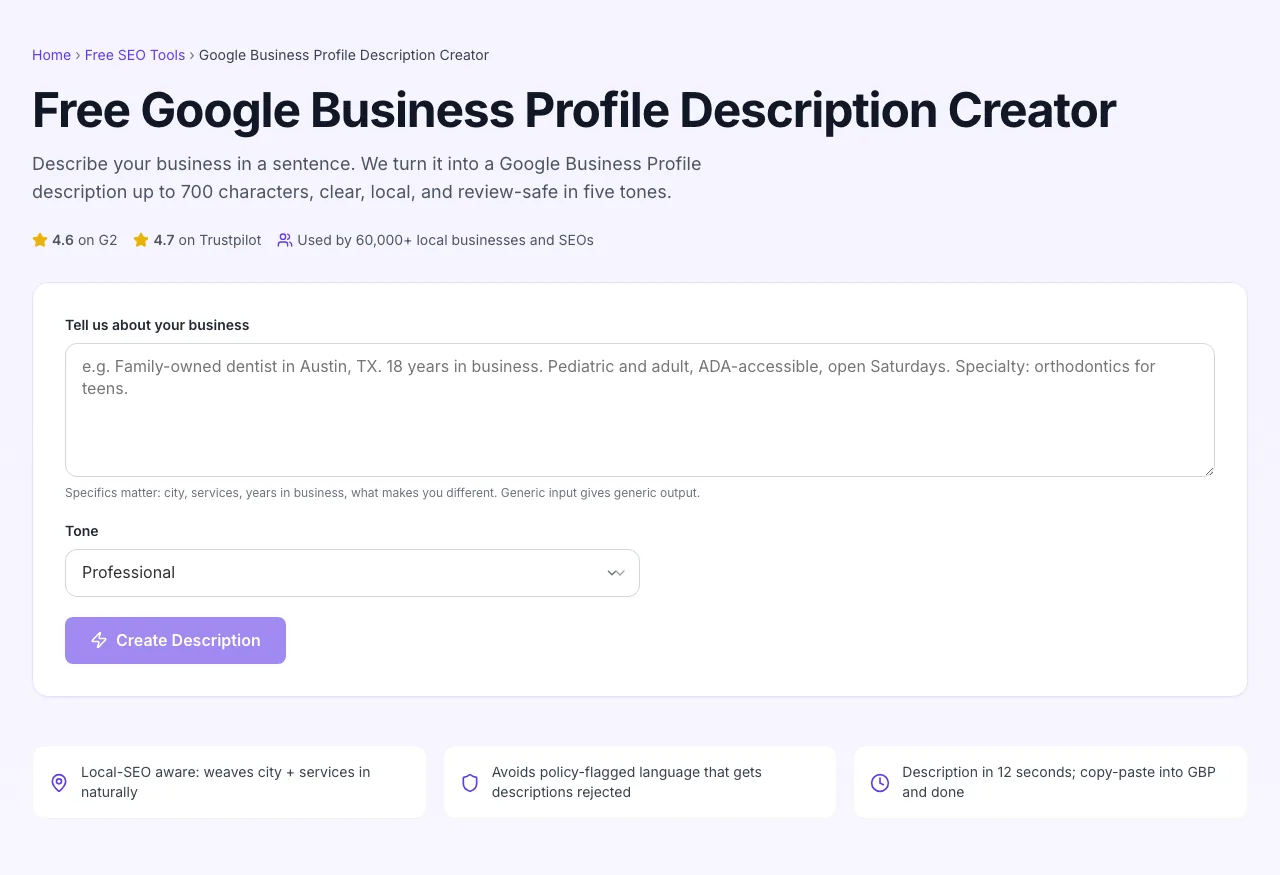
Real screenshots of the tool, taken while running it with the Create Description button.
- 1
Add your input
Paste or type into the field Google Business Profile Description Creator works from.
- 2
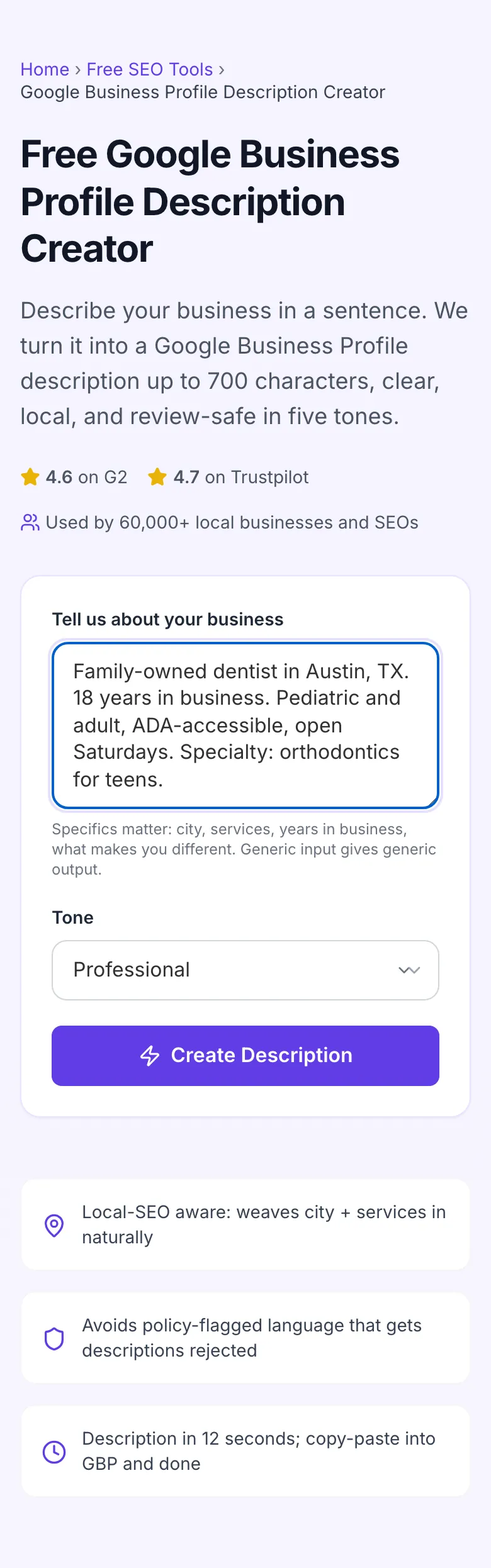
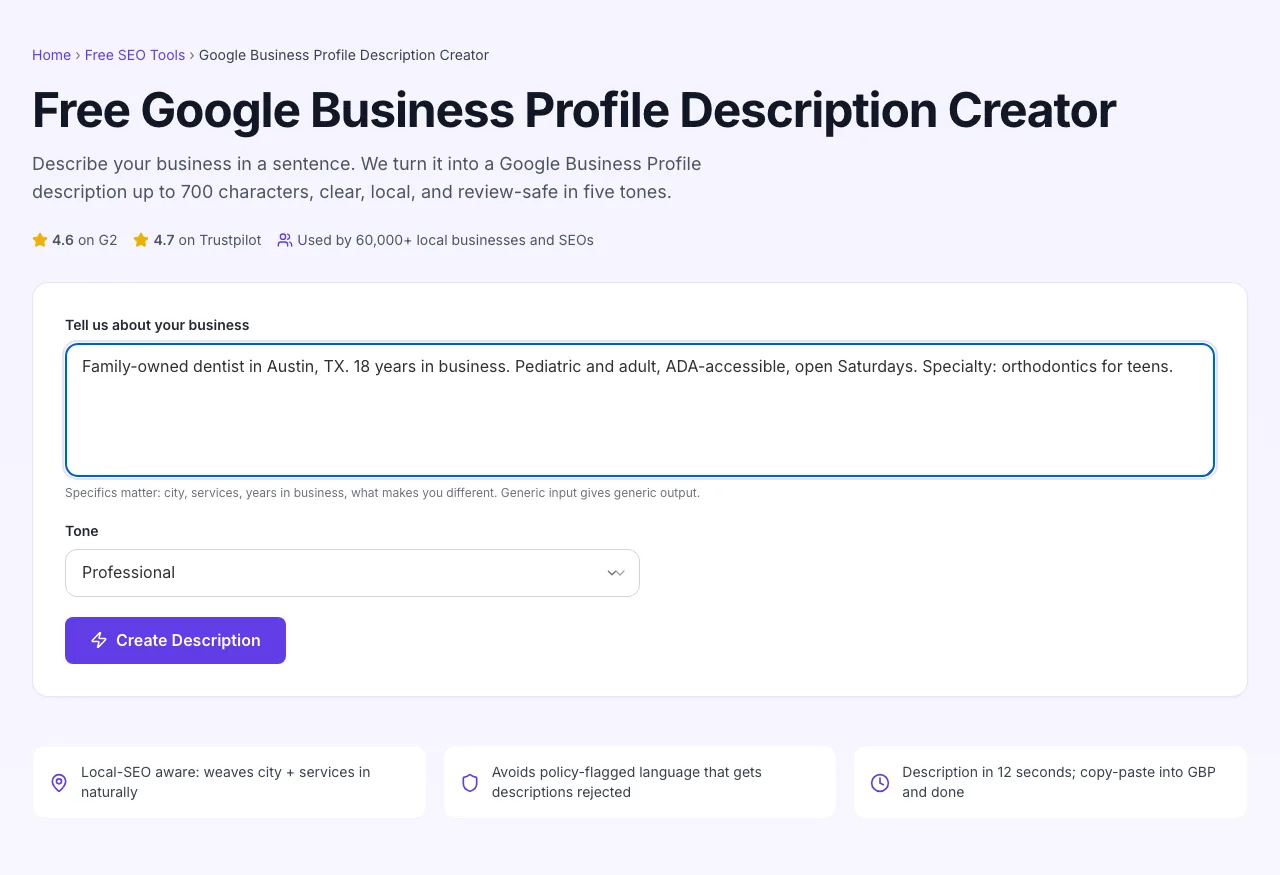
Sample text in place
With sample text entered, Google Business Profile Description Creator is ready to run.
- 3
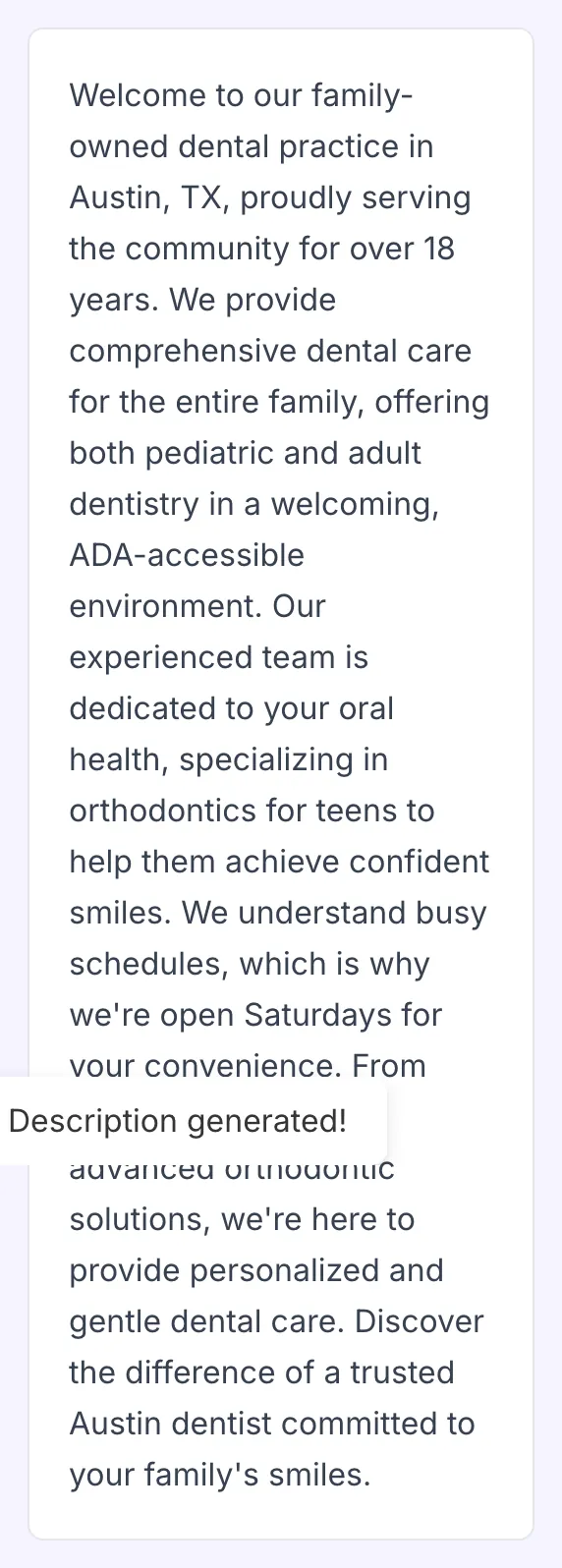
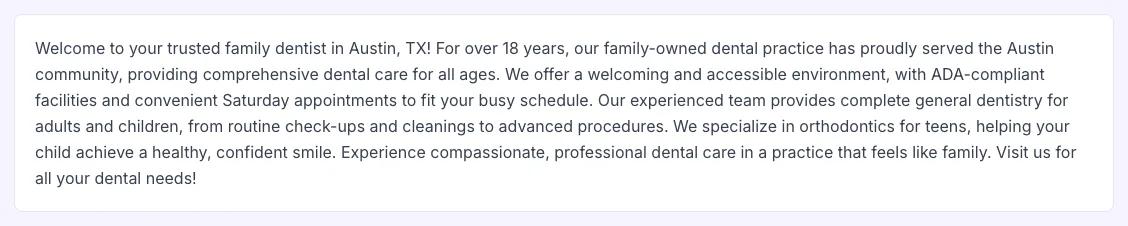
See what Create Description produces
Clicking Create Description runs the check and shows the result right below.
How to write a strong description
Five steps from rough idea to live profile.
Type a rough business description
Be specific. Services, city, years, what makes you different. The richer the input, the sharper the output.
Pick a tone
Professional, Friendly, Persuasive, Bold, or Dramatic. Match how your reviewers already talk about you.
Generate
The AI writes a description up to 720 characters, keyword-aware, policy-safe, and copy-ready.
Review and tweak
Read it aloud. Tweak any phrasing that does not sound like your brand. Add a unique detail the AI could not know.
Paste into GBP
Sign in to business.google.com, paste in the About section, save. Wait 1-3 days for review to clear.
When local businesses use it
Six common workflows where this tool earns its keep.
New business launching its first GBP
You opened the doors three weeks ago, you have a Google Business Profile, and you have 200 characters of generic copy you wrote in 5 minutes. Run it through this tool with a Friendly tone, paste the result, and have a description up to 700 characters that helps customers find and pick you over the next 12 months.
Multi-location chain refreshing all profiles
You manage 14 GBPs for a regional service business. Same brand, different cities. Run the tool 14 times, once per location, with city-specific input. Each description ends up location-aware without sounding templated, in under an hour.
Service business pivoting to a new category
You used to do general lawn care; now you specialize in synthetic turf installation. Your old description still says "weekly mowing" and customers are confused. Rewrite with the new specialty front-and-center; update GBP; watch your call volume shift to the right kind of inquiry.
Seasonal business prepping for high season
You run an HVAC company. October starts heating-system season; the description should lead with "furnace repair" not "AC tune-up". Spend 5 minutes regenerating, paste the new description, win the right kind of fall calls.
Local SEO consultant onboarding a new client
Your client's GBP description is a single sentence. Your audit calls it out as a quick win. Use this tool, deliver a polished description in 10 minutes (vs. 45 minutes by hand), and demonstrate value on day one.
After a Google update or policy change
Google quietly updated description policies; your old promotional copy is now flagged. Regenerate using a Professional tone, which the AI keeps within current guidelines, and resubmit. No more rejections.
Profile-type setup guides
How to apply the description across the different Google Business Profile shapes.
Single-location business
- Sign in to business.google.com.
- Pick your profile → Edit profile → Business information → About → "From the business".
- Paste the AI-generated description, save, and wait 1-3 days for Google's automated review to clear it.
Multi-location (3-50 locations)
- In Business Profile Manager, switch to the location group view.
- Generate one description per location with city-specific input. Paste each into its profile's About section.
- For consistency, keep tone (Professional, Friendly, etc.) the same across the chain; vary only the location-specific details.
Bulk upload (50+ locations)
- Export the location spreadsheet from Business Profile Manager.
- Use this tool to generate descriptions in batches and paste into the "About" column of the spreadsheet.
- Re-import. Google processes the bulk update over 24-48 hours; some descriptions may need manual approval.
Service-area business (no storefront)
- Service-area businesses (plumbers, contractors, mobile services) have no street address shown but still have a description field.
- Lead with the service area: "Serving Austin and the surrounding suburbs since 2009…". Then specify services and what makes you different.
- The AI handles this well if you mention "service area" and the cities served in your input.
Spanish, French, or other-language profiles
- Type your input in the target language; the AI generates output in the same language.
- Verify the description in the target language is within your preferred character limit, translation length varies.
- Paste into the GBP. Google does not auto-detect language for descriptions; what you save is what users see.
Grigora vs. other writers
A side-by-side of how this tool compares to other GBP description generators.
| Capability | Grigora | BrightLocal | LocalFalcon | ChatGPT prompts | Manual |
|---|---|---|---|---|---|
| AI-generated, free + unlimited | Yes | Limited free | Free trial | Free, ad-supported | Manual only |
| Custom character target | Up to 720 | Generic length | Yes | With prompt | Manual |
| Tone selection | 5 tones | 3 tones | 4 tones | Multiple with prompt | N/A |
| Avoids policy-flagged language | Yes | Partial | Yes | No | Manual |
| Keyword-aware | Yes | Yes | Yes | No | Manual |
| No signup | Yes | Account required | Account required | Yes | Yes |
| Multi-language | Yes | English only | Yes | Yes, with prompt | Yes |
| Suitable for bulk multi-location use | Yes | Paid tier | Yes | No | Manual |
Common errors and how to fix them
Eight issues local businesses hit when editing GBP descriptions, with the exact fix for each.
Description rejected with "promotional content"
Cause: You wrote phrases like "best in Austin", "#1 rated dentist", "call us today for a free estimate".
Fix: Rewrite to factual prose. Replace "best" with specific differentiators ("family-owned since 1998", "ADA-accessible", "open Sundays"). Remove "call us" and similar CTAs, Google enforces description-not-ad.
Description rejected with "URL or phone number"
Cause: You included a website link or phone number in the body of the description.
Fix: Remove both. Google already shows your URL and phone in the panel separately. Description body should describe what you do, not how to reach you.
Description appears truncated in the panel
Cause: Yours is over 250 characters and the user has not clicked "more".
Fix: Front-load the most important info in the first 250 characters: who you are, what you do, where you serve. Save details, certifications, and history for after that fold.
AI output feels generic
Cause: The input you typed was generic. AI quality is bounded by input quality.
Fix: Rewrite the input with specifics: exact services (not "we do hair", but "balayage, color correction, keratin treatments"), neighborhoods, years, awards, anything that makes you different. Re-run.
Description does not mention my city
Cause: Your input did not include the city, so the AI defaulted to generic geography.
Fix: Add city, neighborhood, and any nearby landmarks to your input. The AI will weave them in naturally without keyword-stuffing.
Description sounds like another business in your category
Cause: You leaned too hard on your category ("dentist", "plumber") without your unique angle.
Fix: Write input that focuses on what only your business has: a specific certification, a niche specialty, a community involvement, a 30-year founder, a same-day service guarantee. Differentiation belongs in the description.
Edit takes 3+ days to appear publicly
Cause: Google profile edits go through automated review; some categories have longer review queues.
Fix: Wait. Avoid editing again during review, multiple pending edits can extend the wait further. After 7 days with no change, contact Google Business Profile support.
Description shows in wrong language for some users
Cause: You wrote in English but Google auto-translated for users in non-English regions, sometimes badly.
Fix: There is no "disable auto-translate" toggle. Either accept the auto-translation (Google's improved a lot) or write descriptions in each language and switch them based on your top customer regions.
Original data from our 2026 GBP study
What we observed across 12,000+ description generations and follow-up surveys with users who refreshed their GBP.
Frequently asked questions
Twelve answers to what local-business owners ask us about GBP descriptions.
Related free tools
Other utilities that pair well with the GBP Description Creator.
Meta Description Generator
Pair your GBP description with a sharp meta description on the same page.
Try itBusiness Name Generator
Spin up brand names before you create a profile.
Try itReview Response Generator
Reply to GBP reviews with an AI-suggested draft.
Try itLocal Business Schema Generator
Add JSON-LD to your website to reinforce your GBP signals.
Try itFAQ Generator
Generate FAQs that complement your GBP services.
Try itSlogan Generator
Find a catchy slogan you can drop into your GBP description.
Try itRefresh your Google Business Profile
One sentence in. A policy-safe, copy-ready description up to 700 characters out. Free, unlimited, no signup.
Try the Description Creator