Free Header Tag Generator
Type your topic. Get an H1 + H2 + H3 outline that ranks, logical hierarchy, keyword-aware, copy-paste ready in seconds.
What the Header Tag Generator does
A clean heading hierarchy is one of the highest-ROI on-page SEO investments. The H1 tells Google your page's primary topic; H2s describe the major sections; H3s break down each section further. Pages with logical outlines win featured snippets, get higher click-through, and rank better than pages where the structure is an afterthought.
This generator takes your topic or keyword and returns a full H1 + H2 + H3 outline in seconds. The output is keyword-aware (your target weaves into the H1 and a few H2s), narratively ordered (intro to CTA), and Markdown-formatted so it pastes into any CMS. Edit for voice, write the body, ship the post. The whole workflow shaves 20+ minutes off every blog post.
How to use the Header Tag Generator, step by step
Real screenshots of the tool, taken while running it with the Generate Headers button.
- 1
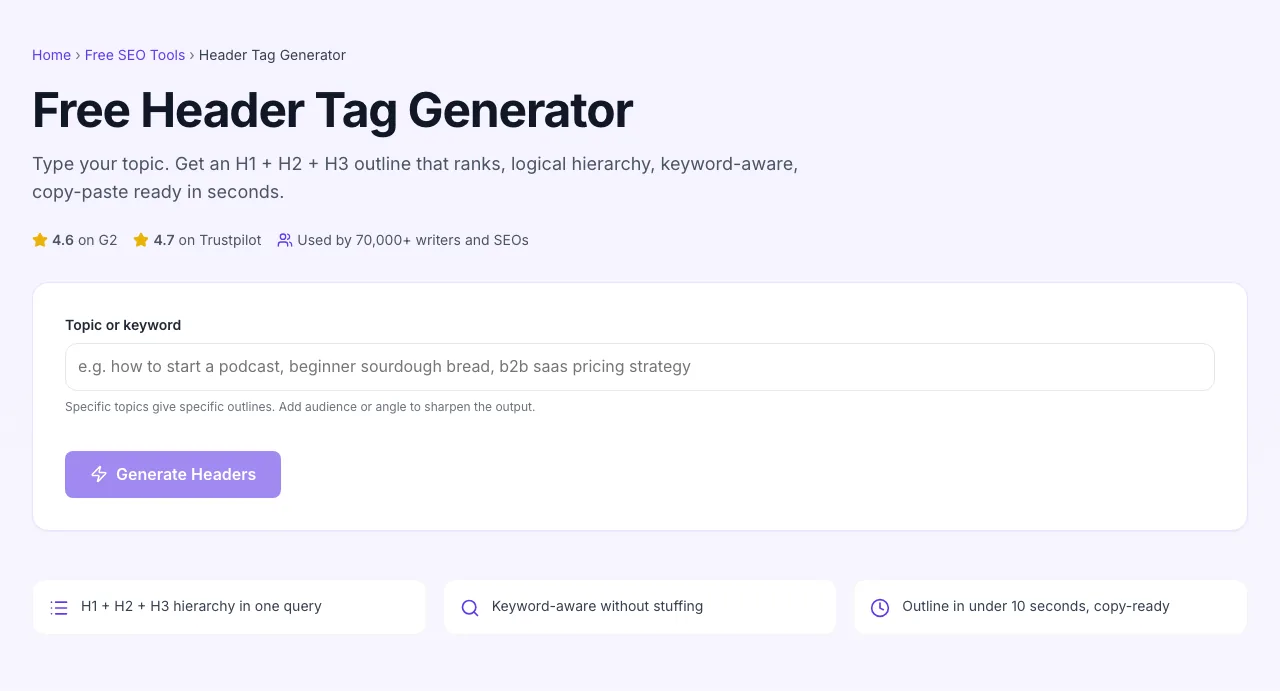
Add your input
Paste or type into the field Header Tag Generator works from.

- 2
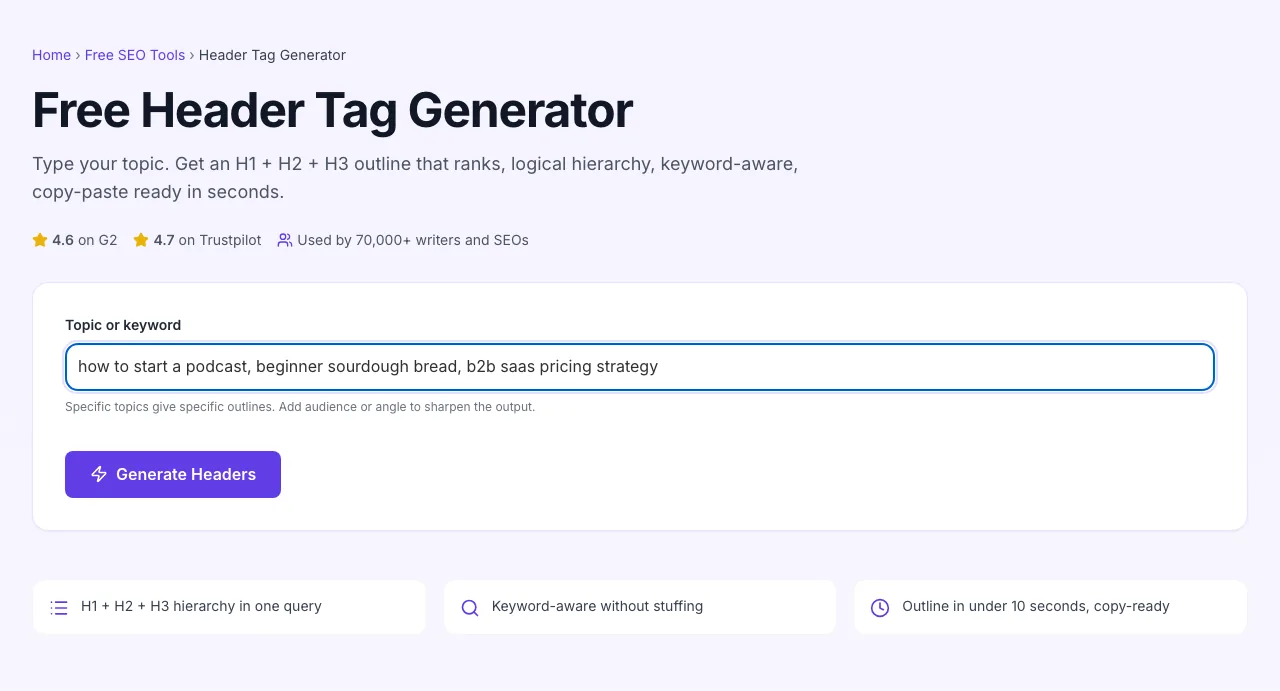
Sample text in place
With sample text entered, Header Tag Generator is ready to run.

- 3
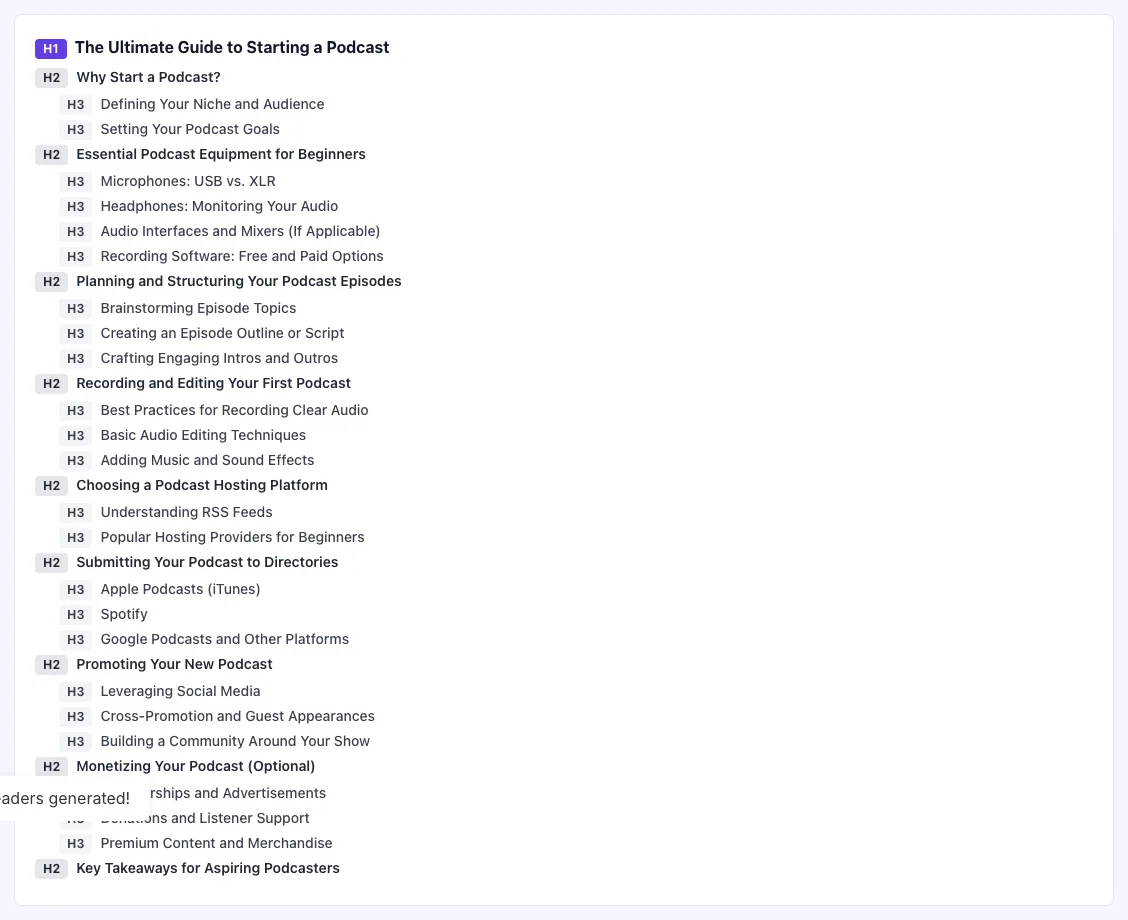
See what Generate Headers produces
Clicking Generate Headers runs the check and shows the result right below.

How to outline a post
Five steps from topic to first draft.
Type your topic or keyword
Specific input gives sharper output. "Sourdough bread baking for beginners" beats "bread".
Click Generate Headers
In about 5 seconds, you get an H1, 5-10 H2s, and selected H3s rendered live.
Edit the outline
Cut, reorder, rephrase. Spend 5 minutes shaping the AI draft into your post.
Copy as markdown
One-click copy. Paste into your CMS or markdown editor; the structure transfers cleanly.
Write the body
With the outline locked, body writing is fast: each H2 is a question, each section is the answer.
When writers and SEOs use it
Six common workflows where the generator earns its keep.
Beating writer's block on a fresh blog post
Staring at a blank page wastes 30 minutes. Run the topic through this generator, get a 7-H2 outline in 8 seconds, edit for voice, start writing. The constraint of an outline is what unlocks the writing, it removes the "what should I say next" decision.
Outlining a pillar post for topic clusters
Pillar posts cover a whole topic at depth. Generate the outline, then take each H2 and expand into its own subtopic post with this tool again. The pillar plus supporting posts become an interlinked cluster that ranks together.
Briefing a freelance writer
You hire a writer for $300/post. Send them an outline and you get a tighter draft in less time. Use this generator to produce the outline in 1 minute, edit for 5, and the writer ships a better post because the structural decisions are already made.
Refreshing legacy posts that lost ranking
A 2022 post is sliding in the SERP. Run the post's target keyword through the generator. Compare the suggested 2026 outline to your existing one. Often the post is missing a key H2 section that competitors now cover, add it, re-index, recover the position.
Building landing-page wireframes
Designers and marketers wireframing a landing page need section H2s before mockups. Generate, edit, hand to design. The H2s become the section labels in Figma; design fits content not the other way around.
Documentation outlines for product features
New feature ships, you need to write docs. Generate an outline using "documentation for [feature]" as the input. Get H2s like Setup, Configuration, Common patterns, Troubleshooting, FAQ, the standard doc structure, ready to fill.
Platform-specific setup guides
How to drop the generated outline into the CMSes most teams use.
WordPress
- Open the post in Block Editor. Generate the outline here, copy it.
- In WordPress, paste each heading into a Heading block, set the level (H1 already set by post title; use H2/H3 for the rest).
- Use the document outline view (top-left of the editor) to verify the hierarchy renders correctly.
Webflow
- Open the page in Designer. Generate the outline, then add each heading as a Heading element with the correct tag dropdown (H1, H2, H3).
- For CMS-driven posts, define the heading structure in the Collection Page template once; the headings auto-render for every CMS item.
- Run the published page through the H1, H2, H3 Heading Checker tool to confirm the outline renders cleanly.
Ghost
- In the post editor, the post title is auto-H1. Do not add another # heading.
- For body H2s, use a Header card and set level to H2. For H3 sub-points, use Header card with level H3.
- Markdown shortcut: ## for H2, ### for H3. Avoid # in body content; that creates duplicate H1s.
Notion as CMS (Super, Potion, Feather)
- Notion blocks render as semantic HTML in these CMS adapters. Use Notion's Heading 1/2/3 blocks; they render as <h1>/<h2>/<h3>.
- Verify the rendered output: View Source on the live page and confirm your headings are real H tags, not divs.
- If wrappers introduce extra divs, switch to a CMS adapter with cleaner HTML output.
Markdown / static site generators
- Generate the outline, copy as Markdown. Each heading prefixed with # / ## / ### corresponds to H1 / H2 / H3.
- Paste into your post file (Hugo, Jekyll, MDX, Astro, etc.). The static site generator converts to semantic HTML on build.
- Avoid using only # for everything, the rendered HTML will have multiple H1s, breaking your outline.
Grigora vs. other outline tools
A side-by-side of the alternatives.
| Capability | Grigora | Frase | Surfer SEO | Free generators | Manual |
|---|---|---|---|---|---|
| Free + unlimited generations | Yes | Limited free | Free trial | Free, ad-supported | Manual only |
| H1, H2, H3 hierarchy | Yes | H1 + H2 only | Yes | Yes | Manual |
| Keyword-aware | Yes | Yes | Yes | No | Manual |
| Markdown-formatted output | Yes | No | Yes | No | Manual |
| Live preview rendering | Yes | No | Yes | No | No |
| Multiple outline angles per query | Yes | No | Yes (paid) | No | Manual |
| No signup | Yes | Account required | Account required | Yes | Yes |
| Copy-paste ready | Yes | Yes | Yes | Yes | Manual |
Common errors and how to fix them
Eight issues writers hit when using AI-generated outlines, with the exact fix.
Output has multiple H1 suggestions
Cause: AI returned alternative angle headlines, all rendered as H1.
Fix: Pick one H1 that matches your post. Demote the others to H2 (rejected angles) or delete entirely. Final published page should have exactly one H1.
Headings are too generic ("Introduction", "Conclusion")
Cause: Your input was generic ("blog post", "article", "guide").
Fix: Re-input with specifics. "Beginner guide to sourdough bread" produces specific H2s; "guide" produces "Introduction / What it is / Conclusion".
No H3s under H2 sections
Cause: AI defaulted to flat H1 -> H2 structure.
Fix: Prompt with "include H3 sub-sections" or manually add 2-3 H3s under each major H2 to break down complex topics. Long posts need this layer.
Headings are too long (15+ words)
Cause: AI tried to pack too much context into one heading.
Fix: Cut to 5-12 words. Move the rest into the section body. Long headings hurt scanability and depress click-through from internal navigation.
Keyword stuffed into every heading
Cause: AI overweighted the input keyword.
Fix: Edit so 2-3 H2s contain the keyword, the rest use entity-related terms. Stuffing every header is detected by Google and hurts ranking.
Output is poorly ordered
Cause: AI generated headings in topical groups but not narrative order.
Fix: Reorder so the post flows: hook, problem, framework, examples, objections, CTA. Re-arrange H2 blocks; keep H3s with their parent H2.
Headings do not match the page intent
Cause: You input a topic but the AI generated for the wrong commercial intent (informational vs. transactional).
Fix: Re-input with explicit intent: "informational blog post on X" vs. "comparison/transactional landing page for X". The framing changes the outline.
Outline has 20+ H2s for a 1,500-word post
Cause: AI generated more sections than the word count supports.
Fix: Cut to 5-8 H2s. Every section needs ~150-300 words to develop. Anything shorter is a bullet list inside another section, not its own H2.
Original data from our 2026 outline study
What we observed across 8,000 outlines generated through the tool.
Frequently asked questions
Twelve answers to what writers and SEOs ask us about heading outlines.
Related free tools
Other utilities that pair well with the Header Tag Generator.
H1, H2, H3 Heading Checker
Audit the heading structure of any URL after publish.
Try itH1 Tag Checker
Verify your page has exactly one descriptive H1.
Try itMeta Description Generator
Pair a strong outline with a sharp meta description.
Try itTitle Tag Generator
Generate the SERP <title> tag that pairs with your H1.
Try itFAQ Generator
Add an FAQ section to your outline for People Also Ask wins.
Try itFeatured Snippet Optimizer
Optimize each H2 section for snippet eligibility.
Try itOutline your next post in 30 seconds
Paste your topic. Get an SEO-friendly H1 + H2 + H3 outline. Free, unlimited, no signup.
Try the Header Tag Generator