Convert PDF pages to JPG online without uploading
The result appears here as you type.
Renders each page to an image in the browser and gives you a download for every one. Because the file never leaves your machine, this is usable for contracts, invoices and anything else you would not paste into an unknown web service. Also called a PDF to image converter. Because the file never leaves your machine it suits contracts and invoices.
If it will not parse
These are the messages people usually arrive with: InvalidPDFException, Password required to open the PDF. Paste the input that produced one and the result pane names the problem and points at it.
How to use the PDF to JPG Converter, step by step
Real screenshots of the tool, captured while running it.
- 1
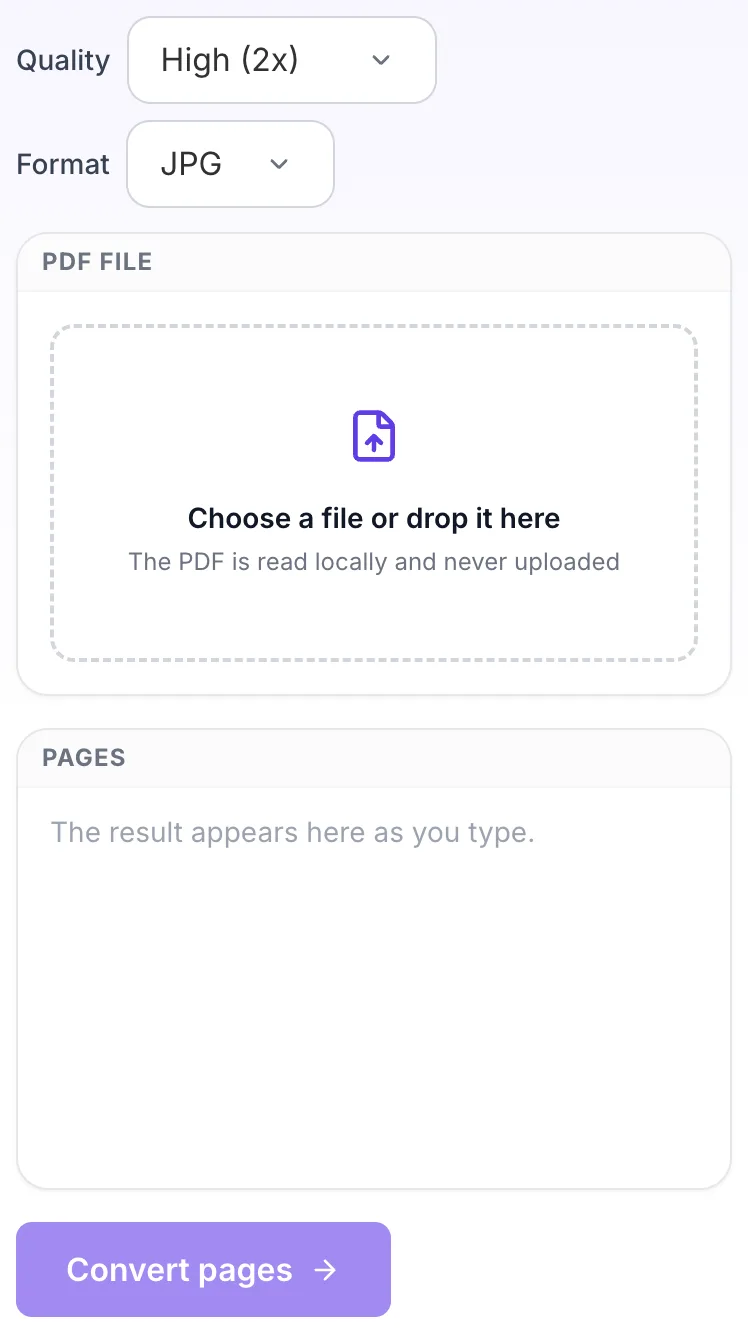
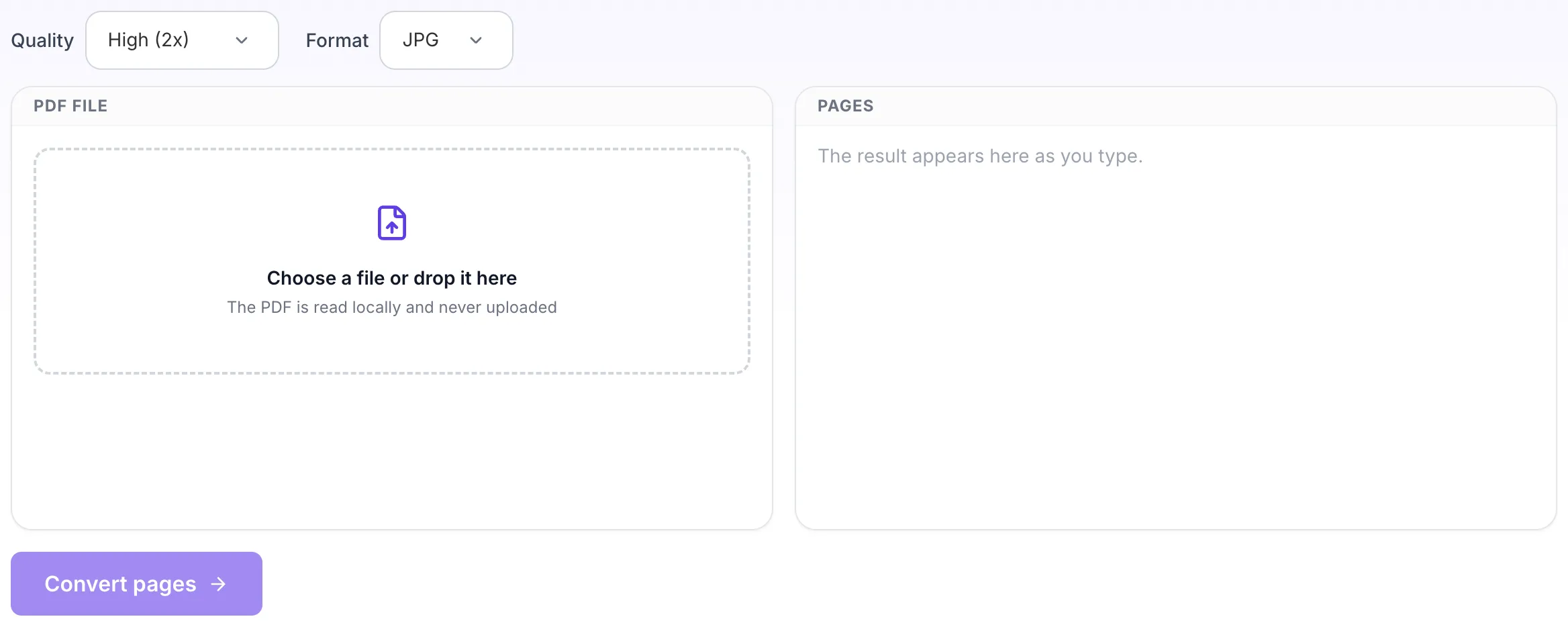
Open the tool
PDF to JPG Converter opens empty, with pdf file on the left and pages on the right.
- 2
Choose your file
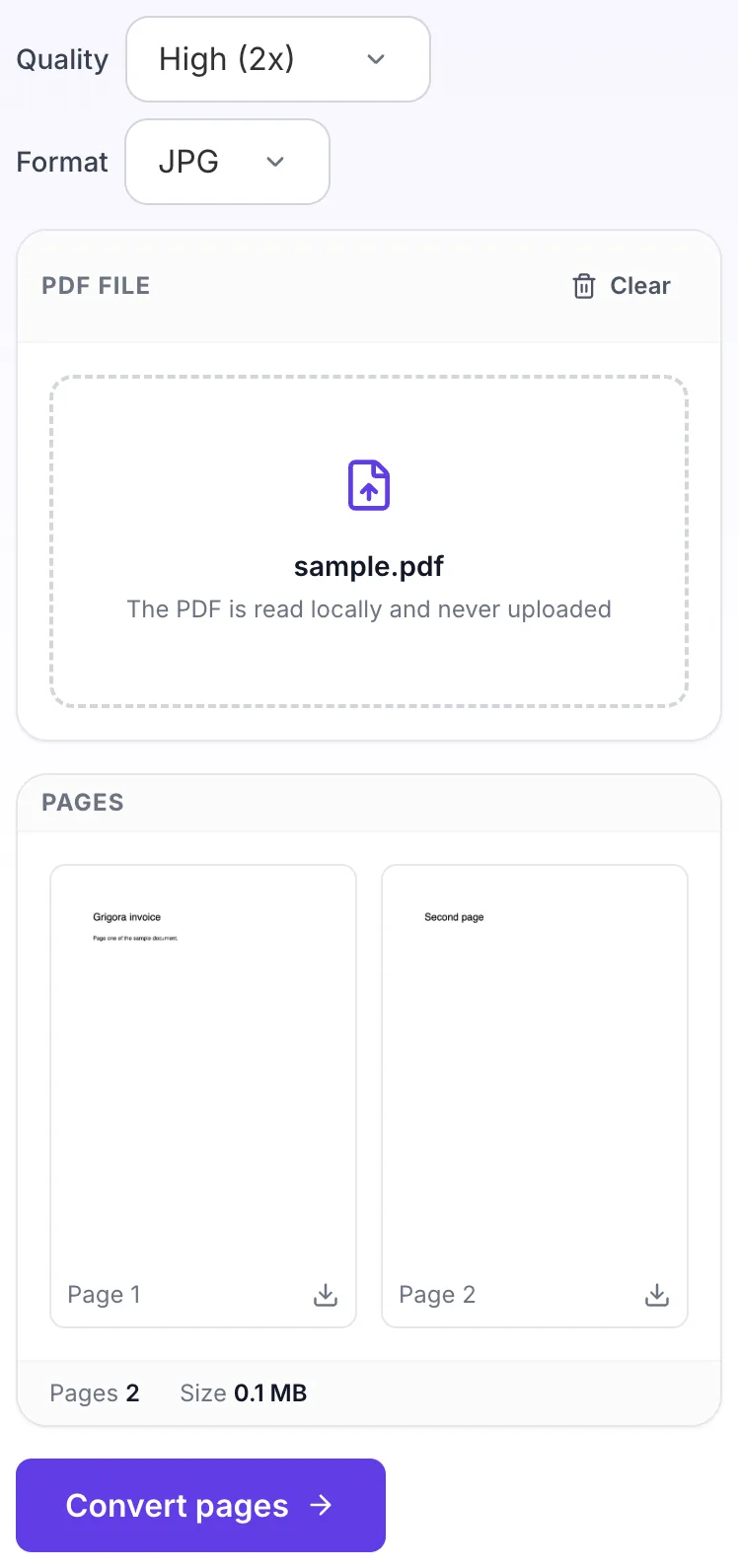
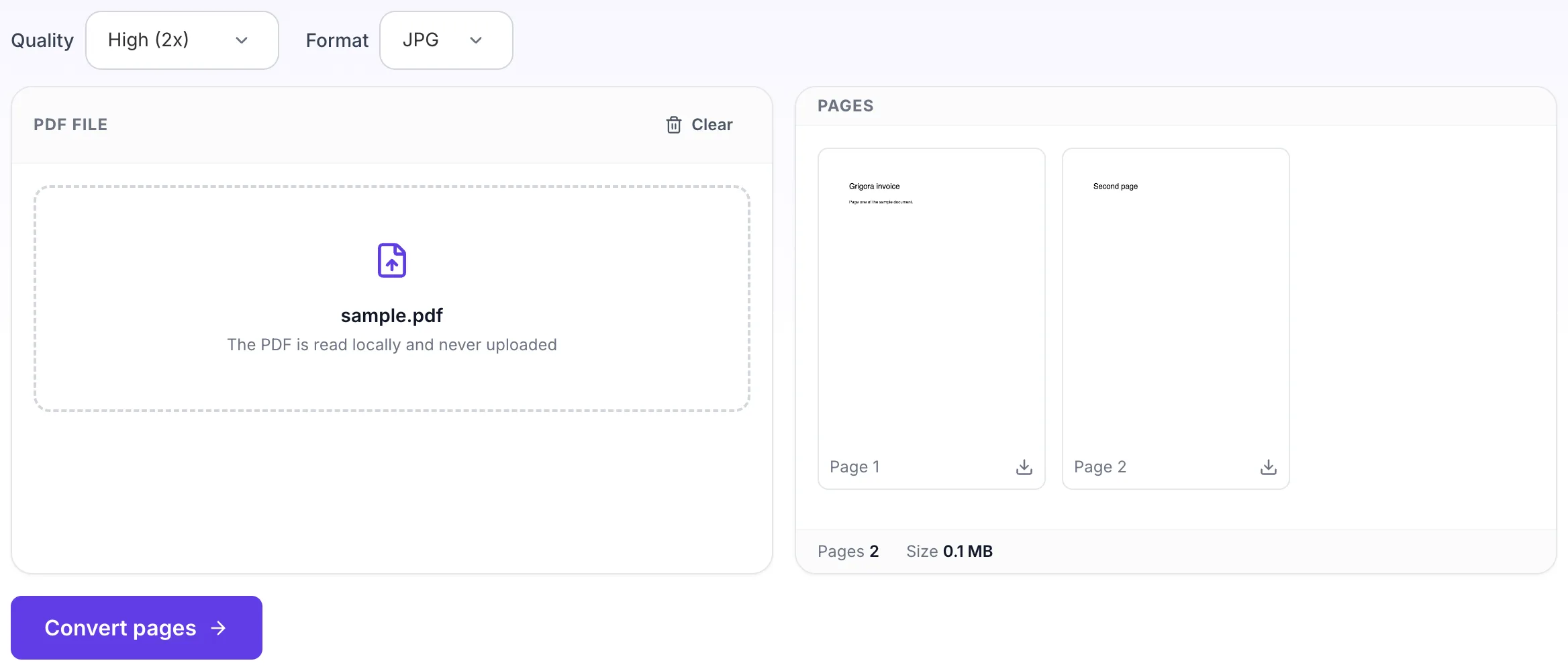
Pick a file and it is read in the browser. Nothing is uploaded.
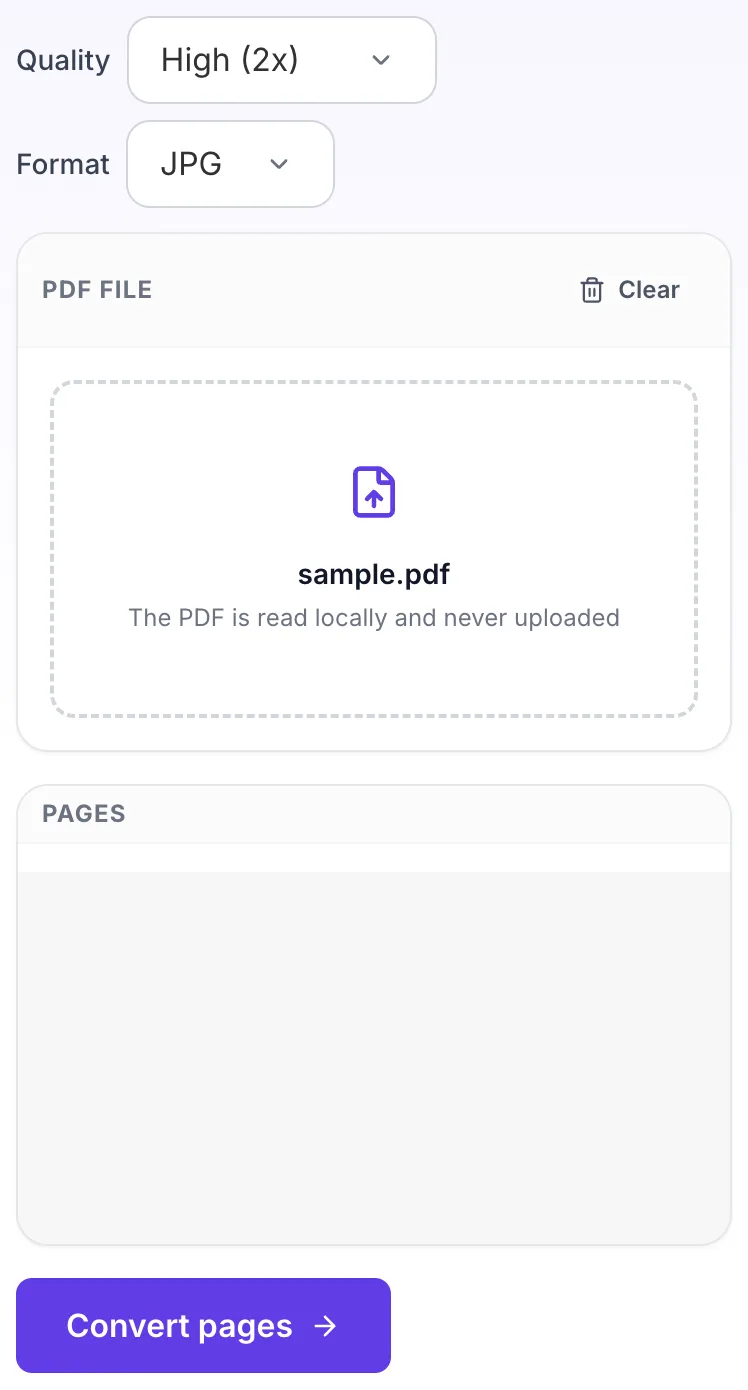
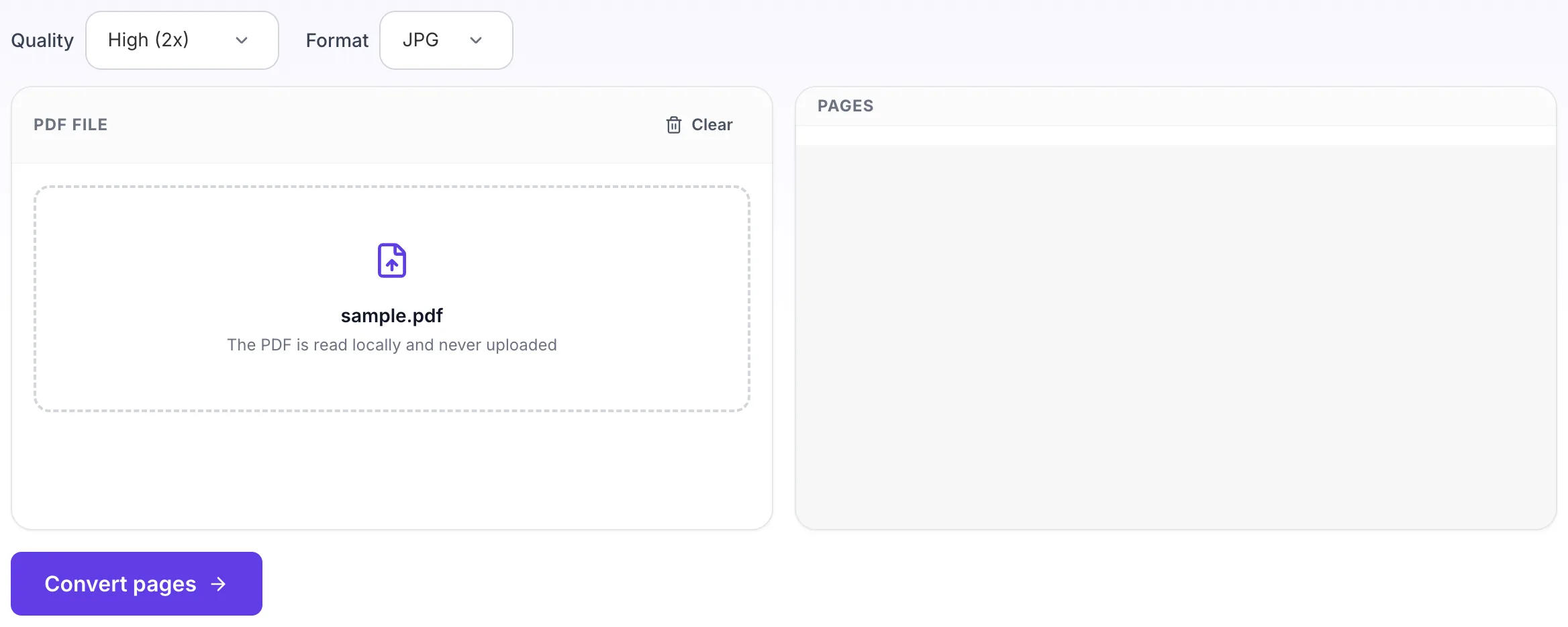
- 3
Read the result
The result appears on the right, ready to download.