Free Pinterest Description Generator
Generate 10 Pinterest pin descriptions optimized for discovery. Keyword-aware and copy-ready. Free, instant.
How to use the Pinterest Description Generator, step by step
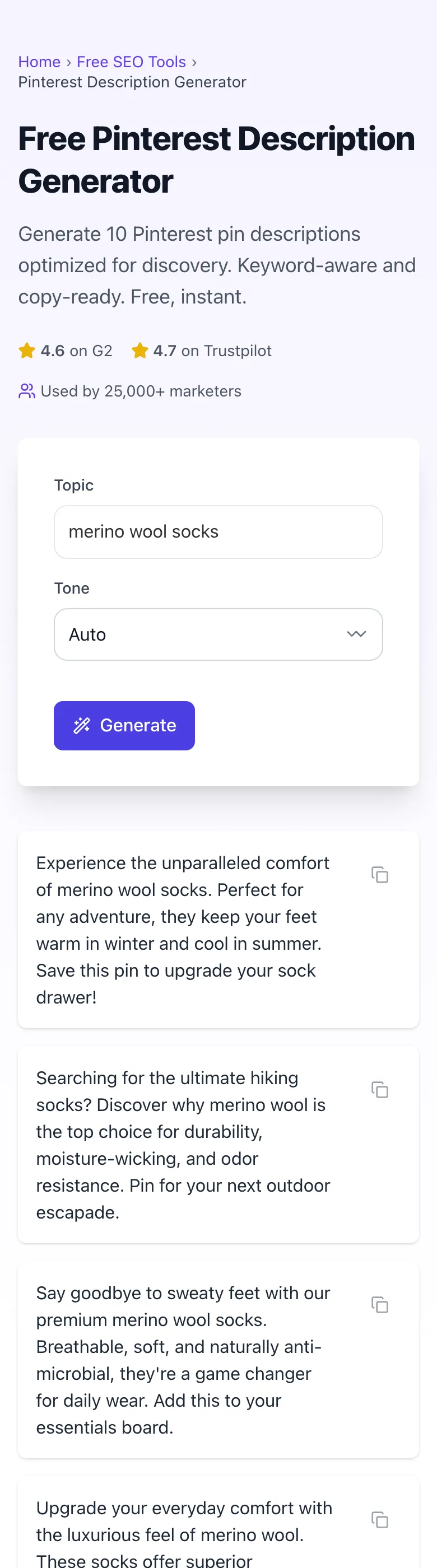
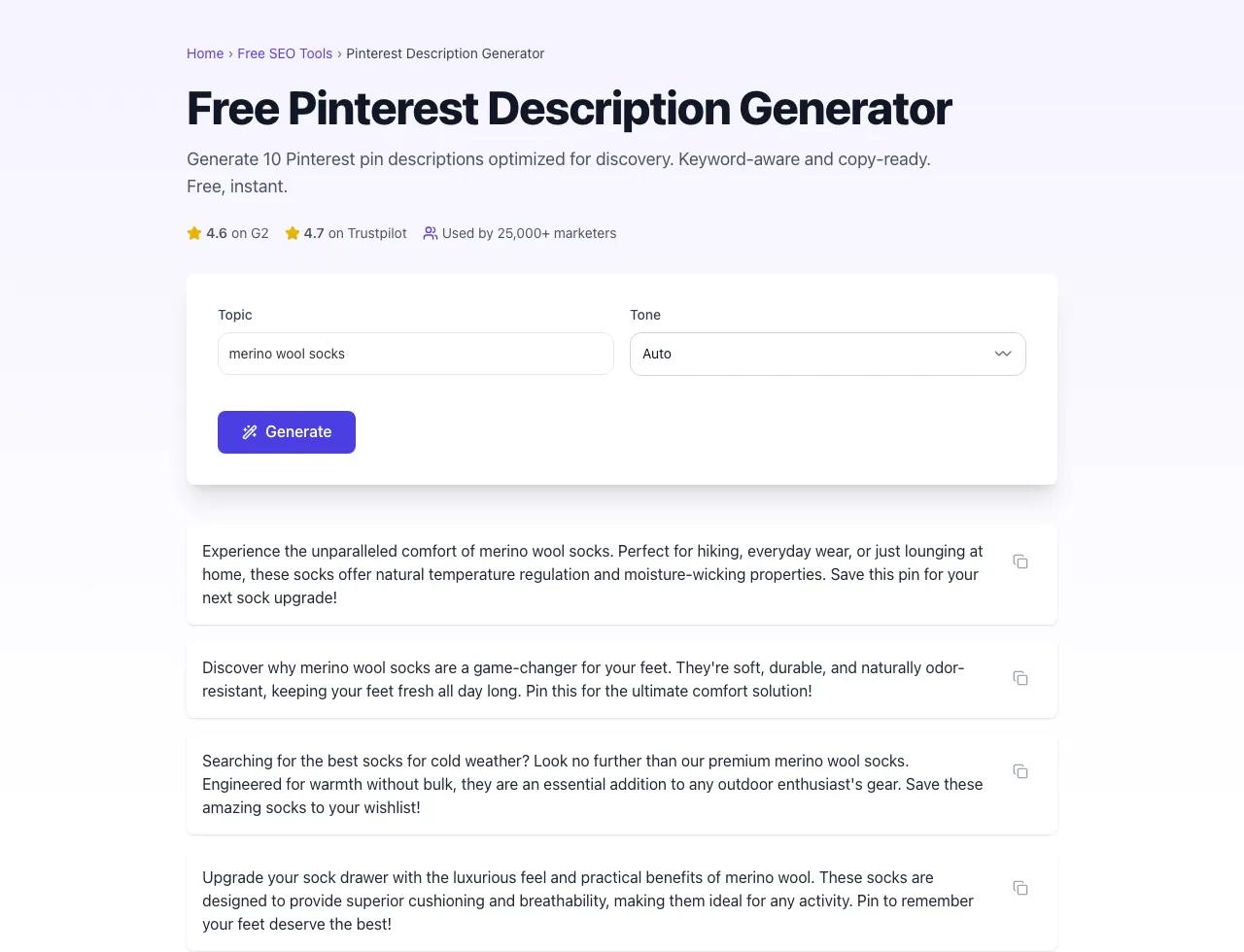
Real screenshots of the tool, taken while running it with the Generate button.
- 1
Add your input
Paste or type into the field Pinterest Description Generator works from.


- 2
Sample text in place
With sample text entered, Pinterest Description Generator is ready to run.


- 3
See what Generate produces
Clicking Generate runs the check and shows the result right below.
What this tool does
Pinterest Description Generator delivers fast, reliable results for generate 10 pinterest pin descriptions optimized for discovery. keyword-aware and copy-ready. free, instant.
Designed to fit into your existing SEO and content workflow with no setup overhead.
How to use it
Five steps.
Enter your pin topic
Type a clear topic phrase like "30-minute weeknight chicken recipes" or "small bathroom storage ideas", the more specific, the better the keyword extraction.
Pick a tone (optional)
Choose informational, conversational, or brand-voice; leave blank for the default Pinterest-search-optimized tone.
Generate 10 descriptions
Click Generate to receive 10 unique descriptions.
Pick the variant matching your image
Choose the one that literally describes what's visible in your pin. Same nouns, same modifiers, same count.
Copy and paste into Pinterest
Use the copy button, paste into Pinterest's description field, attach destination URL, and save to your most relevant board first.
When teams use it
Six common workflows.
Food blogger publishing recipe roundups
A weekly recipe blog with 40+ pins per post needs distinct, keyword-varied descriptions for each pin saved to topical boards (weeknight, holiday, vegetarian) without duplicating text and triggering Pinterest's near-duplicate filter.
Etsy seller scaling product listings
A small ceramics shop with 80 SKUs uploads 3-5 pins per product across material, occasion, and aesthetic boards, needing search-optimized variants that match real buyer queries like "stoneware mug for coffee" rather than generic adjectives.
DIY home renovator documenting projects
A renovation account turning before/after photos into 200+ pins per project needs descriptions that match high-volume search queries (small bathroom storage, kitchen backsplash ideas) while staying authentic to the actual project shown in each image.
Brand social manager running cross-platform launch
A marketing manager launching a new product on Pinterest, Instagram, and Facebook simultaneously needs platform-specific variants from one brief: Pinterest's 220-char keyword-dense version, Instagram's 1,000-char story version, and Facebook's 300-char engagement version.
Affiliate publisher building evergreen Pinterest traffic
An Amazon Associates affiliate with 60 active product roundups needs descriptions optimized for long-tail buyer queries that compound traffic over 12-18 months, since Pinterest's evergreen distribution makes it the highest-ROI channel for affiliate content.
Wedding planner targeting regional clients
A regional wedding planner publishing portfolio pins needs descriptions geo-targeted to high-intent local searches ("Brooklyn brownstone wedding photographer", "Hudson Valley fall wedding venues") to drive inquiry calls from the right audience.
Platform guides
Integrate with major platforms.
Pinterest Web
- Upload your image to Pinterest, then paste the generated description into the Description field.
- Add a relevant board, ensuring the board title shares topical keywords with your pin description.
- Set the destination URL to your verified domain so Rich Pin metadata loads.
- Pin to your most-relevant board first, then schedule resaves to 2-3 secondary boards over 14 days.
Pinterest Mobile App
- Tap Create > Pin and upload from camera roll.
- Paste the description in the description sheet; mobile auto-truncates preview at 50 characters.
- Tap Add Link and paste your destination URL. Verify it opens in Pinterest's in-app browser cleanly.
- Save to a board and confirm the pin appears in your profile within 60 seconds.
Tailwind Scheduler
- Create a new pin draft and paste the generated description into the Description field.
- Add hashtags manually in Tailwind if your workflow uses them.
- Set Interval Pinning to 4-7 days between same-URL pins to avoid spam flags.
- Schedule into a community-tribe board only if the description matches the tribe's topical rules.
Buffer
- Add your Pinterest account, then create a new post in the Buffer composer.
- Paste the generated description and confirm Buffer's character counter shows under 500.
- Upload your pin image and select the destination board from the dropdown.
- Schedule for peak hours (8-11pm in your audience's timezone) and confirm preview before queueing.
Pinterest API (bulk upload)
- Format your descriptions in a CSV with columns: image_url, board_id, description, link.
- POST to /v5/pins endpoint with OAuth 2.0 token; max 25 pins per minute per account.
- Rate-limit retries with exponential backoff; the API throttles at 5 errors per minute.
- Confirm each pin via GET /v5/pins/{pin_id} to verify the description was indexed correctly.
- Schedule audits weekly to detect Pinterest's spam-filter rejections, which return 200 OK but null impressions.
Grigora vs. alternatives
Side-by-side.
| Capability | Grigora | Tailwind Ghostwriter | Later | Hootsuite | Manual |
|---|---|---|---|---|---|
| Free tier available | Yes. Unlimited | Yes. 5/month | No | Trial only | No |
| Variant generation per request | 10 descriptions | 1 | 3 | 1 | 1 |
| Tone and brand-voice control | Yes | Limited | Yes | No | No |
| Hashtag output | No | Yes | No | Manual | Manual |
| Character limit auto-enforcement | Yes. 500 max | Yes | No | No | No |
| Multi-board variant rewriting | Yes | Manual | No | No | Manual |
| Pricing for solo creator | Free | $44.98/mo | $25/mo | $19/mo | Free with limits |
| Idea Pin description support | Yes | Yes | No | No | Manual |
Common errors and fixes
Eight issues users hit.
Description over 500 characters
Cause: Pasted long-form blog intro or full product description into the field.
Fix: Trim to 220-300 characters maximum and front-load the hook in the first 60.
Hashtag stuffing (8+ hashtags)
Cause: Older 2018-era Pinterest playbooks recommended 10-20 hashtags per pin.
Fix: Reduce to 2-4 topically tight hashtags integrated within sentences, not stacked at the end.
Identical descriptions across multiple pins
Cause: Bulk-uploading the same product to 5 boards with copy-pasted text.
Fix: Rewrite each description to emphasize a different angle: material, use case, occasion: for each board.
No primary keyword in first 60 characters
Cause: Opening with brand name or generic adjective like "Beautiful handmade...".
Fix: Lead with the searchable noun phrase ("Linen cross-back apron") and move brand or adjectives to later in the sentence.
Hard sales CTA in description
Cause: Treating Pinterest like Facebook Ads with "Buy now!" or "Click here today!".
Fix: Replace with soft saves-oriented CTA like "Save this for later" or a benefit statement.
Mismatched description and image
Cause: Description promises "10 ideas" but image shows only one item.
Fix: Make the description literally describe what's visible: same nouns, same count, same color words.
Emoji-loaded opening
Cause: Starting the description with 3+ emojis as decorative anchors.
Fix: Move emojis to mid-sentence accents or remove entirely; Pinterest's search index treats emoji-led text as lower quality.
External links in description
Cause: Adding bit.ly or full URLs in the description thinking it boosts SEO.
Fix: Remove all URLs from descriptions; Pinterest only honors the destination URL field, and inline links trigger spam flags.
Original data
2026 study.
Frequently asked questions
Twelve answers.
Related free tools
Other utilities.