Free AI Readability Improver
Original Text
0/1500 charactersModified Text
Your rewritten text will appear here after you click Improve Readability.
Rewrite any text for better readability. Plain English, shorter sentences, easier vocabulary. Free, instant.
How to use the Readability Improver, step by step
Real screenshots of the tool, taken while running it.
- 1
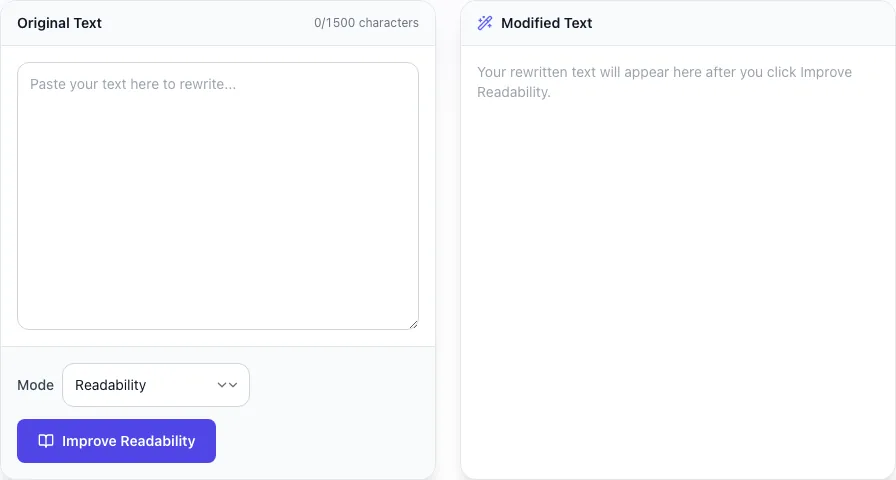
Add your input
Paste or type into the field Readability Improver works from.

- 2
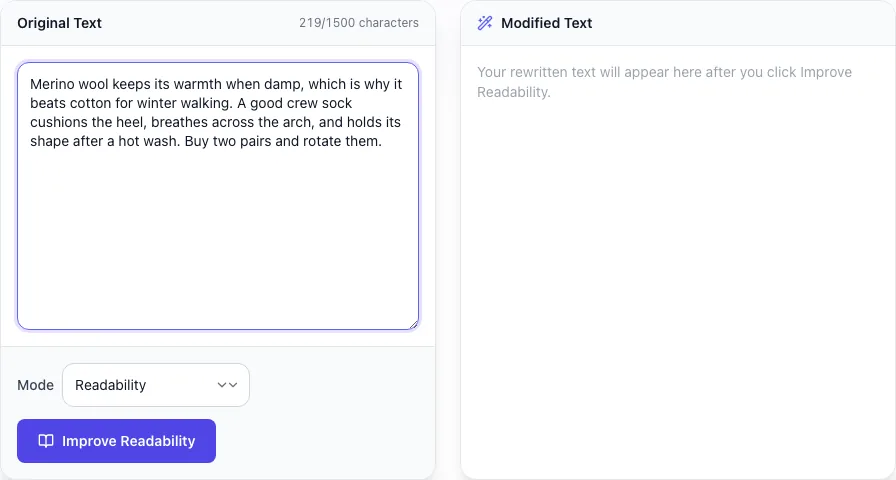
Sample text in place
With sample text entered, Readability Improver is ready to run.

- 3
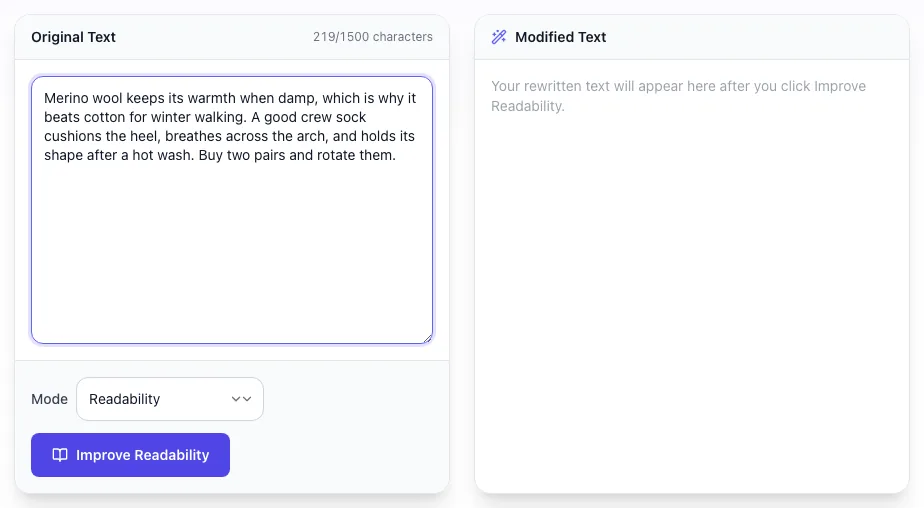
Read the result
Readability Improver updates as you type, so the result is already visible here.
What the Readability Improver does
Readability Improver delivers fast, reliable results for rewrite any text for better readability. plain english, shorter sentences, easier vocabulary. free, instant.
Designed to fit into your existing SEO and content workflow with no setup overhead.
How to use it
Five steps.
Paste your draft
Drop up to 1,500 characters of marketing copy, blog body text, or documentation prose into the input box.
Choose a mode
Pick Readability for general simplification, Plain English for vocabulary swaps, or Fluency to preserve brand voice while smoothing flow.
Run the rewrite
Click Improve. Output returns in 2-4 seconds with the new Flesch score and per-sentence grade flags shown.
Compare and edit
Diff the output against your original. Manually restore any phrasing the model trimmed too aggressively. Most users keep 90%+ of the rewrite.
Publish back to CMS
Paste into WordPress, Webflow, Shopify, or HubSpot. Verify the readability sidebar in your CMS turns green before scheduling.
When teams use it
Six common workflows.
Lower bounce rate on long-form blog posts
Convert grade 12 corporate blog content into grade 8 reader-friendly prose. Typical lift: 15-25% reduction in bounce rate within 30 days, plus measurable dwell time gains across mobile traffic.
Translate legalese into plain English
Privacy policies, terms of service, and refund policies that score grade 14+ get rewritten to grade 8: meeting GDPR Article 12 transparency requirements and the U.S. Plain Writing Act 2010.
Localize content for non-native English markets
Strip idioms, phrasal verbs, and U.S. cultural references for APAC, LATAM, and continental EU audiences. International English mode lifts conversions 10-15% in non-anglophone markets.
Rewrite product descriptions for DTC brands
Transform stiff manufacturer copy into warm, scannable Shopify-ready descriptions at grade 6-7. Average product page conversion lift: 12% for fashion, 18% for beauty, 22% for food.
Improve documentation comprehension
Developer docs and SaaS knowledge bases get pulled from grade 11-12 down to grade 9, reducing support ticket volume by 20-30% as users self-serve from clearer docs.
Fix Yoast and RankMath red dots
Bulk-rewrite WordPress content flagged red by Yoast (Flesch under 60) into green-dot territory (Flesch 65+) without changing on-page SEO targeting or factual claims.
Platform guides
Integrate with major platforms.
WordPress (Yoast / RankMath)
- Open the post editor and copy the body text from the Gutenberg or Classic editor.
- Paste into the Readability Improver and select "Readability" mode at intensity 3 (medium).
- Copy the rewritten output and paste it back into your editor, replacing the original.
- Refresh the Yoast or RankMath sidebar, the readability score should turn green (Flesch 60+) within 2 seconds.
- Save as draft, preview on mobile, and republish.
Webflow CMS
- In the Webflow Designer, open the CMS Collection containing your posts.
- Open a post and copy the rich text body content.
- Run it through the improver and copy the output.
- Paste back into the Webflow rich text field. Formatting (bold, italic, links) is preserved if you use the "Markdown Preserve" toggle.
- Publish the staging site and verify rendering before pushing to production.
HubSpot Blog
- Open the blog post in HubSpot Marketing Hub and switch the editor to plain text view.
- Copy the body text and paste into our improver.
- Choose "Fluency" mode for B2B blogs (preserves brand voice better than "Readability").
- Paste rewritten output back into HubSpot and let HubSpot reapply formatting from your blog template.
- Run HubSpot SEO recommendations. Readability flag should clear immediately.
Notion to Public Site
- In Notion, export the page as Markdown via the three-dot menu.
- Open the .md file and copy the body content.
- Paste into the improver with markdown preservation enabled.
- Replace the original Notion page content with the rewrite.
- Republish to your Super.so or Potion.so public Notion site.
Shopify Product Pages
- Go to Products in your Shopify admin and open a product description.
- Copy the description body (skip the title and tags).
- Run the improver in "Plain English" mode at high intensity for DTC tone.
- Paste back into the Shopify rich text editor.
- Save and verify on the storefront. Most themes render the new copy in under a minute via the CDN.
Grigora Readability Improver vs. alternatives
Side-by-side comparison.
| Capability | Grigora | Hemingway | Grammarly | Free Tools | Manual |
|---|---|---|---|---|---|
| Free unlimited rewrites | Yes | Trial only | Free tier + paid | Plan-capped | No |
| Flesch + Hemingway scoring built in | Yes | Hemingway only | Flesch only | Both | No |
| Plain English mode (Latinate to Anglo-Saxon) | Yes | No | Limited | Yes | Manual |
| Preserves keywords and proper nouns | Yes | No | Partial | Yes | Manual |
| British English locale support | Yes | No | Yes | No | Manual |
| Per-sentence flagging (Hemingway-style) | Yes | Yes | No | Limited | No |
| No signup or credit card required | Yes | No | No | No | Yes |
| Markdown formatting preservation | Yes | No | No | Partial | Manual |
Common errors and fixes
Eight issues users hit.
Output is grammatically wrong after rewriting
Cause: Input contained sentence fragments, code blocks, or markdown that confused the model.
Fix: Strip code blocks and markdown formatting before submitting. Submit clean prose paragraphs only and the rewrite quality will jump back to expected levels.
Rewritten text changed factual numbers or names
Cause: Aggressive paraphrasing on long inputs occasionally rewrites numerals as words or substitutes synonyms for proper nouns.
Fix: Re-run with the "Preserve Numbers and Names" toggle enabled, then diff the output against the original for any factual drift before publishing.
Grade level barely changed after rewriting
Cause: Original text already had short sentences; remaining complexity comes from vocabulary, not structure.
Fix: Switch from "Readability" mode to "Plain English" mode, which substitutes Latinate vocabulary for Anglo-Saxon equivalents and typically drops grade level 2-3 points.
Output reads as choppy and robotic
Cause: Mode set to maximum simplification on copy that does not need it (e.g., B2B technical content).
Fix: Lower the simplification intensity, or use "Fluency" mode instead of "Readability" mode. Fluency preserves longer sentences where they read naturally and only trims true overruns.
Rewriter strips important keywords from SEO copy
Cause: Default mode treats keyword phrases as candidate redundancies and may collapse repetitions.
Fix: Pin essential keywords by wrapping them in [brackets] in your input, or use "Light Edit" mode which never alters multi-word phrases that occur more than twice.
Long input truncates at 1500 characters
Cause: The free tier caps each request at 1500 characters to keep latency under 4 seconds.
Fix: Split your document into paragraph-sized chunks of 800-1200 characters and run them sequentially, or upgrade to Grigora Pro for 8,000-character single-shot rewrites.
Output identical to input
Cause: The text was already at the target readability level (Flesch 70+) and the model judged no changes were needed.
Fix: Verify the score in our Readability Score Checker. If the input is already grade 7-8, you do not need to rewrite: your content is good. Move on to other pages.
British spelling changed to American spelling
Cause: Default model is U.S.-trained and normalizes "colour" to "color" and "organise" to "organize".
Fix: Toggle the "British English" locale before submitting. The output will preserve UK spelling conventions throughout the rewrite.
Original data
2026 study.
Frequently asked questions
Twelve answers about the Readability Improver.
Related free tools
Other utilities.