Return Policy Generator
Generate a comprehensive return and refund policy for your store step by step.
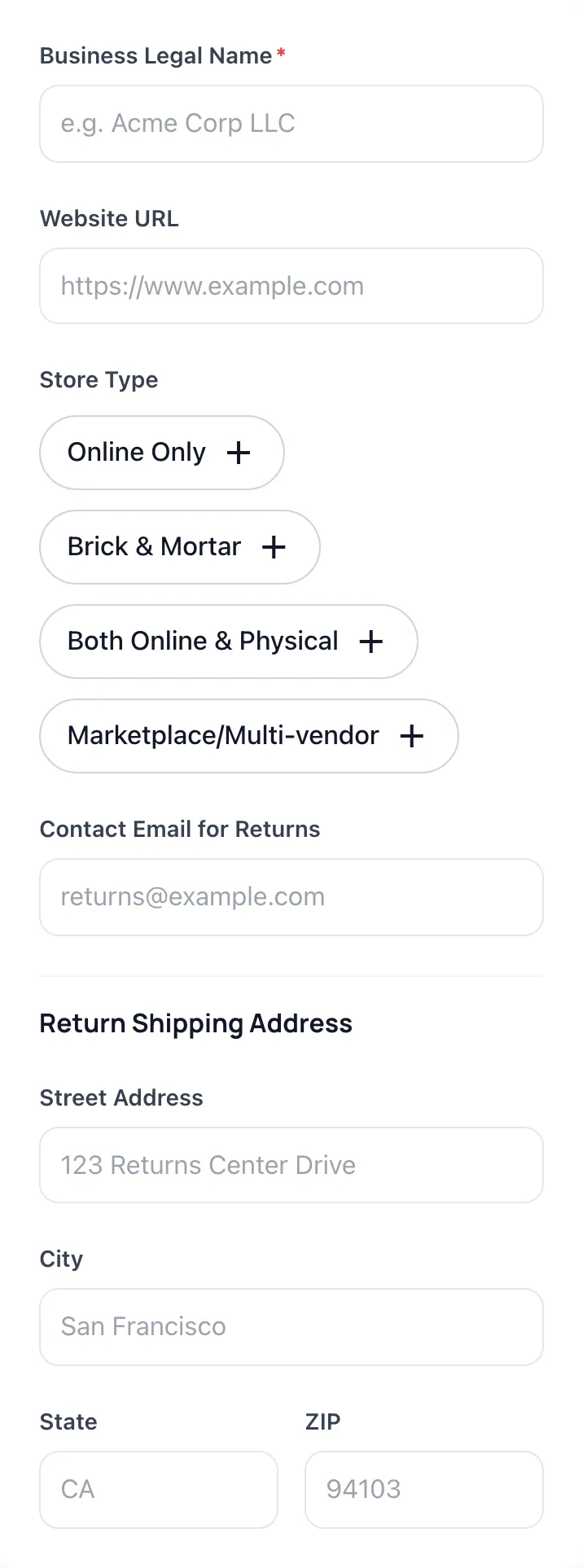
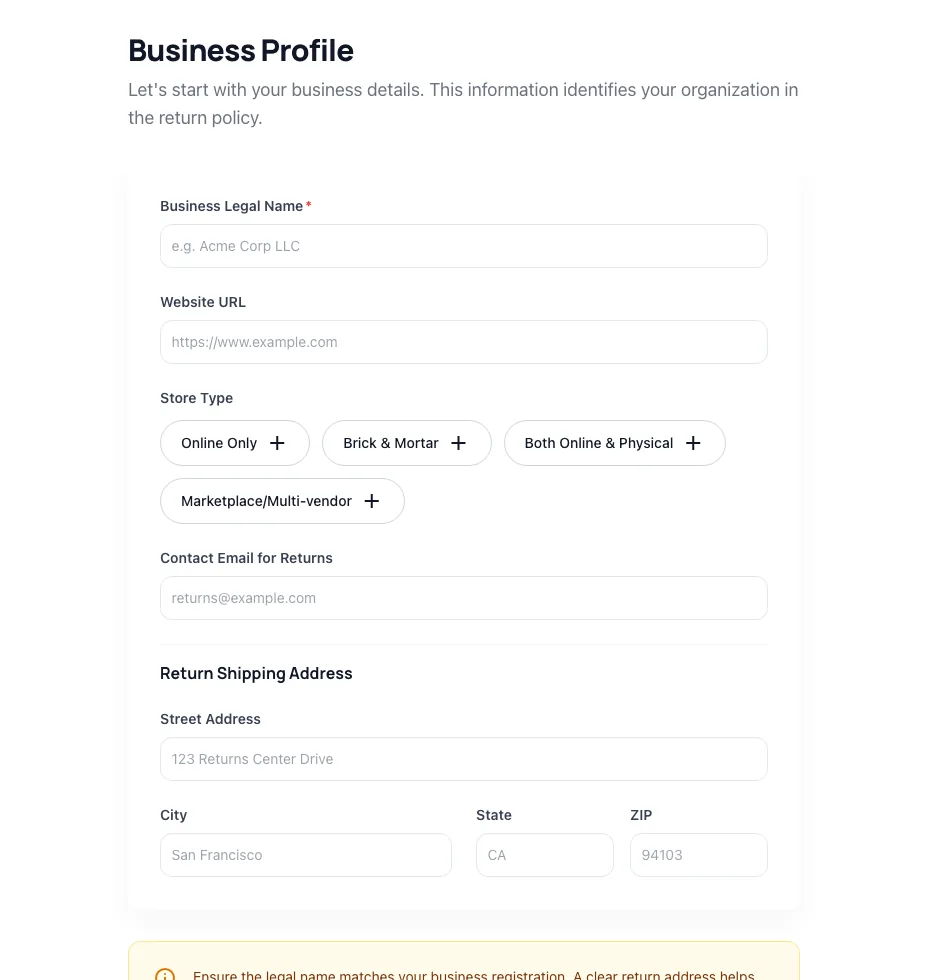
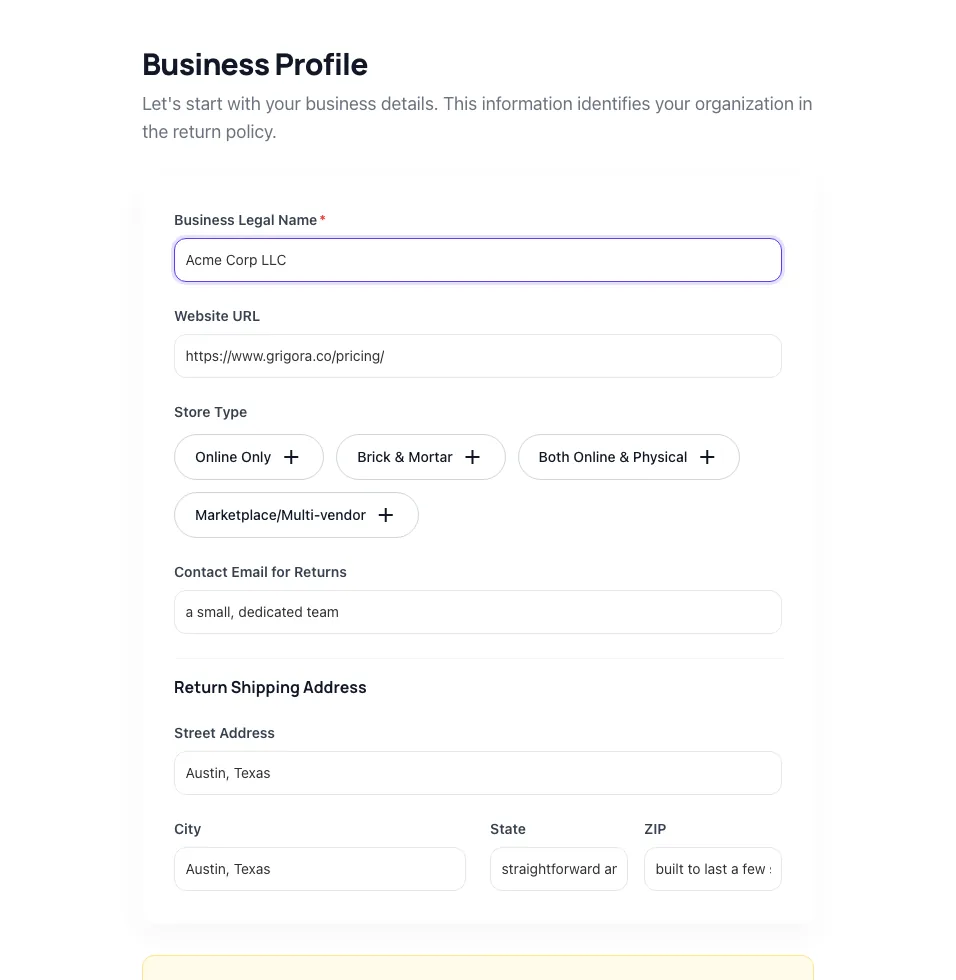
Business Profile
Let's start with your business details. This information identifies your organization in the return policy.
Return Shipping Address
Ensure the legal name matches your business registration. A clear return address helps customers send items back efficiently.
How to use the Return Policy Generator, step by step
Real screenshots of the tool, taken while running it.
- 1
Add your input
Paste or type into the field Return Policy Generator works from.
- 2
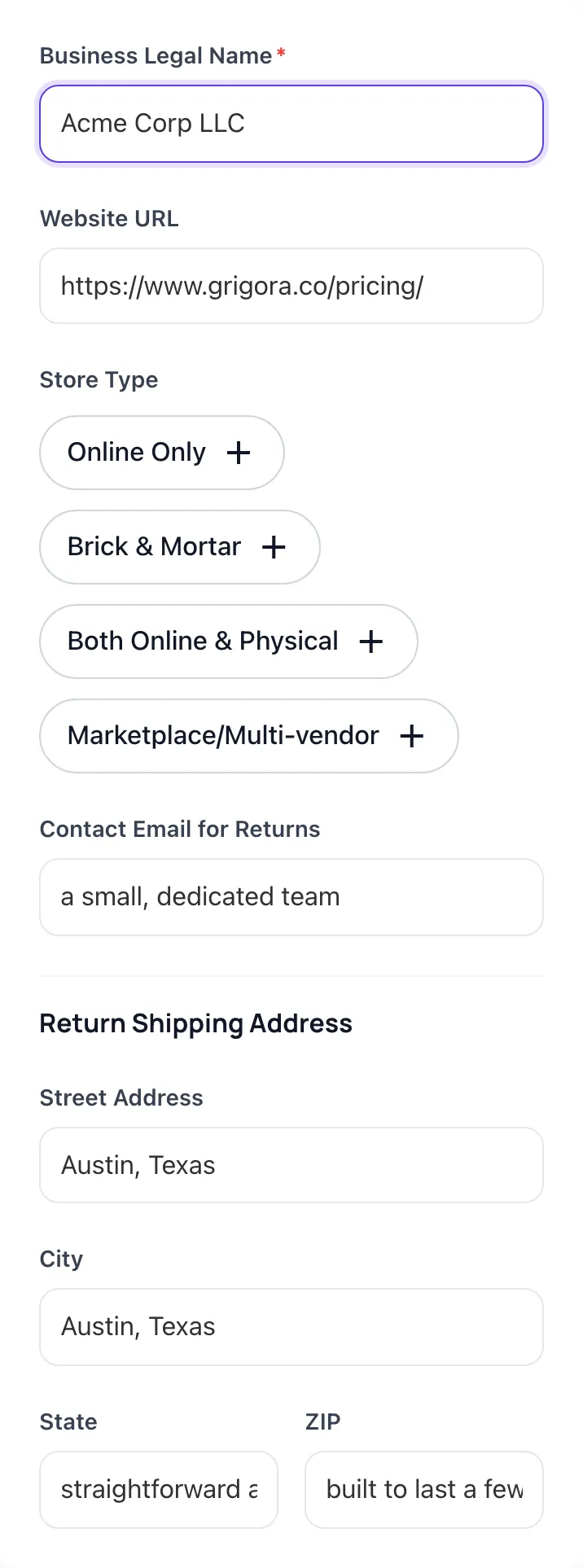
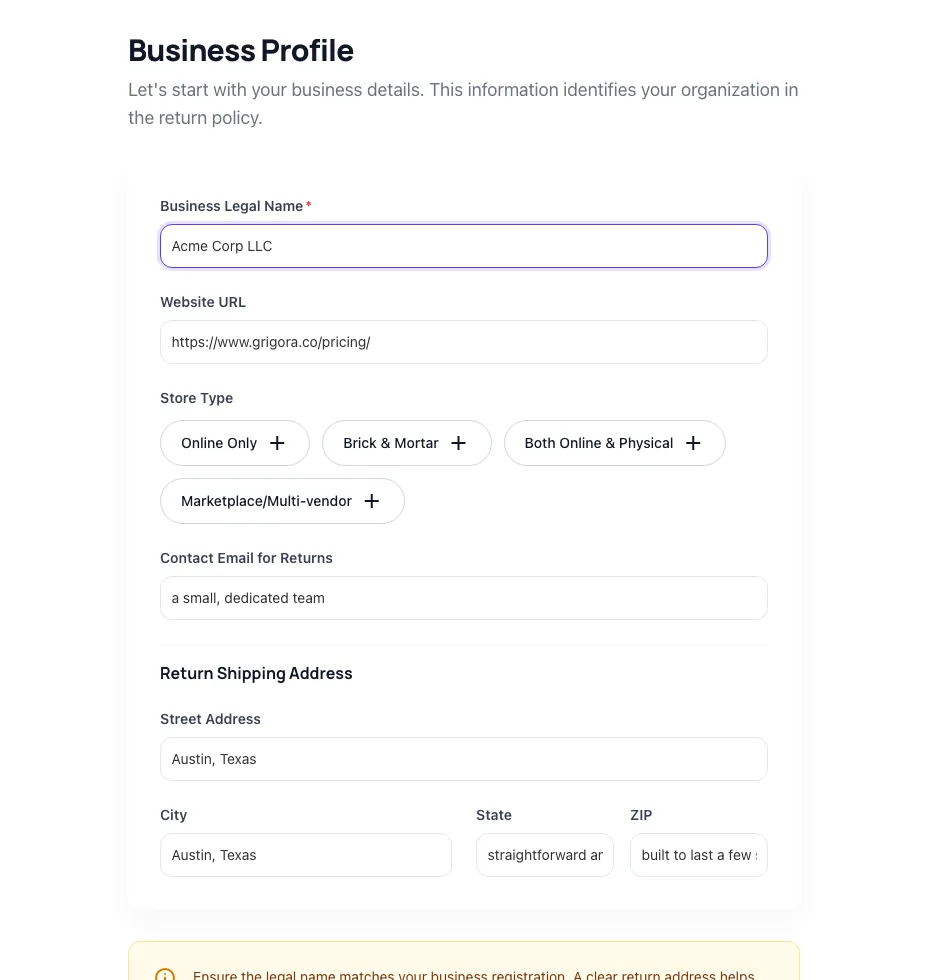
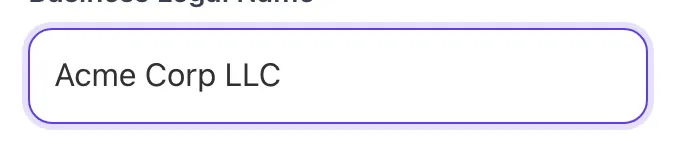
Sample text in place
With sample text entered, Return Policy Generator is ready to run.
- 3
Read the result
Return Policy Generator updates as you type, so the result is already visible here.
What this tool does
Return Policy Generator delivers fast, reliable results for generate a tailored return policy. window, conditions, fees, exchanges. free, instant.
Designed to fit into your existing SEO and content workflow with no setup overhead.
How to use it
Five steps.
Set business and category
Enter business name, country, and primary category (apparel, beauty, electronics, etc.). Category presets the default return rate expectation.
Choose return window
Pick 14, 30, 60, or 90 days. Generator recommends based on your category and AOV, usually 30 days for typical DTC.
Set free vs paid returns
Toggle free returns on or off. Tool calculates net break-even based on your AOV, margin, and return rate, and recommends accordingly.
Select exclusions and special clauses
Toggle final-sale categories, gift returns, holiday extension, and international handling. Generator includes EU 14-day cooling-off automatically when you sell to EU.
Generate and publish
Output is markdown-ready. Paste into Shopify Settings > Policies, WooCommerce, BigCommerce, or any CMS. Link from footer and checkout.
When teams use it
Six common workflows.
Launch DTC brand with conversion-optimized returns
Generate a 30-day free-return policy that lifts conversion 10-15% on average. Includes ShipStation-friendly clause structure for branded return portal integration.
Reduce return-related support tickets
A clear, step-by-step return policy reduces "how do I return" tickets by 40-60%. Generator includes an explicit How to Return section with numbered steps customers can follow without contacting support.
Enable Loop Returns exchange-first workflow
Loop converts 30-40% of returns into exchanges, cutting net refund volume. Generate a policy with Loop-compatible language to unlock their bonus-credit exchange flows on Shopify.
Comply with EU 14-day cooling-off rule
Selling to EU consumers requires the statutory 14-day cooling-off period and prescribed return-shipping language. Generator includes the exact language required by the EU Consumer Rights Directive.
Set up holiday-season return extension
Industry standard extends return window for Q4 purchases through Jan 31 to cover gift-giving timing. Toggle holiday-extension and the policy auto-extends for Nov 1 - Dec 24 purchases.
Address sizing-driven returns in apparel
Apparel return rates run 24-40%. Combine the policy with size guide language and exchange-first incentives. Generator includes apparel-specific clauses on size, fit, and condition.
Platform guides
Integrate with major platforms.
Shopify
- Generate the policy with Shopify mode selected.
- Copy the markdown output.
- In Shopify Admin, navigate to Settings > Policies > Return Policy.
- Paste the content and save.
- Verify the policy auto-links from the storefront footer and from the checkout page.
Loop Returns
- Install the Loop Returns app from Shopify App Store.
- In Loop Dashboard, navigate to Policy Settings.
- Generate a Loop-compatible policy from our tool.
- Paste into the Loop Policy field. Loop uses this for branded return portal display.
- Configure exchange-first workflows in Loop separately to maximize exchange conversion.
ShipStation
- Generate the policy with ShipStation-compatible mode.
- Host the policy on a public URL on your store.
- In ShipStation, navigate to Branded Returns Portal settings.
- Add the policy URL. ShipStation will link to it from the customer-facing return form.
- Test the customer-side return flow end to end.
WooCommerce
- Generate the policy.
- In WordPress Admin, create a new Page titled "Return Policy".
- Paste the markdown content and publish.
- In WooCommerce Settings > Advanced > Page Setup, set Return Policy Page to this page.
- Verify the link appears in the WooCommerce checkout footer.
BigCommerce
- Generate the policy.
- In BigCommerce admin, navigate to Storefront > Web Pages.
- Create a new web page titled "Return Policy".
- Paste the content and publish.
- Add the page link to the footer navigation under Storefront > Navigation > Footer.
Grigora vs. alternatives
Side-by-side.
| Capability | Grigora | Termly | TermsFeed | Free | Manual |
|---|---|---|---|---|---|
| Multi-jurisdiction (US, EU, UK, AU) | Yes | US only | US + EU | Yes | Manual |
| Loop Returns compatible structure | Yes | No | No | Limited | Manual |
| ShipStation portal integration ready | Yes | No | Yes | No | Manual |
| Holiday extension auto-clause | Yes | No | No | Yes | Manual |
| International return logistics handling | Yes | No | Limited | Yes | Manual |
| Free without signup | Yes | No | No | No | Yes |
| Quarterly regulation updates | Yes | Annual | Yes | No | No |
| Step-by-step return instructions included | Yes | No | Limited | Yes | Manual |
Common errors and fixes
Eight issues users hit.
EU customers complain return shipping was charged
Cause: EU 14-day cooling-off rule allows merchants to charge return shipping ONLY if disclosed in advance.
Fix: Add explicit return-shipping clause to the policy and make it visible at checkout. Without disclosure, EU consumers can claim their return shipping cost as part of the refund.
Loop Returns integration shows policy mismatch warning
Cause: Loop expects specific clause language to align with their app workflows.
Fix: Generate the policy with "Loop Returns compatible" toggle enabled. Output structure matches what Loop expects, eliminating the warning and unlocking exchange-first flows.
High return rate on apparel category
Cause: Sizing inconsistency, missing size guide, or misleading product photos drive returns.
Fix: Policy alone cannot fix this: add a clear size guide, fitting model heights, and accurate fabric descriptions. Industry benchmark for women apparel is 30-40%; reducing it requires upstream fixes.
Restocking fee disclosed but disputed by customers
Cause: Fee was in policy but not visible at checkout, failing FTC disclosure requirements.
Fix: Add a banner at checkout: "15% restocking fee on opened returns." Policy text alone is insufficient for FTC and many state laws: disclosure must be pre-purchase.
Customers cannot find return instructions
Cause: Policy explains terms but does not include actual how-to steps.
Fix: Add a How to Return section with numbered steps: (1) request label via portal, (2) print and attach, (3) drop at carrier. Reduces support tickets by 40-60%.
Return window unclear from purchase date or delivery date
Cause: Policy says "30 days" without specifying which event starts the clock.
Fix: Industry standard is 30 days from delivery date (verifiable via tracking): explicitly state "30 days from delivery" in the policy. Avoids disputes when packages arrive late.
International returns disputed
Cause: Policy did not address whether international customers pay return shipping or get free returns.
Fix: Generate with international-mode toggle. Output includes separate clauses for domestic vs international, including EU-specific 14-day rule and customs handling for cross-border returns.
Holiday returns rejected after Jan 1
Cause: Customer purchased Nov 25, return submitted Dec 30: within standard 30 days but Christmas-shipping delays meant late delivery.
Fix: Toggle the holiday-extension clause: items purchased Nov 1 - Dec 24 are returnable through Jan 31. Standard for most retailers and covers gift-giving timing realities.
Original data
2026 study.
Frequently asked questions
Twelve answers.
Related free tools
Other utilities.
SKU Generator
Generate SKU codes in bulk from a product list or pattern.
Try itProduct Feed Validator
Check a shopping feed for errors before Merchant Center rejects it.
Try itMeta Tag Generator
Generate page meta tags.
Try itMeta Description Generator
AI-write descriptions.
Try itSERP Snippet Preview
Visualize SERP rendering.
Try itOpen Graph Checker
Audit OG tags.
Try itMeta Title Checker
Audit page title.
Try itLink Metadata Scraper
Pull all metadata from URL.
Try it