Start with an idea or a relevant template. Refine it around your catering business audience and the information they need.
Describe your catering business website
Tell the AI who you serve, what you offer and the style you want. Include menu options & sample menus and photo gallery & event showcases in your brief, or choose a relevant template.
Name your audience and the next action you want visitors to take.
Review and make it yours
Edit your draft visually. Add your own photographs and review menu options & sample menus, photo gallery & event showcases, services & event types before sharing your website.
Confirm every claim and replace sample content with your actual details.
Preview, then publish
Check the website on phones, tablets and desktop screens. Publish with hosting and SSL, and connect a domain you own when your plan includes custom domains.
Test your contact form and every external service link after publishing.
The details that help visitors choose
Menu Options & Sample Menus. One clear website.
A catering website has to sell your food with photos, explain your packages, and get enquiries into your inbox with the right details attached, and Grigora builds one for your catering business from a plain description. The AI drafts the layout, copy, and images, then you edit visually.
Menu Options & Sample Menus
Display diverse menu offerings, including appetizers, main courses, desserts, and beverage options. Provide sample menus for different event types (e.g., buffet, plated, cocktail reception) with clear dietary accommodation notes.
Photo Gallery & Event Showcases
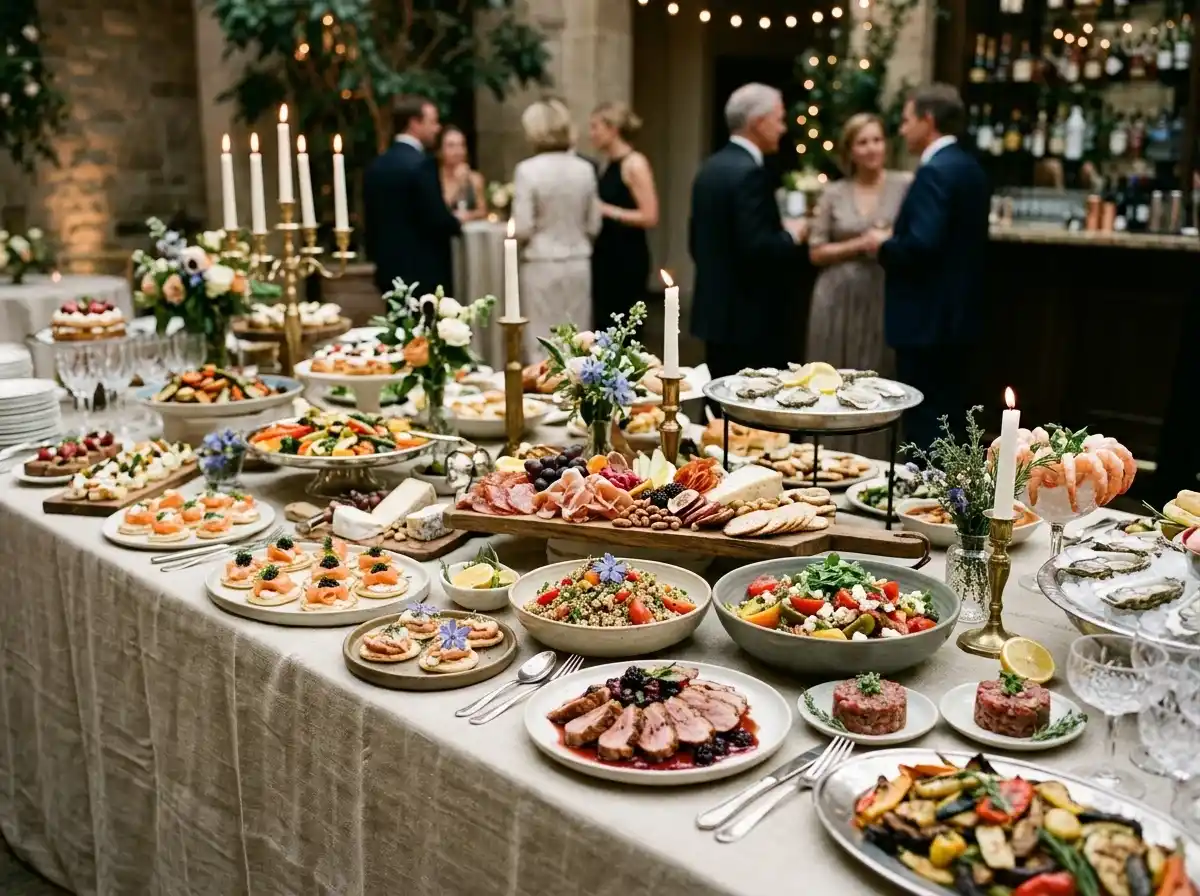
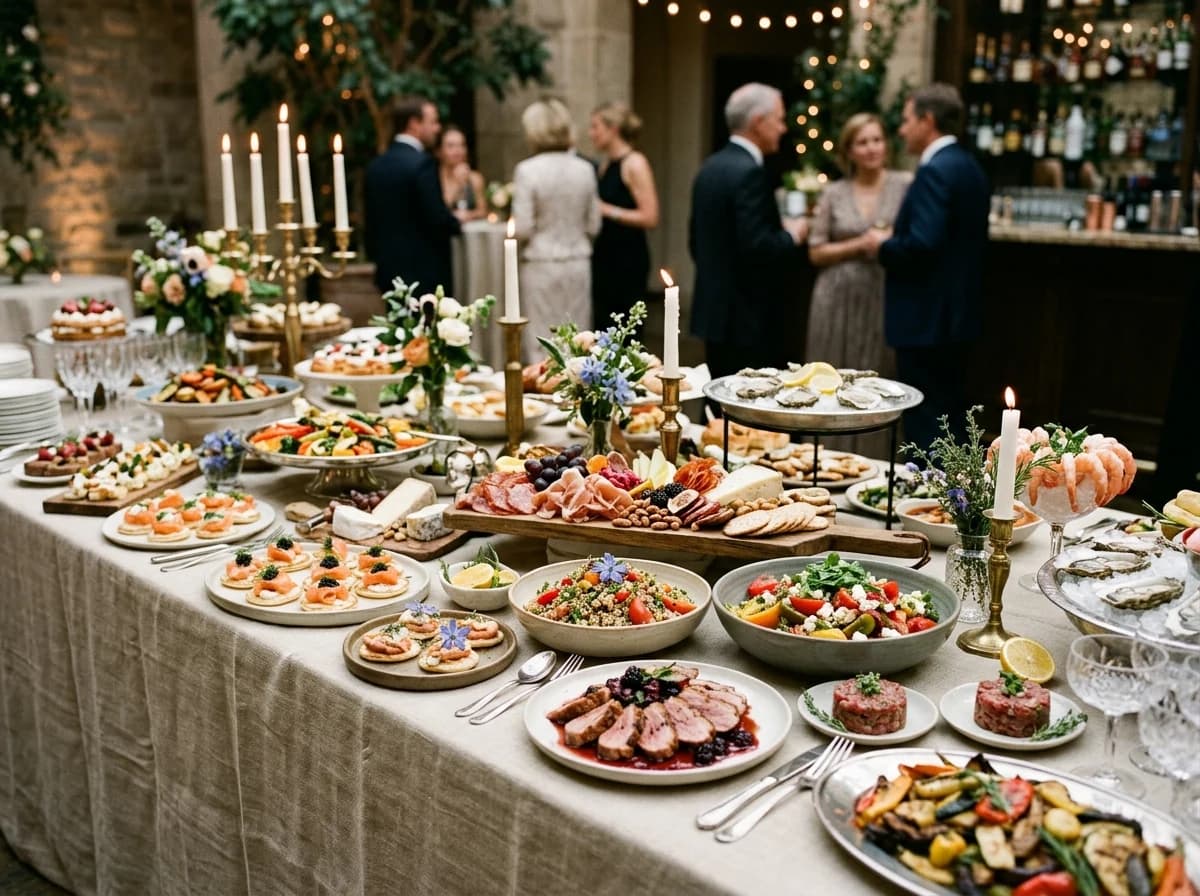
Feature high-quality photos of your food presentation, table settings, and past events. Organize galleries by event type (e.g., weddings, corporate) to help potential clients visualize your work.
Services & Event Types
Clearly define the types of catering services you provide (e.g., full-service, drop-off, bar service) and the events you specialize in (e.g., weddings, birthdays, corporate lunches, galas).
Display diverse menu offerings, including appetizers, main courses, desserts, and beverage options. Provide sample menus for different event types (e.g., buffet, plated, cocktail reception) with clear dietary accommodation notes.
Your work, clearly presented
Interactive design inspiration. Illustrative photography and sample copy.
Plan the pages your visitors will use
The right information. A complete picture of your work.
A practical catering business website content guide. Choose the pages that fit what you do and keep the important answers close.
Menu Options & Sample Menus
Display diverse menu offerings, including appetizers, main courses, desserts, and beverage options. Provide sample menus for different event types (e.g., buffet, plated, cocktail reception) with clear dietary accommodation notes.
Photo Gallery & Event Showcases
Feature high-quality photos of your food presentation, table settings, and past events. Organize galleries by event type (e.g., weddings, corporate) to help potential clients visualize your work.
Services & Event Types
Clearly define the types of catering services you provide (e.g., full-service, drop-off, bar service) and the events you specialize in (e.g., weddings, birthdays, corporate lunches, galas).
Testimonials & Client Raves
Feature glowing reviews from past clients, highlighting their satisfaction with your food, service, and professionalism. This social proof is crucial for building trust in your brand.
Request a Quote / Consultation Form
Provide a detailed inquiry form that captures essential event information (date, guest count, location, type of event, budget). This streamlines your lead qualification process and makes it easy for clients to get started.
Seasonal Menu Updates & Pairing Guides
Regularly update your site with seasonal menu highlights, special holiday offerings, or curated food and beverage pairing guides. This keeps your content fresh and showcases your culinary creativity.
Learn from the pages visitors use.
Review site analytics to understand which pages people visit. Keep menu options & sample menus and contact information easy to reach, and update them when your work changes.
Choose how visitors to your catering business website reach you. Make each action fit the services and processes you already use.
Give enquiries a clear route
Help visitors ask about menu options & sample menus. Use a contact form that collects the details your team needs, and explain what happens after an enquiry.
Your team reviews requests and confirms the next step.
Connect the services you use
Keep specialist workflows for your catering business website in the services you already use. Add clear links and explain their process before visitors leave your site.
Your chosen provider handles its own availability, confirmations and account access.
Add commerce when it fits
If you sell products or agreed services, add Grigora Commerce product pages, a cart and checkout with your connected Stripe or Razorpay account. Explain prices, terms and fulfillment before accepting payment.
Your team manages orders and fulfillment; payment provider fees and terms apply.
Good catering business website SEO starts with useful pages. Make menu options & sample menus, your contact details and your story easy to find.
Illustrative search result
Your website
https://catering-business.example/
Your website | Catering Business
Explore menu options & sample menus and photo gallery & event showcases, learn about our approach and find out how to contact us.
Fictional example. Search engines choose the final title and snippet.
Titles and descriptions you can edit
Give pages for menu options & sample menus and photo gallery & event showcases clear titles. Write descriptions that match their actual content.
Useful information for your audience
Explain menu options & sample menus with original copy and relevant photographs. Keep contact details and any locations you serve accurate.
Connected hosting and published pages
Publish with hosting, HTTPS and a sitemap. Use clear navigation so visitors and search engines can reach your pages. Custom domains are available on paid plans.
Use relevant photographs, helpful image descriptions and original copy about your work and the people you serve.
Try the AI builder and review your first catering business website draft. Check the pricing page for current features and usage limits.
A first draft you can review and customize
Website hosting, SSL and CDN included
Page, form and newsletter usage limits to review
Choose room for your website to grow
Compare plans for your domain and the content your catering business website needs. Paid plans add custom domains and Directory Maker for structured content.
Connect a domain you own
Organize content with custom directory fields
Choose capacity for your pages, content and enquiries
Check current plan limits and feature eligibility before choosing. Connected payment providers have their own terms and processing fees.
The last check before going online
Ready for your first online visitor?
Walk through your catering business website as a visitor would. Review these details before publishing, and again whenever your content changes.
0 of 5 items reviewed
Before you go online
Catering Business website builder FAQs.
Clear answers about creating a catering business website, its content and the tools you can use.
How can Grigora help my catering business create an appealing online presence?
Grigora is perfect for catering businesses aiming for a stunning online showcase. With its drag-and-drop editor, 50+ customizable blocks, and extensive ready-made templates, you can design a beautiful, responsive, and mobile-friendly website that highlights your culinary creations. You get custom domain support, free SSL, CDN, and hosting, ensuring your site is always professional and accessible.
Can I display my menus and photo galleries of catered events on Grigora?
Absolutely! Grigora's CMS is ideal for showcasing your catering offerings. You can use the directory maker to create detailed menu pages or beautiful photo galleries of past events and food presentations. The built-in blogging platform allows you to share recipe inspirations or event highlights, further engaging potential clients. AI image generation can also help create stunning visuals for your menus.
Does Grigora support online booking or inquiry forms for catering services?
While Grigora doesn't have a native booking system, you can easily integrate inquiry forms for lead generation using the interactive form builder. For booking or order placement, you can embed forms or links from third-party catering management or booking systems. Additionally, Zapier via webhooks can connect your Grigora site with external tools for a more streamlined workflow.
How can I attract new catering clients through search engines with Grigora?
Grigora offers powerful SEO tools to increase your catering business's visibility. Utilize built-in on-page SEO suggestions, a keyword research tool to find terms like 'event catering' or 'wedding caterer,' and meta tag customization. Schema markup generation and URL optimization will help search engines understand your services, driving more organic traffic and potential clients to your website.
Can I send out newsletters or promotions to past and prospective catering clients?
Yes, Grigora features a built-in newsletter system that's perfect for your catering business. You can create, send, and track professional emails to announce seasonal menus, special offers, or event availability. Easily integrate newsletter subscription forms and popups on your website to build your client email list and maintain consistent communication, fostering repeat business.
Are there analytics tools to track my catering website's performance and client engagement?
Grigora includes a built-in privacy-friendly analytics dashboard that tracks traffic, engagement, and performance insights. You can also integrate Google Analytics for more detailed reporting. These tools help you understand how visitors interact with your website, which menu items are most popular, and how effective your marketing efforts are, allowing you to optimize your online presence.
Can I use AI to help create content for my catering business website?
Yes, Grigora offers several AI tools that can assist your catering business. The AI website generator can quickly set up your initial site, while the AI blog writer and outline generator can help you create engaging food-related articles or event planning tips. The AI image generation feature can also produce high-quality visuals for your menus and galleries, enhancing your site's appeal.
Can I show photos from past events I've catered?
Yes. Build an event or portfolio directory (a structured content collection) using a multi-image field, so each wedding, corporate lunch, or private event gets its own entry with photos and details, no coding required.
Can clients pay a deposit or get a custom quote through my site instead of a fixed price?
Yes. Grigora Commerce supports pay-what-you-want pricing, so you can set up a "custom quote" or "deposit" product where the client enters the amount you agreed on, then send an invoice for the remaining balance. Checkout runs through your own connected Stripe or Razorpay account, or you can link out to an external checkout page.
How do I list menu packages with different portion sizes or dietary options?
Set each package up as a Commerce product with variants, product options, and separate SKUs, for example portion size and dietary preference, so "vegetarian, serves 20" and "standard, serves 50" are both selectable on one product page instead of being separate listings.
Can I move my existing catering website over without starting from scratch?
If your current site is on Wix, Webflow, or Blogger, Grigora migrates it automatically, bringing your existing content over instead of making you rebuild from a blank template.
Can I email past clients about seasonal menus or holiday catering availability?
Yes. The Newsletter and Email Builder lets you write, design, and send email campaigns from the same platform your site runs on. If you also want a dedicated business inbox, like bookings@yourcateringco.com, for handling event inquiries, Grigora Mail adds a Gmail-like inbox with smart labels and a built-in AI assistant for drafting replies.
How do I take online orders for drop off catering?
Sell each tray, platter, or per-head package as a product with a minimum quantity and clear lead time in the description. Customers pay through your Stripe or Razorpay account and you fulfil manually. State your delivery windows and cut-off times in the product description and confirm the details by email.
How do clients check whether I am free on their date?
There is no availability calendar or booking engine in Grigora, so dates are not held automatically. Put an enquiry form on the site asking for the date, headcount, venue, and service style, and reply from your own diary. That keeps a single source of truth for what is actually booked.
What does a personal chef or small catering site need?
Sample menus with pricing bands, real photos of plated food, the areas you serve, your minimum booking size, dietary handling, and one enquiry form that captures date and headcount. A short page on how the process works, from tasting to service day, answers most of the questions that arrive by email.
How much does a catering website cost?
Paid plans begin at $15 a month for Starter billed annually, which is $144 a year, with Pro at $25 a month. You get a free trial rather than a free tier. Deposits and package payments run through your own Stripe or Razorpay account, so card fees are charged there.