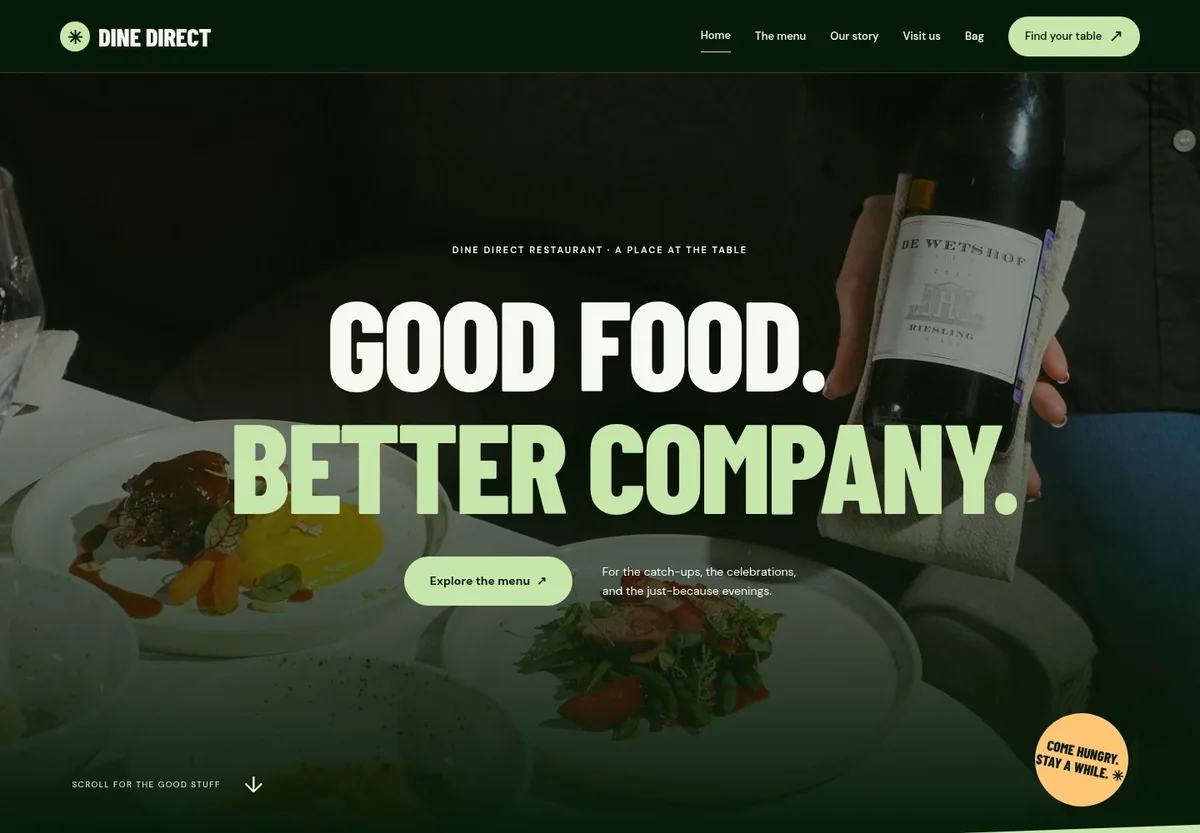
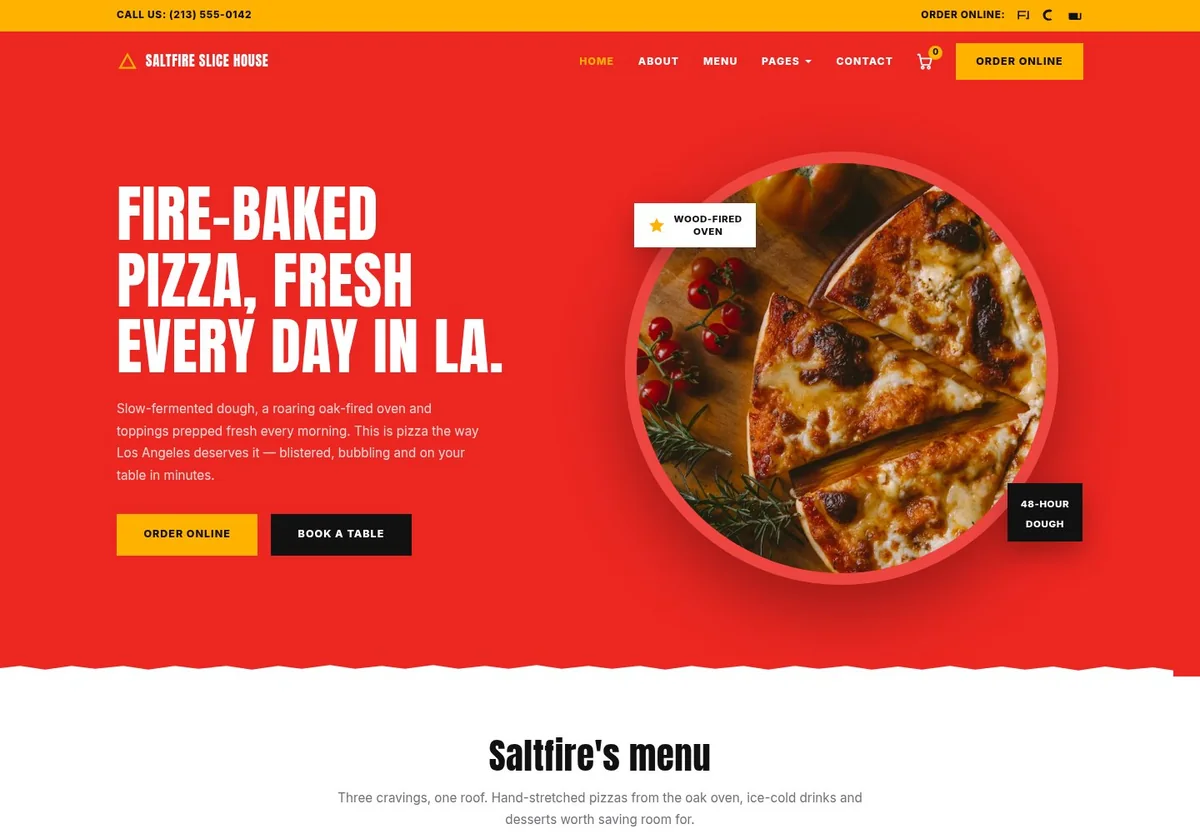
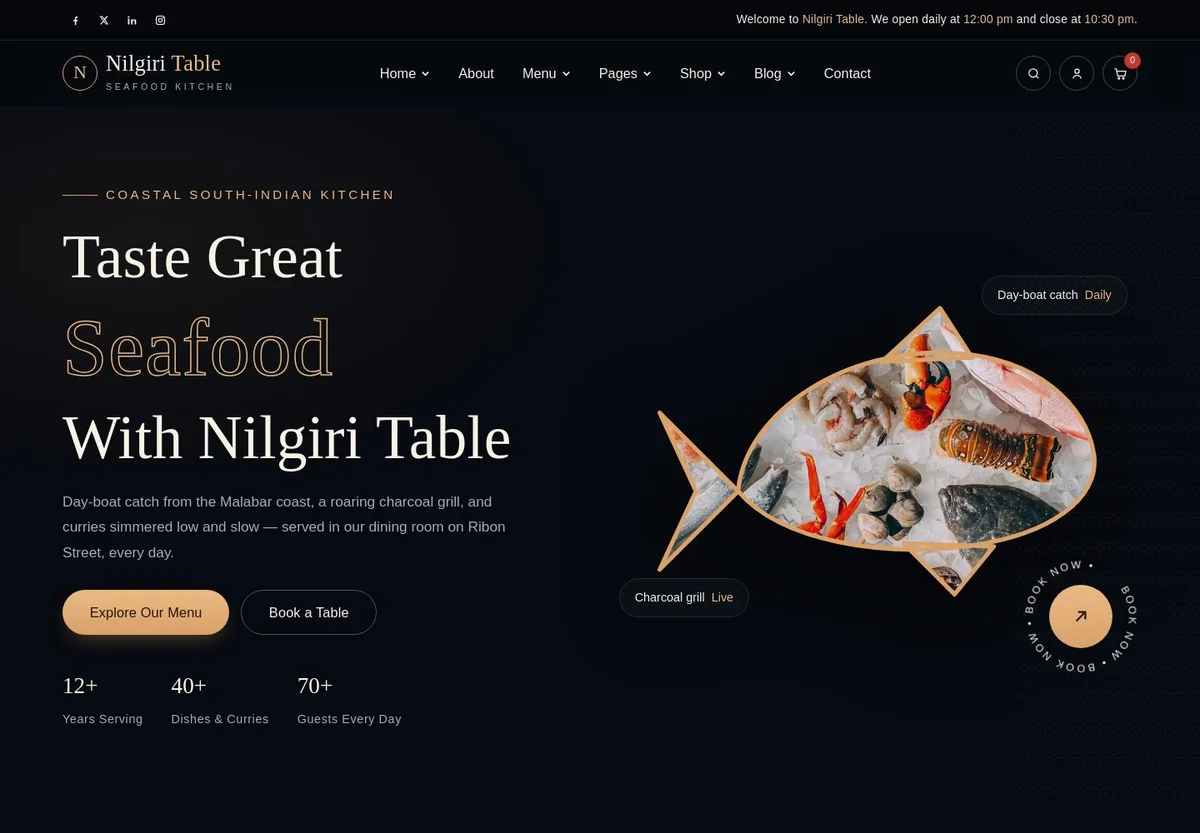
Explore restaurant website examples for a bistro, pizzeria or fine-dining venue. Choose a template, then make the menu, photography and colours your own.
Start with an idea or a template. Refine it around your actual food and the way your restaurant works.
Describe your restaurant
Tell the AI about your cuisine, neighbourhood, atmosphere and the pages you need. Start with your own brief, or choose a restaurant template and make it your starting point.
A useful brief names your audience, menu style and the next action you want diners to take.
Review and make it yours
Ask the AI Editor for any change, or click an element to show what you mean. Replace sample copy and photographs, add your menu, and check your opening hours, prices and contact details before sharing the site.
Keep missing details as placeholders until your team has confirmed them.
Preview, then publish
Check your restaurant website on phones, tablets and desktop screens. Publish with hosting and SSL, and connect a domain you own when your plan includes custom domains.
Try every enquiry, reservation and ordering link from the published website.
The details that bring diners through the door
Your menu. Their next table. One clear restaurant website.
Create a restaurant website without coding. Describe any change in the AI Editor, keep your menu current and give guests a clear way to visit, book or order.
An online menu you can update
Build menu pages with dishes, prices, photos and dietary information. Update seasonal specials by asking the AI Editor, and keep your menu in a CMS collection.
Reservations & private dining enquiries
Display your opening hours, address and contact details. Link to your restaurant reservation service, or collect table and private dining enquiries for your team to confirm.
Online ordering, takeaway & delivery details
Link to an existing online ordering service or use Grigora Commerce for product pages, a cart and checkout. Explain pickup times and delivery areas; your team handles orders and fulfillment.
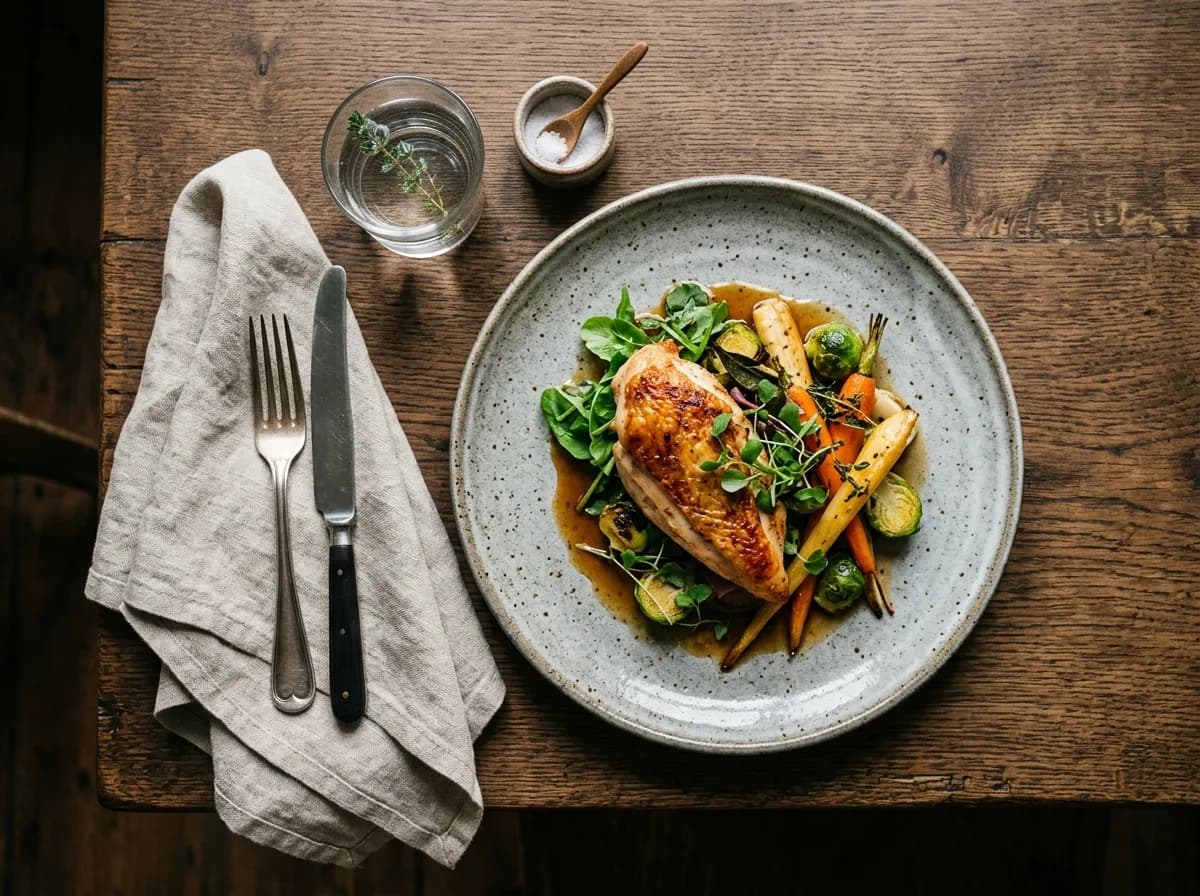
Give your signature dishes their own place to shine. Clear descriptions, current prices, and a menu that reads beautifully on a phone.
Your menu, your way
Interactive design inspiration. Illustrative photography and sample copy.
Plan the pages your guests will use
A clear menu. A complete picture of your place.
This is a practical restaurant website content guide. Choose the pages that suit your business and keep the important answers close.
An online menu
Give dishes readable descriptions, current prices and relevant dietary information. Separate food and drinks into clear sections so guests can find what they want without enlarging a menu image.
Keep seasonal specials easy to update; a downloadable menu can accompany your web pages.
Hours, location and directions
Put your address, opening hours and phone number where diners can find them. Explain holiday changes, parking and accessibility details that help people plan a visit.
Use the same business details on your website and Google Business Profile.
Your restaurant's story
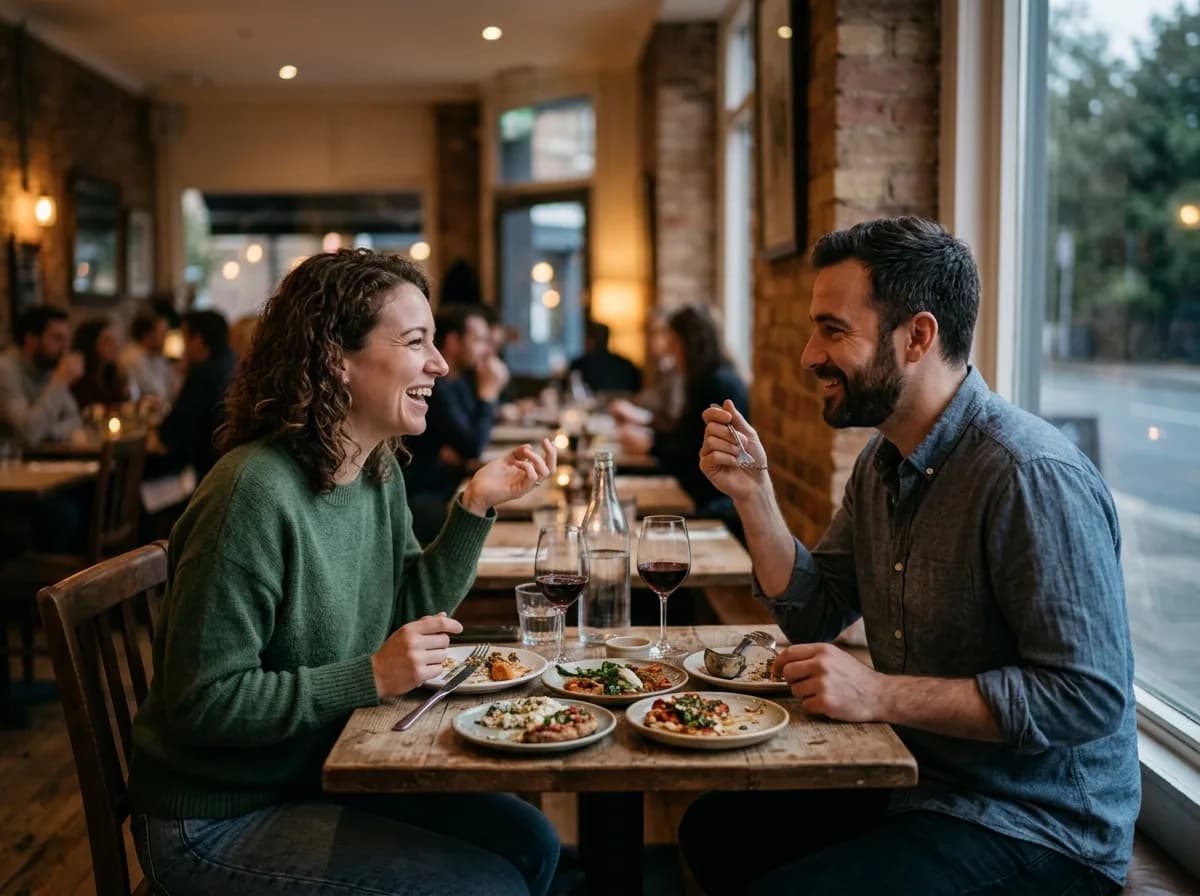
Introduce the people behind the kitchen, your cuisine and the ingredients that matter to you. Show real photographs of your food and dining room to set clear expectations.
Choose photographs that still show the dish or atmosphere clearly on a phone.
Catering and private dining
Describe the events you cater for, group sizes, sample packages and how to enquire. Give guests a place to share their preferred date, party size and requirements.
Your team confirms availability, the event details and any payment terms.
Takeaway and delivery information
Explain which dishes can be ordered, your pickup arrangements and any delivery area. Point guests to the ordering service you use or to your configured Commerce pages.
Make collection instructions and contact details visible before guests place an order.
Specials and restaurant updates
Use your blog to announce a seasonal menu, introduce a new dish or share an upcoming event. Add a newsletter signup if you want guests to hear about future updates.
Choose a publishing rhythm you can maintain and check your plan's newsletter limits.
Learn from the pages guests visit.
Review site analytics to understand which pages people visit. Keep the menu, opening hours and contact details easy to reach from those pages, and review them when your restaurant changes.
Choose how guests reach you, book a table or order online. Make the website fit the services and processes you already use.
Let your team answer enquiries
Collect table requests, catering enquiries and private dining questions with a form. Ask for the details your team needs to respond, and explain how confirmation will happen.
Your team checks availability and confirms each request with the guest.
Link to the service you already use
Send diners to your existing reservation, takeaway or delivery service with a clear button. Keep its booking rules, pickup slots and order handling in that service.
Your reservation or ordering provider manages availability and confirmation.
Add checkout with Grigora Commerce
Sell restaurant merchandise or collect an agreed catering deposit with product pages and your own Stripe or Razorpay account. Manage orders, invoices and manual fulfillment. Commerce is available on any Grigora plan, with provider fees and terms applying.
Your team manages preparation, pickup and delivery, and confirms catering dates with guests.
Good restaurant website SEO starts with useful pages. Make your menu readable, your local details accurate and your restaurant's story easy to find.
Illustrative search result
Olive & Ember
https://oliveandember.example/
Olive & Ember | Bistro in Austin
See our seasonal menu, opening hours and directions. Contact our Austin bistro for table and private dining enquiries.
Fictional example. Search engines choose the final title and snippet.
Titles and descriptions you can edit
Give your restaurant's home, menu and location pages clear titles. Write descriptions that match each page, so guests know what they will find.
Readable menus and accurate local details
Add dish names, current prices, opening hours, your address and contact details. Keep the same business information on your Google Business Profile.
Connected hosting and published pages
Publish with hosting, HTTPS and a sitemap. Use clear navigation so guests and search engines can reach your pages. Custom domains are available on paid plans.
Use real food and venue photographs, helpful image descriptions and original copy about your cuisine and neighbourhood.
Try the AI website builder before signing up, then keep building on a 14 day trial with no card needed. Choose a plan before the trial ends to keep the site online.
A first draft you can review and customize
Website hosting, SSL and CDN included
Page, form and newsletter usage limits to review
Choose a plan for your domain and menu
Paid plans keep your site online after the trial and let you connect a domain you own. Compare the page, storage and enquiry limits that fit your restaurant as its website grows.
Connect a domain you own
Keep the site online after the trial
Choose capacity for your pages, content and enquiries
Check current plan limits and feature eligibility before choosing. Connected payment providers have their own terms and processing fees.
The last check before opening online
Ready for your first online guest?
Walk through your restaurant website as a guest would. Use this checklist to review the details yourself before publishing, and again whenever the menu or opening hours change.
0 of 5 items reviewed
Before you open online
Restaurant website builder FAQs.
Clear answers about creating your website, menus, bookings, online ordering and costs.
Can I build a restaurant website with AI for free?
Describe your restaurant and let AI create a draft, then ask the AI Editor for any change. You can try the builder before signing up, then keep building on a 14 day free trial with no card needed. Features and usage limits depend on your plan.
How much does a restaurant website cost with Grigora?
You can start with a 14 day free trial and no card. Starter is $15 a month, or $144 a year, which works out to $12 a month. Paid plans add a custom domain and higher limits. Hosting and SSL are included. Check the pricing page for current plans; connected payment providers charge their own processing fees.
Can I make a restaurant website without coding?
Yes. Describe your restaurant to create an AI draft, or start from a template, then describe any change in the AI Editor. Replace sample content with your own menu, photographs, opening hours and contact details before publishing.
Can I update my online menu and prices?
Build readable menu pages with dish names, descriptions, prices and dietary information. Edit your content and publish updates.
Can I customize templates for a cafe, pizzeria or fine-dining restaurant?
Yes. Start from a Grigora template and change its photos, colours, page copy and links. Choose a design that fits your food, venue and restaurant story.
Can guests reserve a table on my website?
Add a table-enquiry form for your team to confirm, or link to the booking service you already use. Grigora does not include live table availability, a waitlist or an automatic reservation engine.
Can I take takeaway or delivery orders?
Use Grigora Commerce for products, a cart and connected Stripe or Razorpay checkout, or link to your existing ordering service. Your team manages preparation, fulfillment, pickup and delivery. Kitchen routing and delivery dispatch are not built in.
Will my restaurant menu work on phones?
Grigora supports responsive layouts. Preview your menu, photos and contact links on phone, tablet and desktop sizes before publishing, and keep important details easy to read without zooming.
Can Grigora help with local restaurant SEO?
Add readable menu pages, original restaurant photos, accurate hours and contact details, and useful location copy. Edit page titles and descriptions, and keep your Google Business Profile current. These give guests and search engines clearer information about your restaurant.
Can I use my restaurant's own domain?
Yes. Custom domains are available on paid plans. Connect your domain to your published Grigora website, with hosting and SSL included. Check the pricing page for current features and limits.