Full Menu with Prices & Photos
Clearly display your entire pizza menu, including toppings, specialty pies, sides, and drinks. Use mouth-watering photos and up-to-date pricing to entice customers.
AI website builder for pizza
Show your pizzas, opening hours and pickup details with links to your existing ordering service.
Your work deserves a good first impression
Explore templates for pizza websites. Preview a design, then make the content, photographs and colours your own.
A first draft, with room to make it yours
Start with an idea or a relevant template. Refine it around your pizza audience and the information they need.
Tell the AI who you serve, what you offer and the style you want. Include full menu with prices & photos and location, hours & contact in your brief, or choose a relevant template.
Name your audience and the next action you want visitors to take.Edit your draft visually. Add your own photographs and review full menu with prices & photos, location, hours & contact, specials & promotions before sharing your website.
Confirm every claim and replace sample content with your actual details.Check the website on phones, tablets and desktop screens. Publish with hosting and SSL, and connect a domain you own when your plan includes custom domains.
Test your contact form and every external service link after publishing.The details that help visitors choose
A pizza website is where hungry people read your menu, see your hours and order without waiting on the phone. Grigora builds a pizzeria site from a plain description of your shop, menu and neighbourhood, producing a complete draft with layout, copy and images you then edit by dragging blocks around.
Clearly display your entire pizza menu, including toppings, specialty pies, sides, and drinks. Use mouth-watering photos and up-to-date pricing to entice customers.
Clearly list your address, phone number, and opening hours. Include an embedded map for easy directions. Make it simple for customers to find and reach you.
Highlight daily specials, combo deals, or limited-time offers prominently. This encourages immediate purchases and rewards loyal customers.
 Rustic Village Trattoria
A clear first impression
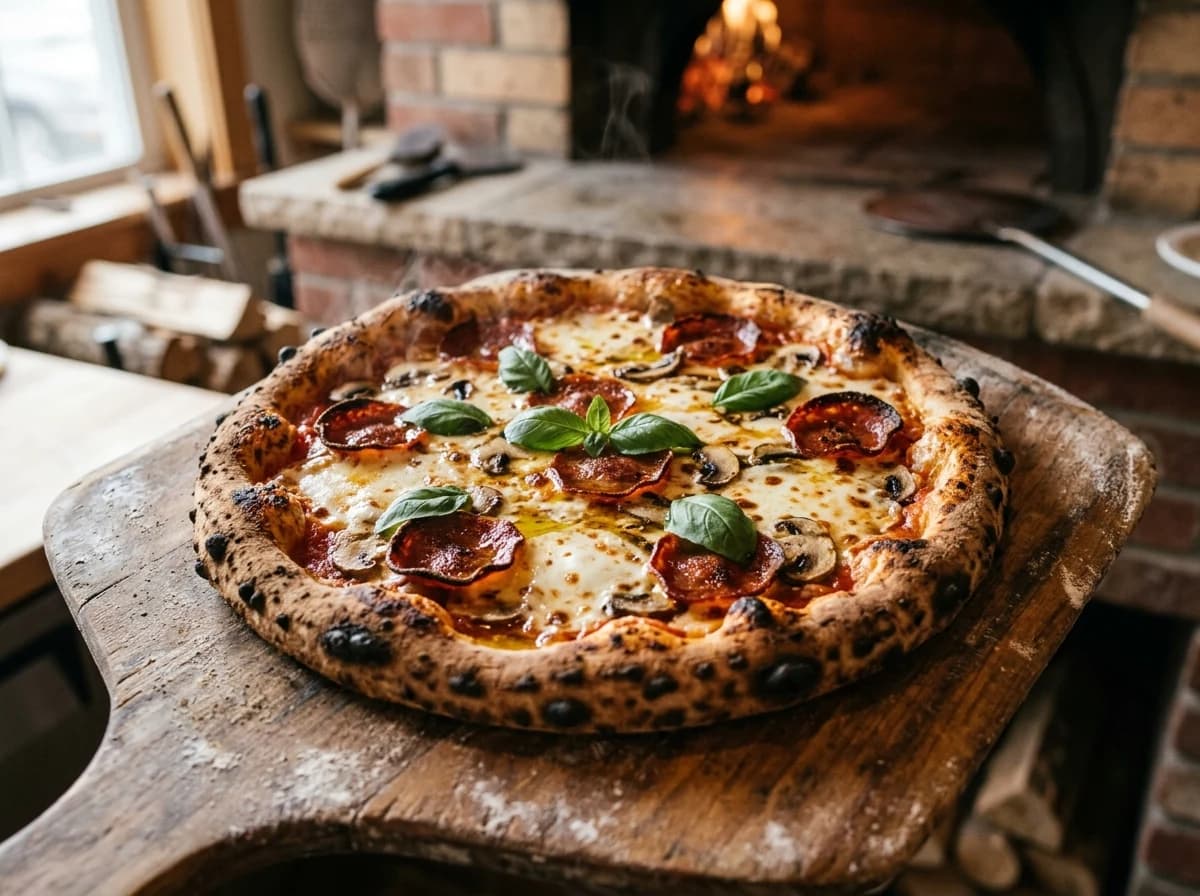
Clearly display your entire pizza menu, including toppings, specialty pies, sides, and drinks. Use mouth-watering photos and up-to-date pricing to entice customers.
Your work, clearly presentedInteractive design inspiration. Illustrative photography and sample copy.
Plan the pages your visitors will use
A practical pizza website content guide. Choose the pages that fit what you do and keep the important answers close.
Clearly display your entire pizza menu, including toppings, specialty pies, sides, and drinks. Use mouth-watering photos and up-to-date pricing to entice customers.
Clearly list your address, phone number, and opening hours. Include an embedded map for easy directions. Make it simple for customers to find and reach you.
Highlight daily specials, combo deals, or limited-time offers prominently. This encourages immediate purchases and rewards loyal customers.
Share the history of your pizzeria, your passion for pizza-making, and what makes your ingredients or recipes special. A personal touch builds brand loyalty.
Feature positive reviews from happy customers. This builds trust and encourages new customers to try your delicious pizza. You can collect these via a simple form.
Review site analytics to understand which pages people visit. Keep full menu with prices & photos and contact information easy to reach, and update them when your work changes.
Explore the tools behind your websiteMake the next step obvious
Choose how visitors to your pizza website reach you. Make each action fit the services and processes you already use.
Help visitors ask about full menu with prices & photos. Use a contact form that collects the details your team needs, and explain what happens after an enquiry.
Your team reviews requests and confirms the next step.
Keep specialist workflows for your pizza website in the services you already use. Add clear links and explain their process before visitors leave your site.
Your chosen provider handles its own availability, confirmations and account access.
If you sell products or agreed services, add Grigora Commerce product pages, a cart and checkout with your connected Stripe or Razorpay account. Explain prices, terms and fulfillment before accepting payment.
Your team manages orders and fulfillment; payment provider fees and terms apply.
SEO for pizza websites
Good pizza website SEO starts with useful pages. Make full menu with prices & photos, your contact details and your story easy to find.
Your website
https://pizza.example/Explore full menu with prices & photos and location, hours & contact, learn about our approach and find out how to contact us.
Fictional example. Search engines choose the final title and snippet.
Give pages for full menu with prices & photos and location, hours & contact clear titles. Write descriptions that match their actual content.
Explain full menu with prices & photos with original copy and relevant photographs. Keep contact details and any locations you serve accurate.
Publish with hosting, HTTPS and a sitemap. Use clear navigation so visitors and search engines can reach your pages. Custom domains are available on paid plans.
Room to start. Room to grow.
Try the AI builder and review your first pizza website draft. Check the pricing page for current features and usage limits.
Compare plans for your domain and the content your pizza website needs. Paid plans add custom domains and Directory Maker for structured content.
Check current plan limits and feature eligibility before choosing. Connected payment providers have their own terms and processing fees.
The last check before going online
Walk through your pizza website as a visitor would. Review these details before publishing, and again whenever your content changes.
0 of 5 items reviewed
Before you go online
Clear answers about creating a pizza website, its content and the tools you can use.
Grigora's drag-and-drop website builder is perfect for pizza restaurants. You can easily create an appetizing, mobile-friendly site using over 50 customizable blocks and ready-made templates. Showcase your menu, daily specials, and mouth-watering pizza photos to attract new customers in your local area.
Yes, Grigora's robust CMS allows for easy content management. You can use the directory maker feature to organize your menu items by pizza type, toppings, or special offers. The built-in blogging platform is great for sharing news, promotions, or behind-the-scenes glimpses of your kitchen.
Grigora provides comprehensive SEO features to boost your local visibility. Utilize built-in on-page SEO suggestions, a keyword research tool to target terms like 'pizza near me' or 'best pizza your city,' and meta tag customization. Google Search Console integration will help local customers easily discover your restaurant.
While Grigora does not have a built-in ordering or reservation system, you can easily embed links or forms from third-party ordering platforms (like DoorDash, Uber Eats, or dedicated reservation systems) directly onto your site. You can also use Grigora's interactive form builder for simple inquiry forms. For payments, Stripe and PayPal embeds are an option.
Yes, Grigora's AI tools can be helpful. The AI blog writer and outline generator can assist in drafting articles on new pizza creations or special events. AI image generation can create custom visuals for your website, and the AI paragraph rephraser can refine your menu descriptions, making them irresistible to customers.
Grigora offers a built-in privacy-friendly analytics dashboard to monitor your website's performance. You can track traffic, engagement, and other key insights to understand which menu items or promotions are most popular. Google Analytics integration is also available for more detailed reporting, helping you optimize your marketing efforts.
Yes. Grigora Commerce supports product options and variants with their own SKUs, so you list a pizza once and let customers pick size, crust type, and toppings, each tracked and priced separately, then check out with Stripe or Razorpay, or route to an external checkout URL if you already use a POS system.
Yes. Set up a locations directory, a structured content collection with typed fields like address, map, hours, and phone link, so each store gets its own listing without you building separate pages by hand for every branch.
Yes. Grigora Commerce supports Stripe subscriptions, so a recurring pizza-of-the-month or weekly family-deal plan can bill customers automatically instead of requiring them to place a new order each time.
Grigora Commerce includes configurable shipping and tax settings you can adjust for delivery pricing. You stay responsible for the actual delivery-zone rules, tax rates, and local food-service compliance, Grigora handles the checkout and settings layer around it.
Yes, if you use Claude or another MCP-connected AI agent. Grigora's MCP server lets an agent manage your live site directly, including editing directory items like menu entries and prices, so you can dictate a change instead of clicking through an editor.
Two ways. Set the menu up as products if you want people ordering and paying online, with variants for size and crust. Or build it as a directory with typed fields for name, description, allergens and price when you only want it read. Both update without touching the page layout.
Connect your own Stripe or Razorpay account, and card payments land there directly with Grigora not sitting in the middle. Each order creates an invoice and receipt, and you see it in the orders dashboard to mark fulfilled or refund. Delivery charges are configured in your shipping settings.
The importer handles WordPress only, so a Wix site is rebuilt rather than transferred. Describe your pizzeria to the AI, get a draft in minutes, then paste your menu text and upload food photos. Add redirects from the old page addresses so anything linked on delivery apps or social profiles still works.
Paid plans start at $15 a month on Starter, billed annually at $144 a year, and Pro is $25 a month. A free trial is included rather than a free forever plan. Card fees are set by Stripe or Razorpay, since orders are paid into your own account, and a pizza club subscription needs Stripe.
Describe your pizza website. Get a first draft you can edit and make your own.
Start building free