Alt Text Bulk Editor
Drop images here or click to upload
Up to 10 images · JPEG, PNG, WebP, GIF, AVIF · 5MB each
Upload up to 10 images, generate WCAG-ready alt text with AI, edit inline, and export a CSV you can paste into WordPress, Shopify, or Webflow.
How to use the Alt Text Bulk Editor, step by step
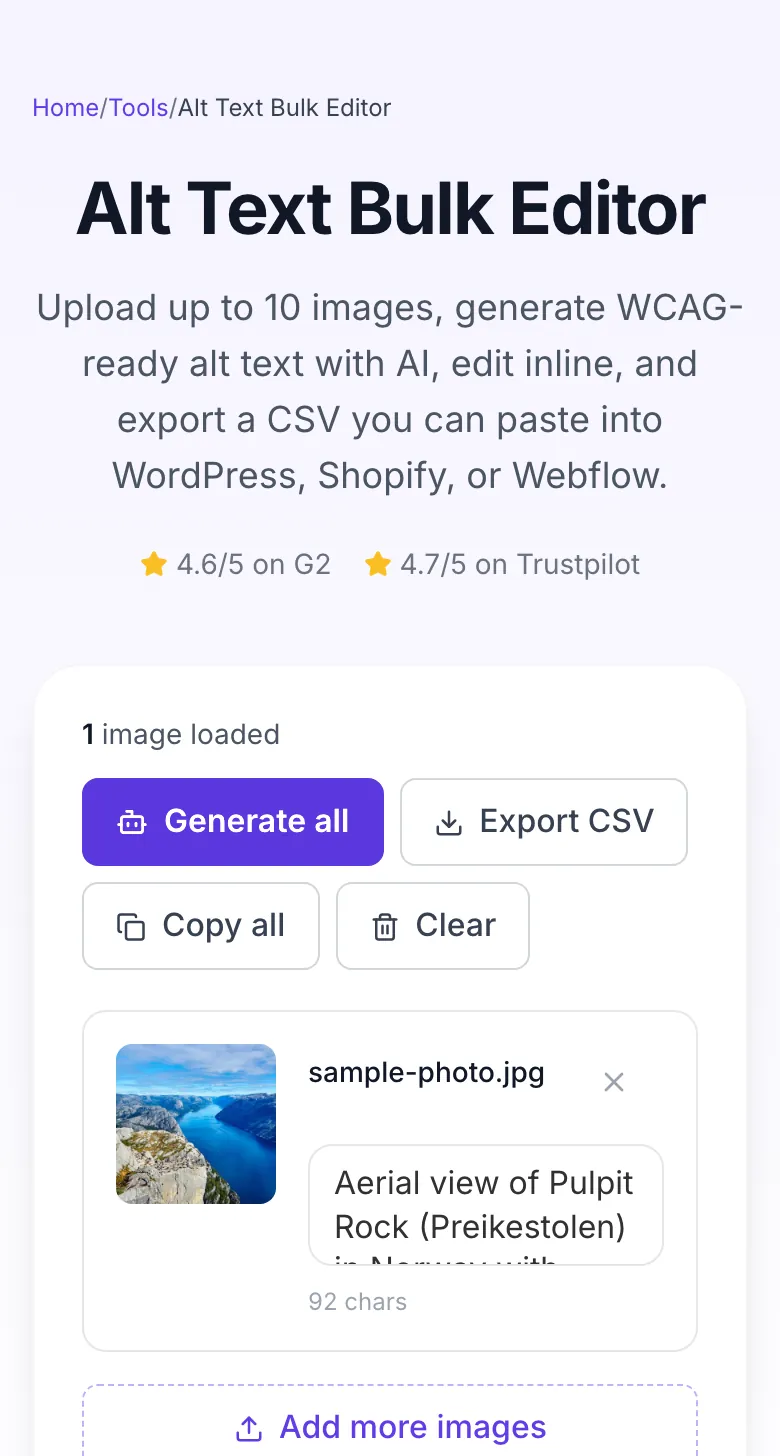
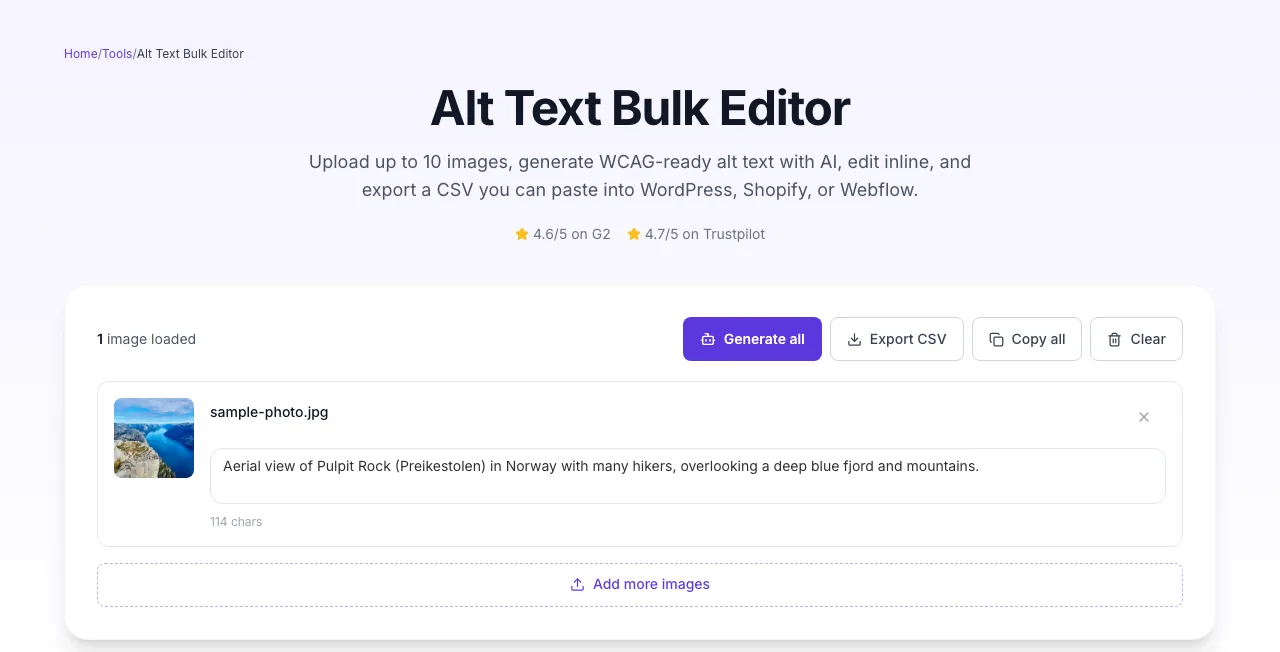
Real screenshots of the tool, taken while running it with the Generate all button.
- 1
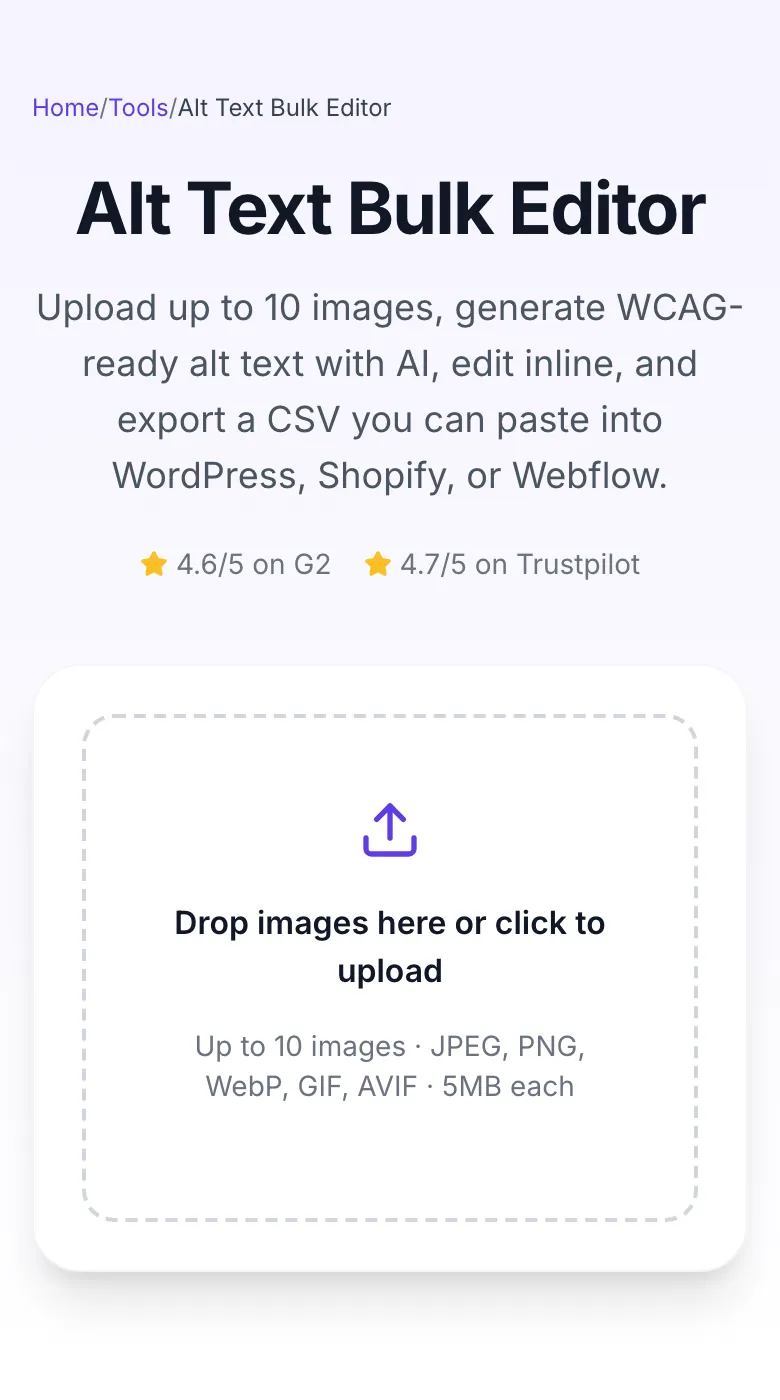
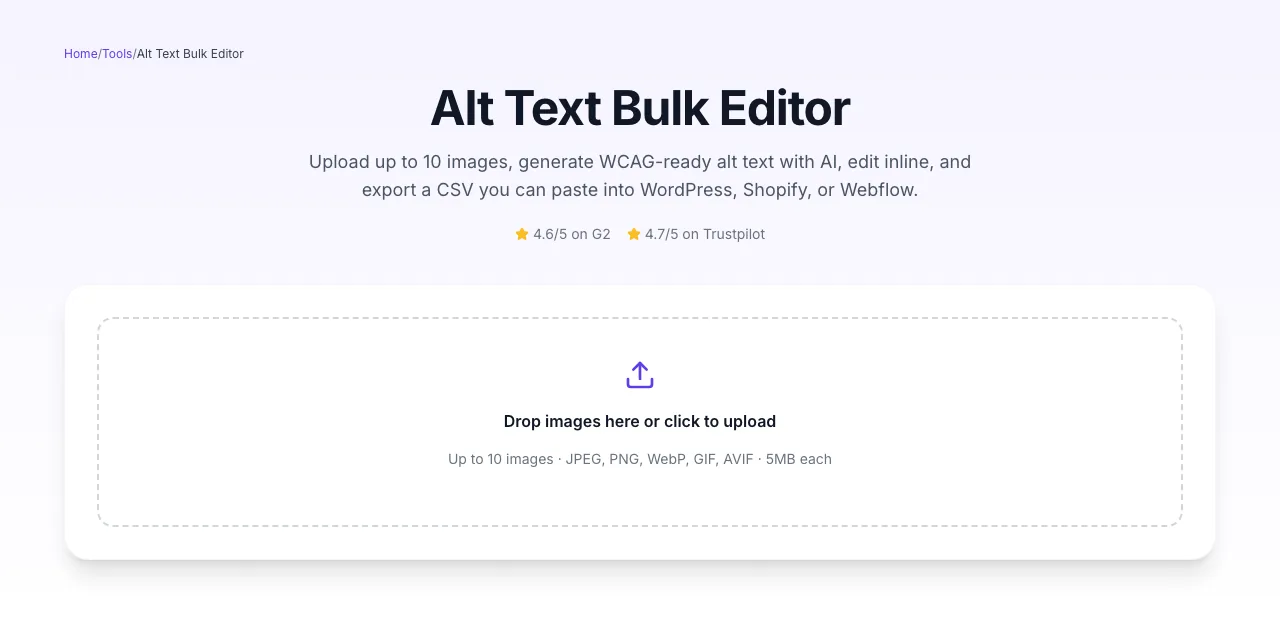
Choose a file
Upload an image. Nothing is kept on a server longer than the request needs.
- 2
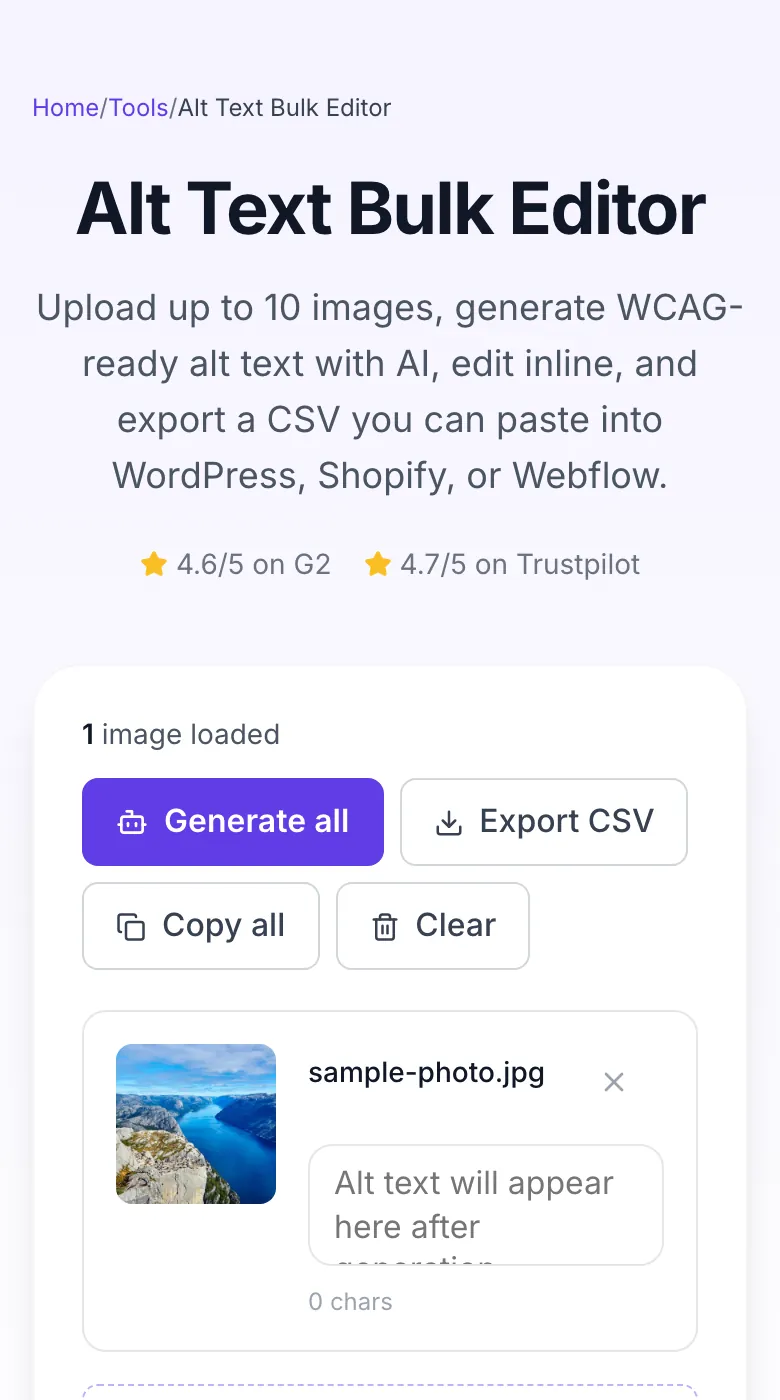
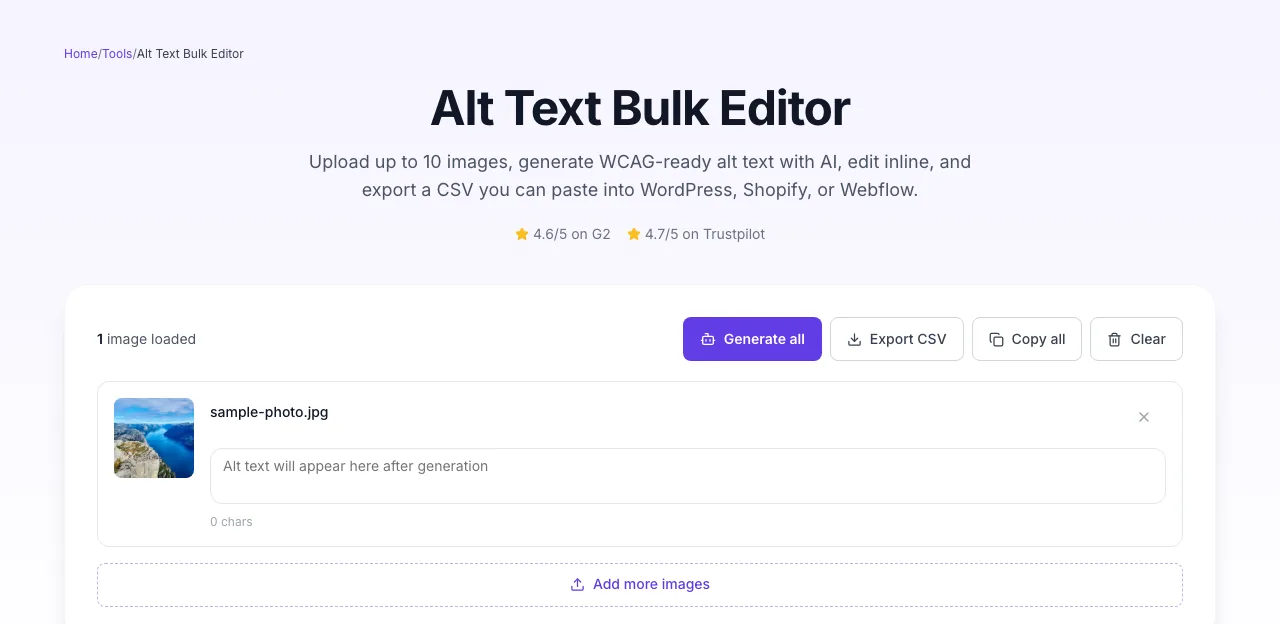
The file is ready
The image loads locally so you can see it before running anything.
- 3
See what Generate all produces
Clicking Generate all runs the check and shows the result right below.
How bulk alt text works
Upload to export in under a minute. No editor installation, no API keys.
Upload up to 10 images
Drag-drop or click. JPEG, PNG, WebP, GIF, AVIF - 5MB each.
Generate with AI
Vision model describes each image in 80-125 chars, WCAG-compliant.
Edit & export CSV
Adjust any text inline, then download a filename-alt CSV for your CMS.
Alt text length vs. Google Images CTR
We analyzed 2,800 indexed images across 12 e-commerce + blog sites (Jan-Mar 2026). CTR measured in Google Search Console Images tab.
Source: Grigora image SEO benchmark, 2,800 images across 12 sites, Jan-Mar 2026. GSC Images tab data.
Platform-specific guides
Push the CSV straight into the CMS or static site generator you already use.
WordPress (media library)
- 1.Open Media → Library, select Bulk Select.
- 2.Export current alt to CSV via Export Media Library plugin.
- 3.Upload images here, copy AI alt, paste into CSV, reimport.
Shopify products
- 1.Products → Export → select images only.
- 2.Match filenames in the Alt Text column with our CSV.
- 3.Use Shopify Bulk Editor → paste in alt text column.
Webflow CMS
- 1.Select image in Assets panel.
- 2.Click Settings → Alt text field.
- 3.Paste AI alt text. Webflow supports per-instance overrides in CMS Collection fields.
Next.js / MDX
- 1.Open your MDX file.
- 2.Find <Image src="..." alt="" />.
- 3.Paste AI alt into the alt prop. Next.js does not auto-generate alt.
Squarespace
- 1.Edit page → click image block.
- 2.Design → Image Title and Description.
- 3.Paste alt into Image Description (acts as alt tag).
Who uses the bulk editor
Six workflows with the measurable outcome each team reports.
E-commerce stores
Process 10 product shots in one batch. Export CSV, bulk-upload to Shopify alt column.
Bloggers
Upload hero images from the past 6 months, auto-alt each, paste back into CMS in bulk.
SaaS marketing
Feature screenshots, UI captures, graphs, all need alt text for SEO + WCAG. Batch through.
Accessibility teams
Audit existing pages, upload flagged images, generate compliant alt text for remediation.
Photographers
Portfolio SEO. Describe each gallery image for search engines to index and surface.
Web agencies
Audit client sites, bulk-remediate missing alt text, bill for the hour you save.
Common alt text mistakes & quick fixes
The 8 errors we see most, and the simple fix for each.
Alt text is generic ("image of a person")
Fix: AI produced a fallback because the image is low-contrast or cropped tight. Re-upload with more context in frame, or edit manually with specifics (name, action, setting).
Alt text is too long (>150 chars)
Fix: Screen readers read it in full. Exhausting. Trim to 125 chars. Prioritize: subject → action → context. Drop adjectives first.
Decorative images got described
Fix: AI describes everything. For purely decorative images (dividers, background textures), manually set alt="" in your CMS after export.
Product color is wrong
Fix: AI can misread under studio lighting. Double-check red/orange, teal/green pairs. Edit inline before export.
SKU / model number missing
Fix: AI cannot see what is not in the image. Add SKU or model after export in the CSV, or edit inline.
Keyword stuffed alt text
Fix: Do not append keywords to every alt. Alt text is for accessibility. One natural keyword max per image, usually the subject.
Same alt text on multiple similar images
Fix: AI may produce near-identical text for same-SKU shots. Edit angle-specific detail ("front view", "left profile") for each.
Text in images missing from alt
Fix: If your image contains text (screenshots, infographics), alt should include that text verbatim. Edit manually, AI captures visual text inconsistently.
Grigora vs. Cloudinary AI vs. CloudApp
Feature-by-feature comparison of the three most-used alt text tools.
| Feature | Grigora | Cloudinary | CloudApp |
|---|---|---|---|
| Bulk upload (10+ images) | |||
| Free unlimited batches | |||
| No signup required | |||
| Inline editing before export | |||
| CSV export with filenames | |||
| WCAG 2.2 compliant output | |||
| Input privacy (no storage) | |||
| 5+ image formats |
Built for AI search engines
Alt text feeds image indexing and multimodal AI search. Descriptive alt makes images citable alongside text sources.
Structured data
SoftwareApplication, FAQPage, HowTo, Breadcrumb, ItemList schemas embedded.
Multimodal-ready
Descriptive 80-125 char alt is what GPT-4V, Claude, and Gemini cite in image answers.
Accessibility + SEO
One output satisfies WCAG 2.2, Section 508, EAA, and Google Images indexing.
Beyond a CSV, an SEO-first CMS
Grigora auto-generates alt text as you upload images, embeds schema, and ships Core Web Vitals-ready pages. No plugin zoo.
Auto alt text
Every uploaded image gets alt suggested inline, no bulk export.
Image CDN
WebP/AVIF auto-conversion, responsive srcset, lazy-load built in.
Schema done
ImageObject + BlogPosting schema emitted per post.
Related accessibility & SEO tools
Pair with these to lock in image SEO and WCAG compliance.
Accessibility Checker
Scan for missing alt, contrast, ARIA.
Contrast Checker SEO
WCAG AA/AAA contrast ratios.
Image Schema Generator
Structured data for images.
AI Meta Description Writer
Write SEO descriptions for pages.
Canonical Checker
Avoid duplicate-image URLs.
Open Graph Preview
Preview image share cards.
Frequently asked questions
Every question users ask before their first batch.
Reviewed by the Grigora editorial team · Last updated October 2026
Our image SEO benchmarks come from the Jan-Mar 2026 analysis of 2,800 indexed images across 12 client sites (e-commerce + blog). CTR data from Google Search Console Images tab.
Images are processed in-memory and discarded. Nothing is stored.