Free Duplicate Text Finder
Find repeated text passages in any document. Spot redundancy and content duplication fast. Free, instant.
How to use the Duplicate Text Finder, step by step
Real screenshots of the tool, taken while running it with the Find Duplicates button.
- 1
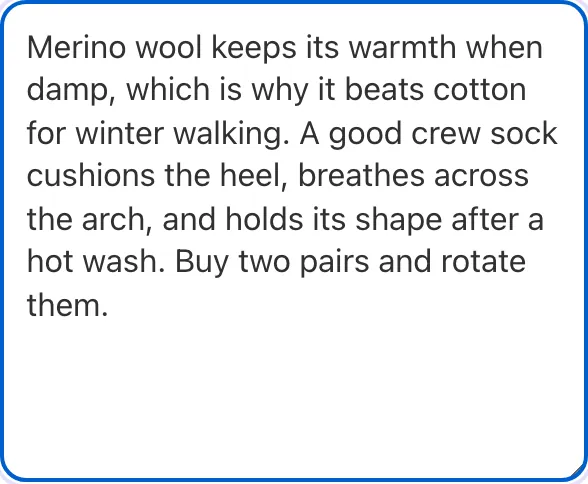
Add your input
Paste or type into the field Duplicate Text Finder works from.


- 2
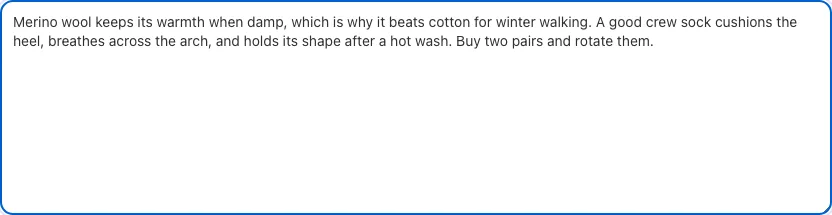
Sample text in place
With sample text entered, Duplicate Text Finder is ready to run.
- 3
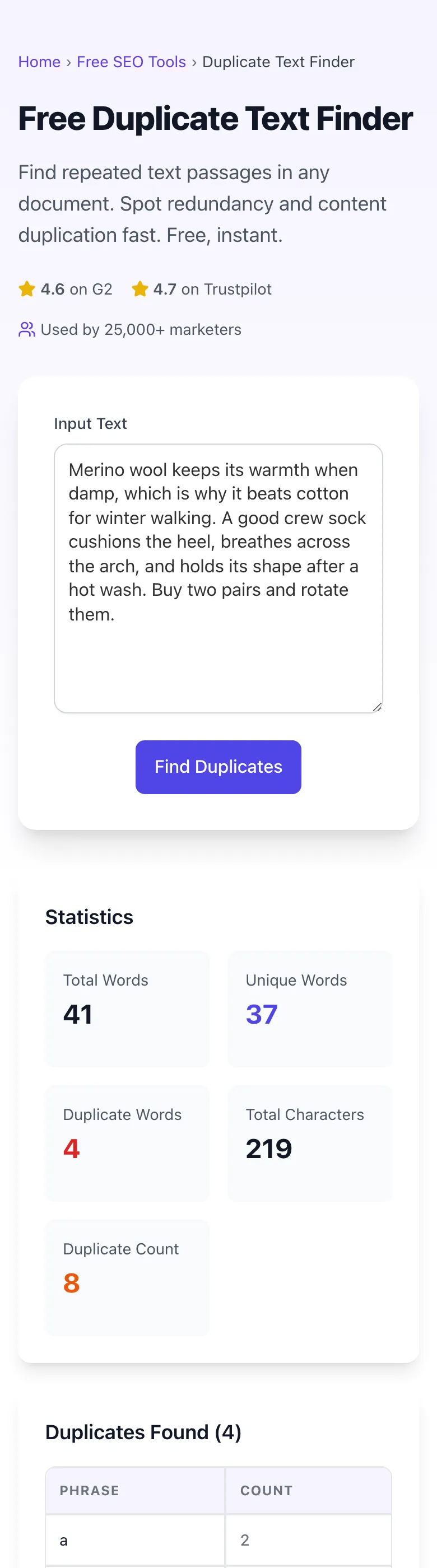
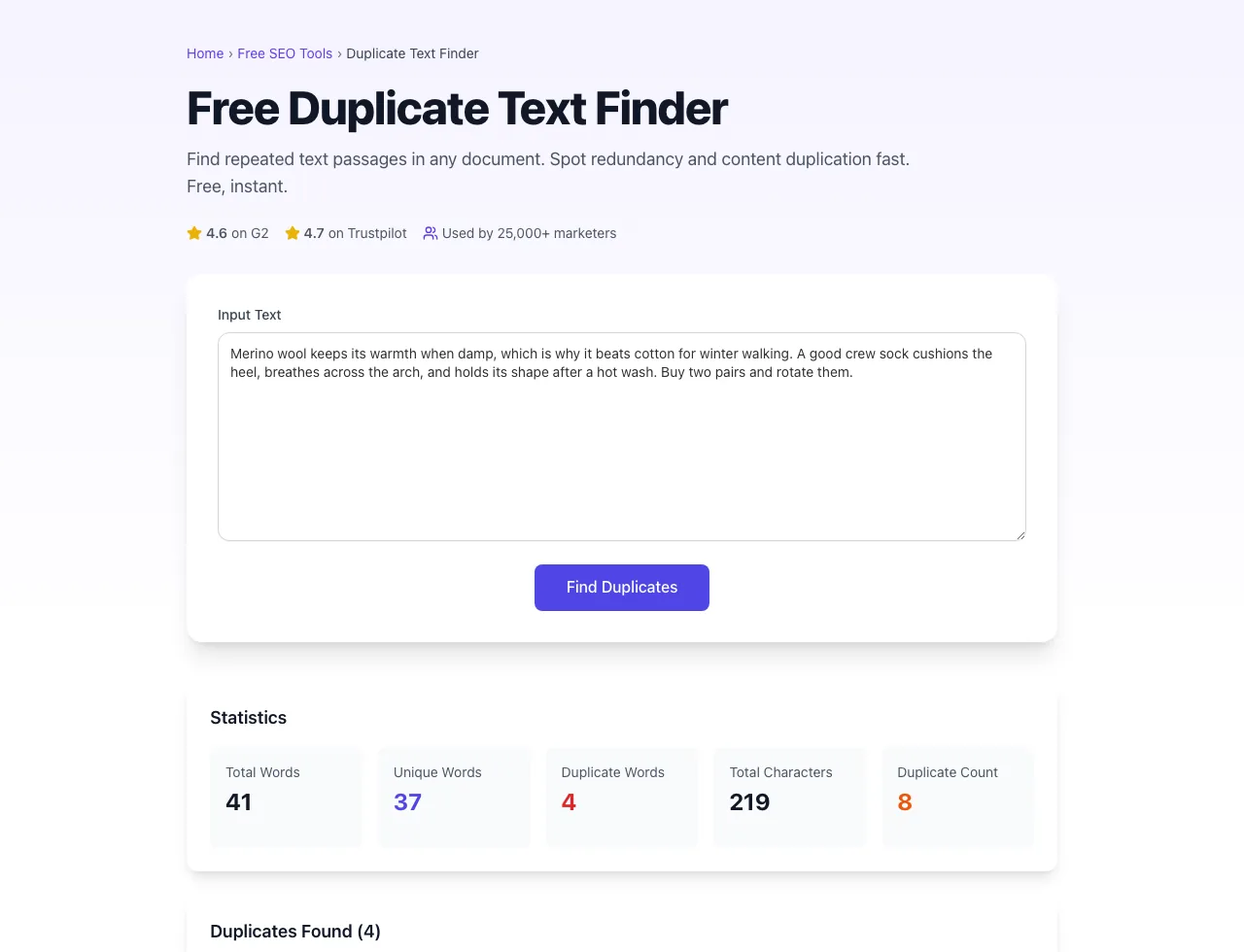
See what Find Duplicates produces
Clicking Find Duplicates runs the check and shows the result right below.
What this tool does
Duplicate Text Finder delivers fast, reliable results for find repeated text passages in any document. spot redundancy and content duplication fast. free, instant.
Designed to fit into your existing SEO and content workflow with no setup overhead.
How to use it
Five steps.
Paste your text
Add the document, draft, or page copy you want to scan.
Configure shingle size
Use the 7-word default for plagiarism-grade detection.
Run the comparison
See similarity percentage and matched passages highlighted.
Review duplicate clusters
Inspect the side-by-side diff to confirm matches and decide on action.
Review and remediate
Use the on-page duplicate table to rewrite repeated phrases.
When teams use it
Six common workflows.
Editorial teams running quarterly content audits
Identify articles competing for the same keyword and consolidate to a single ranking page, recovering suppressed organic traffic.
Product content writers at e-commerce sites
Catch product description copy-paste between SKUs and rewrite for unique long-tail organic value.
SEO consultants delivering migration audits
After a CMS migration, verify content was not duplicated across old and new URL structures during the import.
Content syndication operators
Verify syndicated content has proper canonicals and identify partners republishing without permission.
Academic and editorial plagiarism reviewers
Run shingle-based detection on submissions to catch paraphrased plagiarism that crude string-matching tools miss.
Programmatic SEO operators
Audit thousands of generated landing pages to confirm token replacement created genuinely unique content rather than near-duplicates.
Platform guides
Integrate with major platforms.
Copyscape Premium
- Use Copyscape to verify external uniqueness against the public web.
- Use Grigora to review pasted drafts and page sections for repeated internal copy.
- Combined, you cover external infringement and internal cleanup.
- Run Copyscape for high-value published pages and Grigora before publishing template-heavy copy.
Grammarly Premium
- Use Grammarly during writing for grammar and style review.
- Run the Duplicate Text Finder pre-publish to catch internal cannibalization.
- Grammarly's plagiarism check covers external; Grigora covers internal.
- Most editorial teams subscribe to both for a complete pre-publish QA stack.
Siteliner
- Siteliner provides a free 250-page sitewide duplicate audit.
- For larger sites, export Siteliner findings and use the Grigora tool for deeper analysis.
- Compare shingle-level findings between tools to triangulate confidence.
- Use Siteliner for fast top-level scan, Grigora for paragraph-level remediation.
Plagscan / Turnitin
- Academic-focused tools work best for student or research submissions.
- For business content audits, use the Grigora Duplicate Text Finder which is purpose-built for marketing content.
- Both tools support 7-word shingle detection as the gold standard.
- Export overlap reports in CSV from either and merge in a spreadsheet for a unified view.
Originality.ai
- Originality.ai detects AI-generated content with high accuracy on long-form text.
- Pair with the Duplicate Text Finder to catch AI-generated duplicates that share both AI-fingerprint and content overlap.
- For high-volume publishers, this combination reduces SEO risk from bulk AI content.
- Set internal threshold of "AI score above 70% AND overlap above 40%" for review queue.
Grigora vs. alternatives
Side-by-side.
| Capability | Grigora | Copyscape | Siteliner | Free checker | Manual review |
|---|---|---|---|---|---|
| Free internal duplicate audit | Yes | Paid | Free trial | Yes | Manual |
| Shingle size customization | 3-25 words | Fixed | 5-15 words | Fixed | Manual |
| Cross-lingual semantic detection | Paid | No | No | Yes (paid) | Manual |
| Boilerplate auto-strip | Yes | Limited | Yes | No | Manual |
| Side-by-side diff visualization | Yes | List only | Yes | List only | Manual |
| Pasted text analysis | Yes | Manual entry | Yes | Manual entry | Manual |
| On-page duplicate table | Yes | CSV only | Both | CSV only | Manual |
| No per-scan fee | Free | $0.05/scan | Subscription | Subscription | Free |
Common errors and fixes
Eight issues users hit.
Tool reports 80% similarity but the pages look completely different
Cause: Boilerplate (header, footer, navigation) was not stripped before comparison.
Fix: Enable Auto-strip Boilerplate in advanced settings, or paste body content only excluding template HTML.
Two pages with shared paragraph not detected
Cause: Shingle size set too large (15+ words) so partial paragraph matches fall below threshold.
Fix: Lower shingle size to 7 words and re-run; this is the academic plagiarism-detection standard.
False positives on common phrases like "click here to learn more"
Cause: Shingle size set too small (3 to 4 words) catching natural language repetition.
Fix: Raise shingle size to 7 words and add common-phrase stop list under Advanced filters.
Large pasted audit is slow
Cause: Very long documents create a large shingle index in the browser.
Fix: Split the audit by article, category, or document section, then review the highest-overlap sections first.
Duplicate section appears only once
Cause: The repeated phrase was normalized during matching, or the same copied block appears in several nearby paragraphs.
Fix: Compare the highlighted phrase and surrounding paragraphs, then rewrite the repeated block where it changes page intent.
Translated pages flagged as duplicates of each other
Cause: Cross-lingual mode enabled with low similarity threshold or hreflang not detected.
Fix: Disable cross-lingual mode for monolingual audits, or raise similarity threshold to 0.85 for multilingual sites.
AI-generated content not flagged despite obvious template repetition
Cause: Cosine similarity below the 0.78 threshold because AI varied surface words enough.
Fix: Lower cosine similarity threshold to 0.65 for AI-content suspicion mode and accept higher false positive rate.
Diff view does not highlight matching text
Cause: Browser blocked clipboard or canvas access required for the visualization.
Fix: Allow clipboard permission, switch to Chrome or Edge, or use the Plain List view as a fallback.
Original data
2026 study.
Frequently asked questions
Twelve answers.
Related free tools
Other utilities.
Word Frequency Counter
Analyse word and phrase frequency across your content.
Try itKeyword Density Checker
Check keyword density to avoid over-optimisation.
Try itDuplicate Meta Tag Checker
Find pages sharing the same title or description.
Try itPage Word Count Checker
Count words on any live URL before auditing for duplicates.
Try itMeta Description Generator
Rewrite duplicate meta descriptions with AI.
Try itBlog Post Generator
Generate fresh content to replace duplicated pages.
Try it