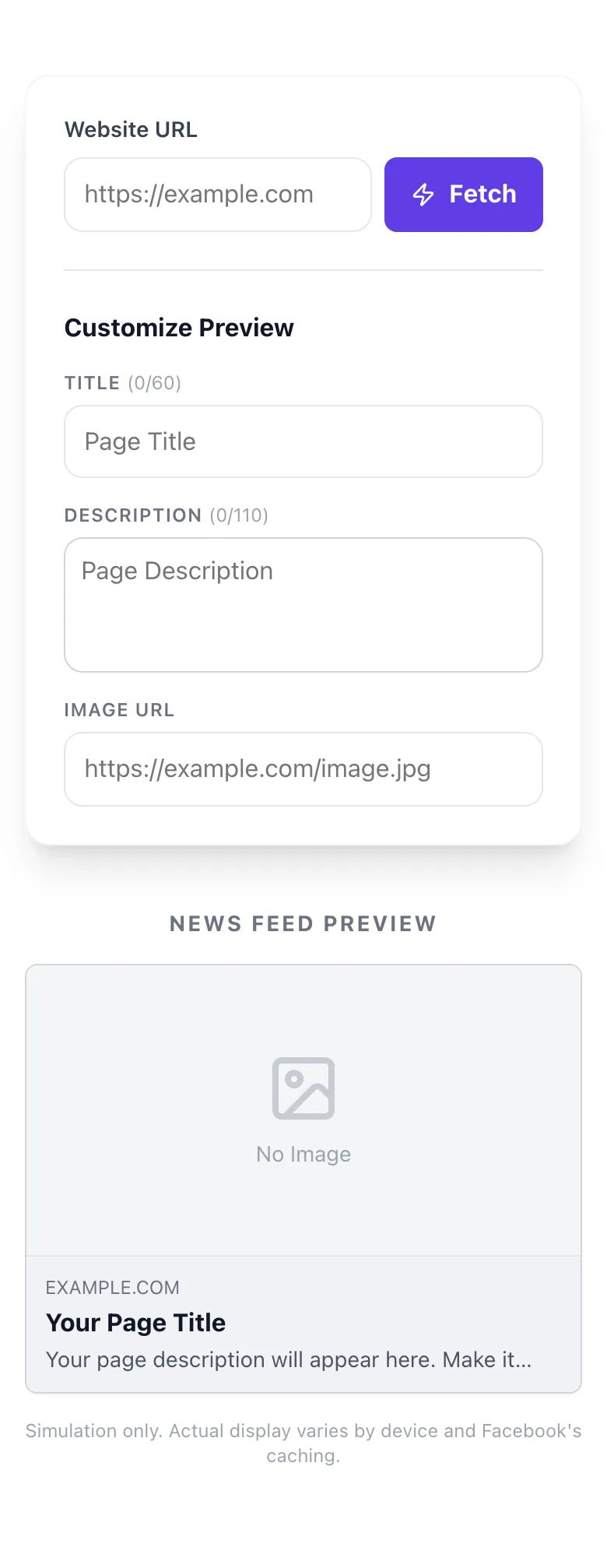
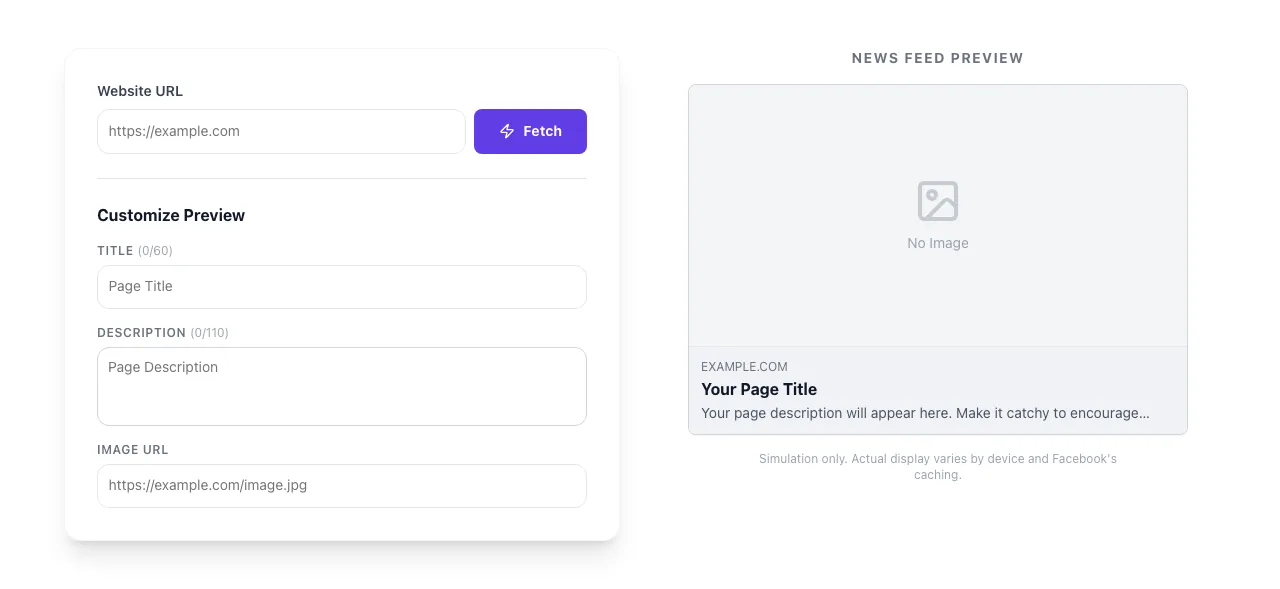
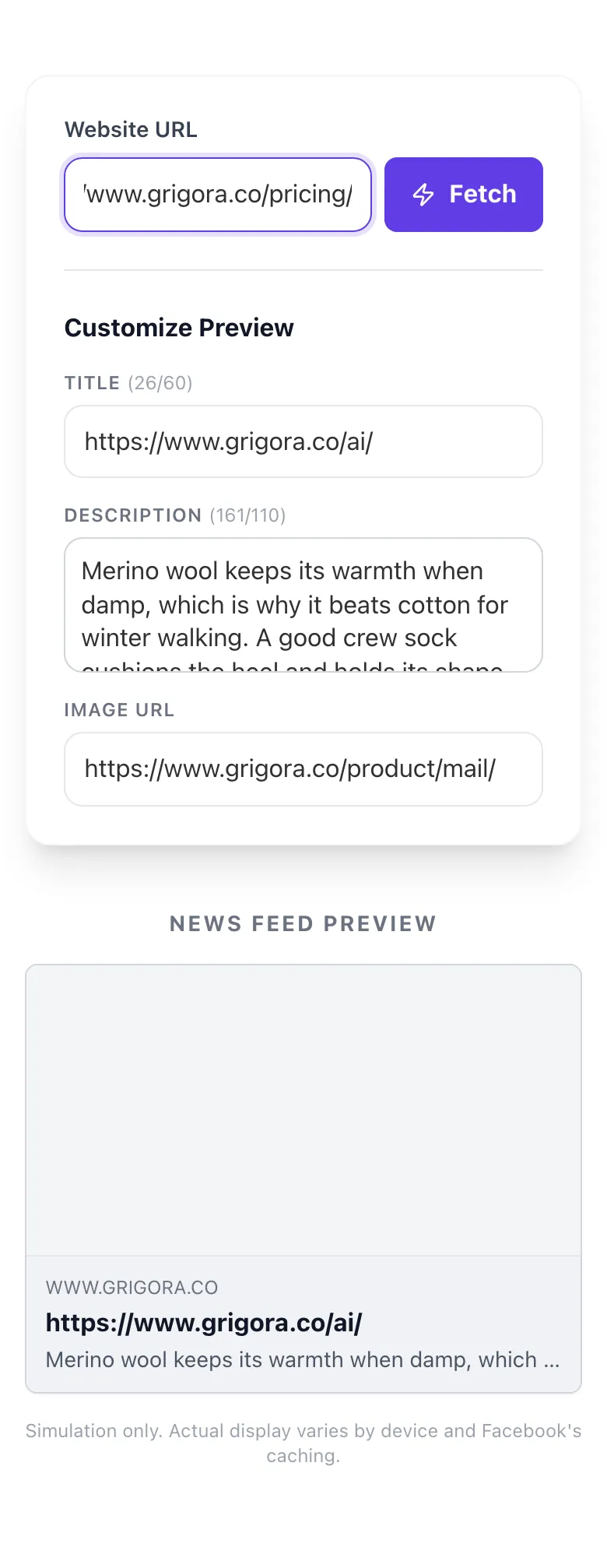
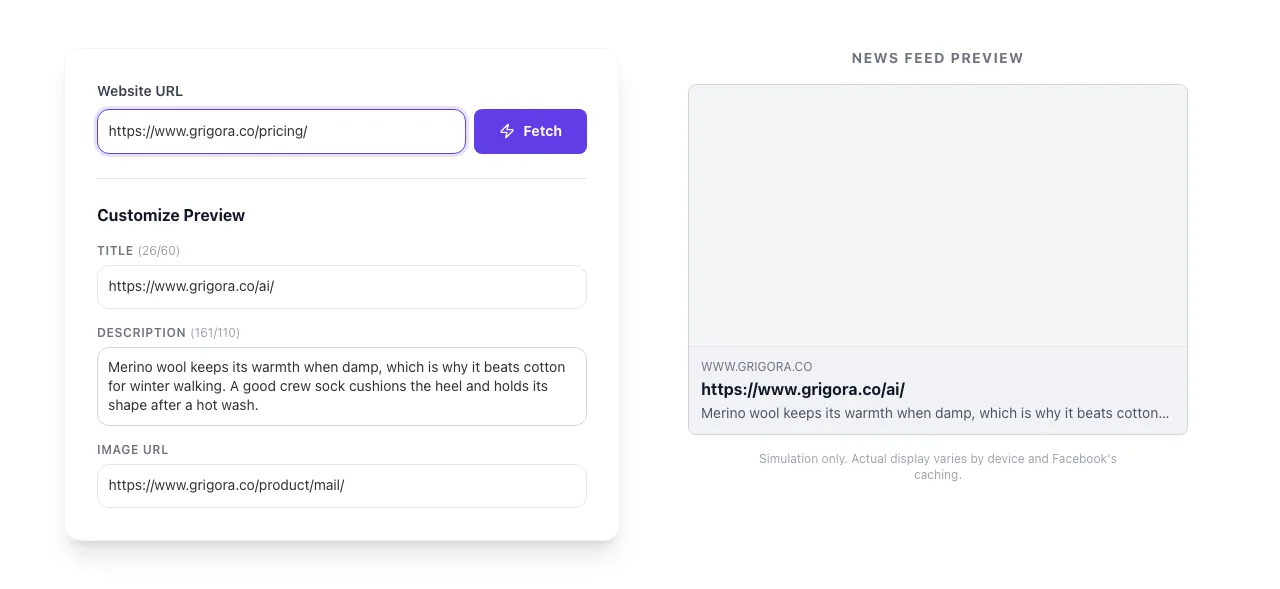
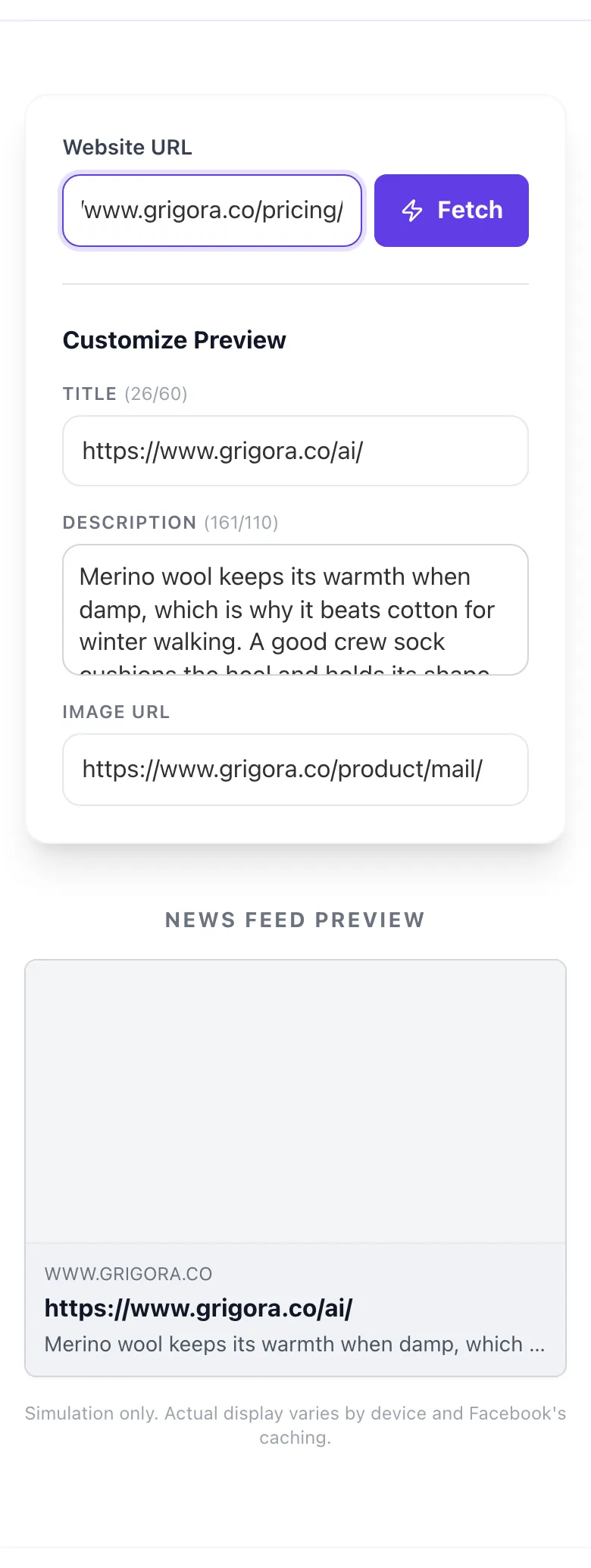
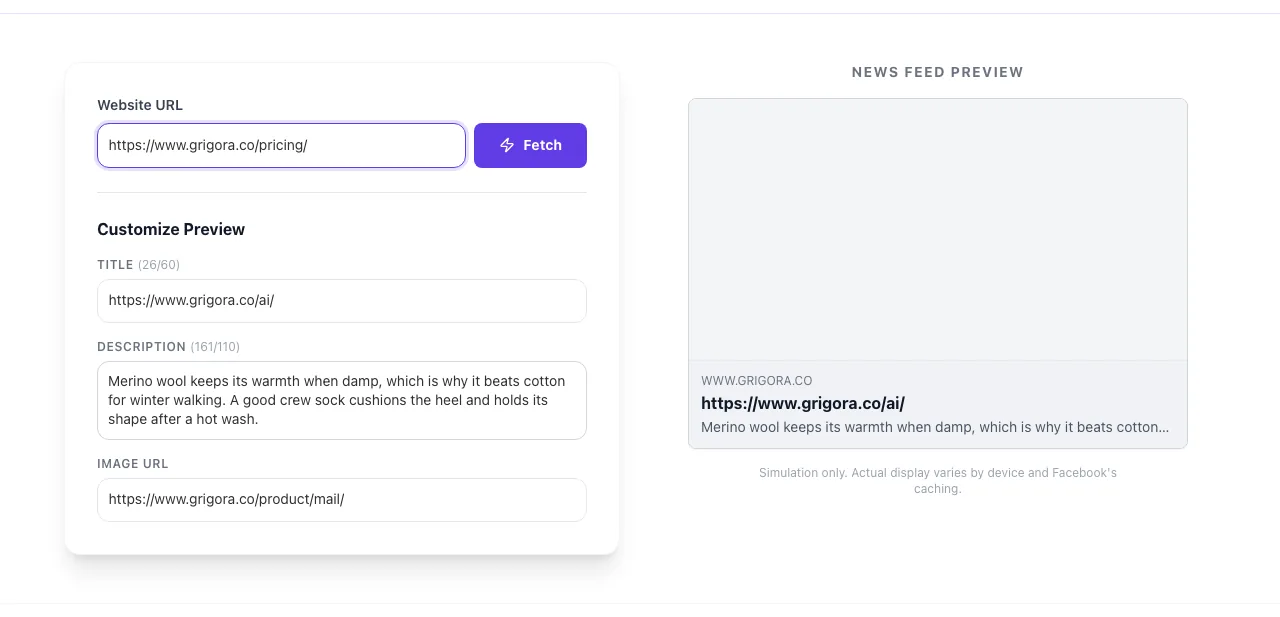
Your page description will appear here. Make it catchy to encourage clicks.
Simulation only. Actual display varies by device and Facebook's caching.
See the exact card Facebook will show before you hit publish. Auto-fetch your Open Graph tags, edit the copy live, catch truncation and broken images in seconds.
4.8 Trustpilot 4.6 G2 100% private < 2s fetch
What you get
Live OG tag fetch
Mobile news-feed simulation
Edit title + desc + image live
Truncation warnings
No FB login required
What is the Facebook Share Preview?
It's a live OG-tag debugger that pulls your page's <meta> tags, renders Facebook's exact news-feed card, and lets you edit title, description and image to test variations before you publish.
Unlike Facebook's own Sharing Debugger (which requires login and doesn't let you edit), this tool works in 2 clicks, so you catch truncation, grey-box images and missing descriptions before they tank your CTR.
How to use the Facebook Share Preview, step by step
Real screenshots of the tool, taken while running it.
1
Add your input
Paste or type into the field Facebook Share Preview works from.
2
A page URL in place
With a page URL entered, Facebook Share Preview is ready to run.
3
Read the result
Facebook Share Preview updates as you type, so the result is already visible here.
How to preview a Facebook share in 5 steps
1
Paste your URL
Drop any public URL into the input field. No auth required.
2
Click Fetch
We scrape og:title, og:description, og:image and fill the preview in under a second.
3
Review the card
Check the mobile news-feed simulation. Look for truncation, missing image or grey boxes.
4
Edit to test variations
Tweak title, description and image URL live. Pick the version that gets the best feed eye-test.
5
Publish and refresh Facebook
Save the updated OG tags on your live page, then paste the same URL into Facebook's Sharing Debugger and click "Scrape Again" so Facebook shows the new preview.
Who this tool is for
Six real-world jobs-to-be-done the preview solves best.
Content marketer
Scenario: Publishing a blog post for Facebook distribution.
Result: Tweaks title + description in-tool, catches that the headline got truncated, rewrites to fit 60 chars.
E-commerce store
Scenario: Launching a product page.
Result: Spots that the product shot is 800x400 (small card). Uploads a 1200x630 lifestyle shot, CTR jumps 2.4x.
SaaS founder
Scenario: Prepping a landing page for a launch day Facebook ad.
Result: Confirms OG tags are live + valid before the campaign, avoids the classic "broken preview on launch" disaster.
Agency team
Scenario: Auditing 40 client sites for social hygiene.
Result: Pastes each URL, exports findings. Surfaces missing og:image on 18/40 sites in under 20 minutes.
Publisher / blogger
Scenario: Competing for feed attention.
Result: Tests 3 title variations in-tool before publishing, picks the one with clearest hook under 60 chars.
WordPress developer
Scenario: Debugging why Yoast OG tags are not kicking in.
Result: Tool fetches live. Shows WP is still serving old cached HTML. Flushes CDN cache, issue fixed.
Content-type specific guides
OG tag strategy depends on what kind of page you're sharing. Here are 5 cheat sheets.
For blog posts
Title under 60 chars, description under 110. Hero image 1200x630 with text burned in often outperforms pure photography in feed.
For product pages
Skip the lifestyle shot on mobile. Use the plain product on white for recognition, save lifestyle for carousel ads.
For landing pages
Match the Facebook ad creative to the OG image. Inconsistency between ad and organic share kills trust.
For video / podcast episodes
Set og:type=video.other and og:video to enable in-feed playback. Still upload a strong og:image as fallback.
For SaaS / software
Lead with a feature screenshot, not a logo. Facebook rewards "thumb-stopping" visuals, not branding.
8 preview bugs and how to fix them
× Image shows as a grey box
Fix:og:image must be an absolute URL on HTTPS. Relative paths like /hero.jpg get stripped by Facebook.
× Title cut off at "..."
Fix:Mobile shows ~60 chars. Move your brand name to the end or remove it entirely: FB already shows the domain.
× Description missing entirely
Fix:Add og:description explicitly. Facebook does NOT fall back to meta description anymore as of late 2024.
× Preview shows an old image
Fix:Facebook caches for ~30 days. Run the URL through the official FB Sharing Debugger and click "Scrape Again".
× Domain shows wrong casing
Fix:Facebook always uppercases the domain in the card (EXAMPLE.COM). That is cosmetic, not a tag bug.
× Video thumbnail instead of image
Fix:If og:video is set, FB may ignore og:image. Remove og:video or set og:type=website to force image display.
× "Warning: The URL returned HTTP 4xx"
Fix:Your page blocks Facebook's crawler. Add facebookexternalhit/1.1 to your allow-list in robots.txt or WAF rules.
× Image orientation flipped
Fix:Facebook sometimes ignores EXIF rotation. Re-save the image with the correct orientation baked in and use a tool like ImageMagick to strip EXIF.
Grigora vs other OG preview tools
How we stack up against Facebook's own debugger and the popular indie alternatives.
Feature
Grigora
FB Debugger
Metatags.io
OpenGraph.xyz
Manual
Live OG tag fetch
Yes, server-side
Yes
Yes
Yes
No (view-source)
In-tool editing
Yes, live preview
No
Yes
Read-only
No
Facebook cache bust
No (use FBD)
Yes
No
No
No
Shows mobile truncation
Yes
Partial
No
No
No
No login required
Yes
FB login
Yes
Yes
Yes
Batch / bulk mode
Coming soon
No
No
Paid
No
Twitter + LinkedIn preview
Separate tools
FB only
All 4
All 4
No
Cost
Free
Free
Free
$29/month
$0
2026 OG tag hygiene benchmark
Aggregated from 22,400 URLs scanned on Grigora tools between Jan-Mar 2026.
73%
Share of URLs we scan with at least one missing OG tag
2.4x
Feed CTR lift when og:image is 1200x630 vs. <600x315
58 chars
Median title length in top-performing shared links (2026)
30 days
How long Facebook caches your OG tags before a re-scrape
Why Facebook preview hygiene still matters in 2026
Feed CTR compounds
A clean 1200x630 hero + tight 60-char title routinely doubles CTR vs. a broken grey-box card. That lift is pure free traffic, every single share.
Credibility on first impression
A missing image or EXAMPLE.COM title signals “rushed” or “spam” before a user even reads. Broken previews lose trust in a 200-millisecond feed scroll.
Facebook caches for 30 days
Once FB sees a broken preview, it is stuck there for a month. Preview first, publish second, or live with the bad card for 30 days.
Cross-channel impact
The same OG tags drive LinkedIn, Slack, WhatsApp and iMessage link cards. Fix it here, you fix it everywhere at once.
Frequently asked questions
Facebook picks the first image that meets the minimum dimensions (200x200) if no og:image tag is set. Our tool highlights your actual og:image so you see exactly what FB will use.
Use 1200x630 pixels (1.91:1 aspect ratio). Images under 600x315 get downgraded to small thumbnails; images over 5MB get skipped entirely.
Facebook caches link previews for 30 days. Use the official Sharing Debugger at developers.facebook.com/tools/debug after our preview to force a re-scrape.
Facebook truncates at ~60 characters on mobile and ~88 on desktop. Our preview simulates the mobile cutoff so you catch truncation early.
About 110 characters on mobile, 200 on desktop. After that Facebook adds an ellipsis. Sometimes FB hides the description entirely on mobile, so lead with the title.
Yes. We server-side fetch your URL, parse the <meta property="og:*"> tags, and populate the preview. If fetch fails (CSP, auth wall, 4xx), fill the fields manually.
Only if it is publicly reachable. For localhost, use a tunnel like ngrok or Cloudflare Tunnel to expose your preview URL first.
It respects og:title, og:description, og:image, og:url, og:type, og:site_name and (for video) og:video. The rest (og:locale, og:image:width) are optional hints.
Small square = Facebook could not find an image meeting 600x315 minimum. Upload a wider hero image or set og:image:width and og:image:height explicitly.
No, this previews organic link shares only. For ad creatives, use Meta’s Ads Manager preview tools.
The fetch is stateless. We pass the URL to our endpoint, scrape tags, return them, and forget. No database, no analytics, no tracking pixel.
Yes. No sign-up, no rate limit on typical use, no watermark. Grigora monetises through its paid SEO platform, these tools are free forever.
Related free tools
The full social-share stack: image, copy, tags, previews across every platform.