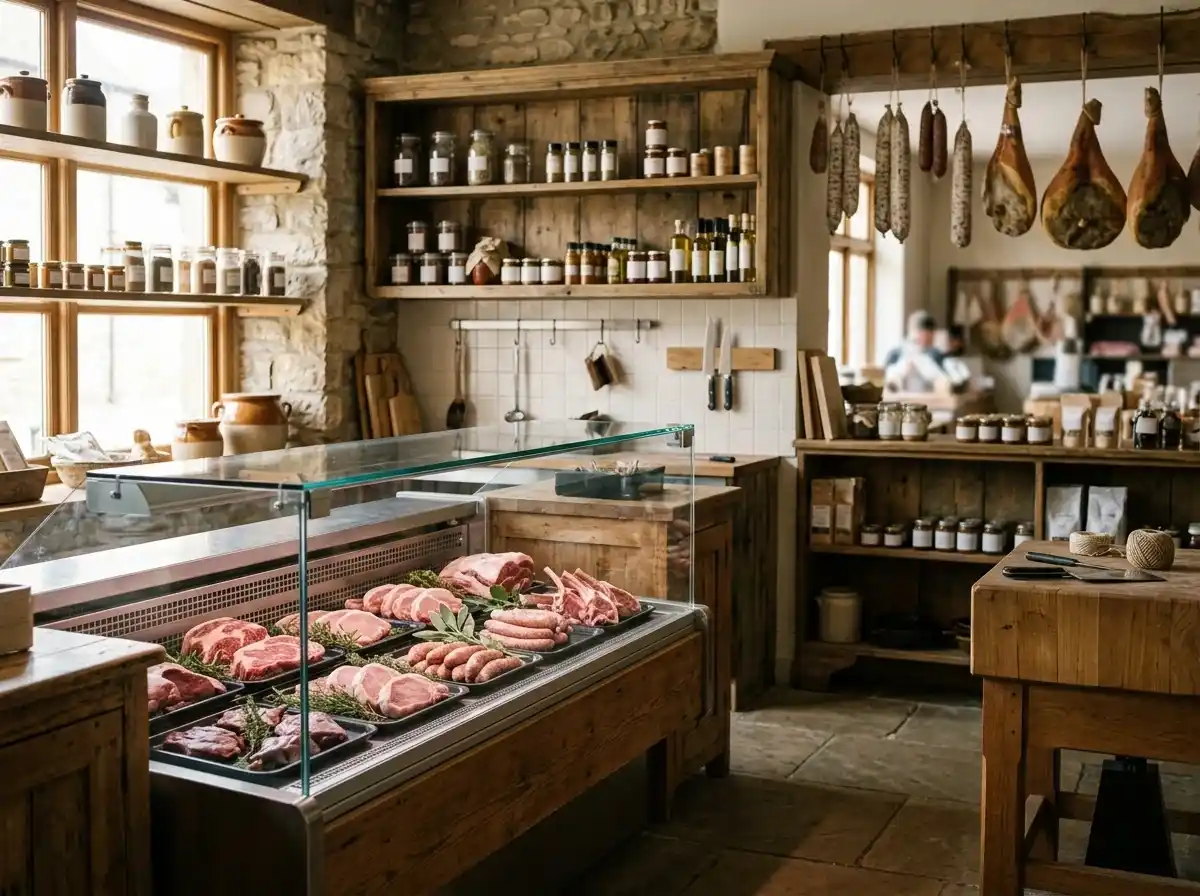
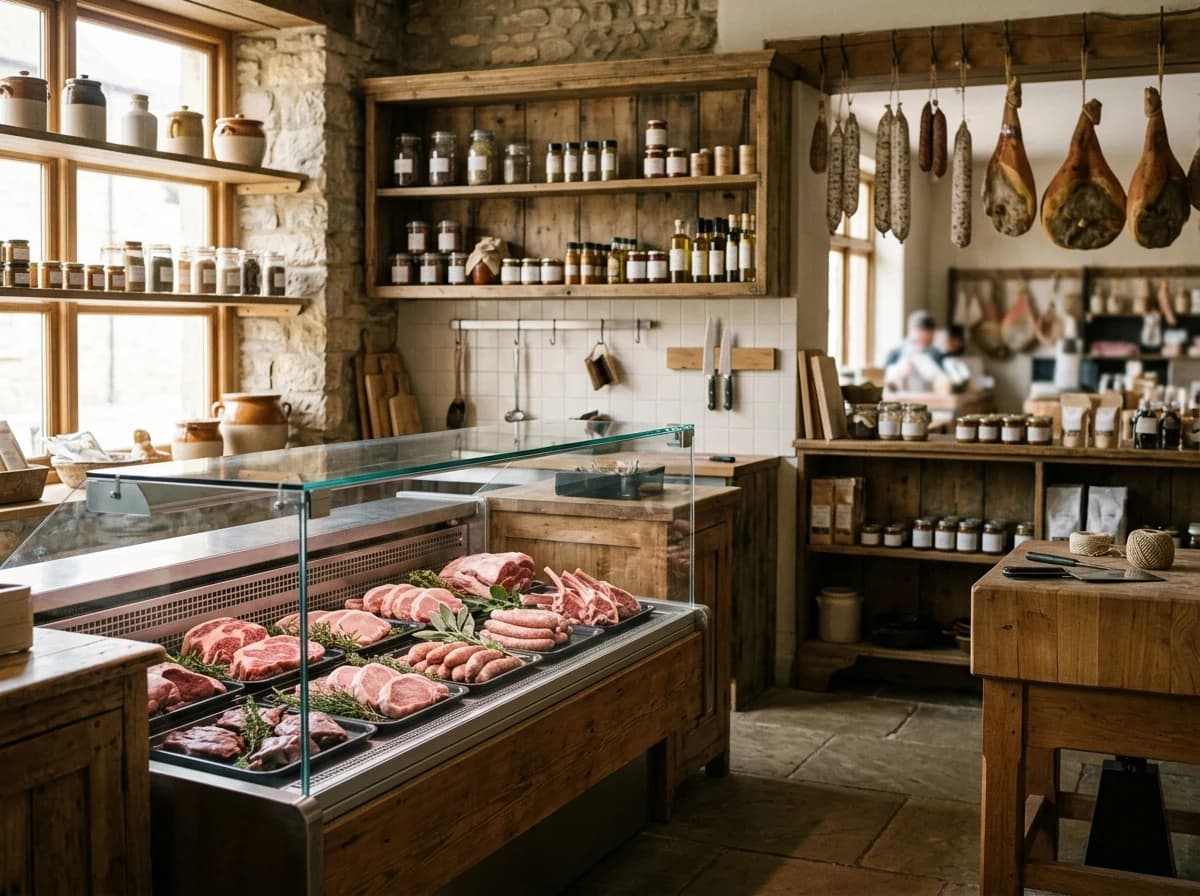
Start with an idea or a relevant template. Refine it around your butcher audience and the information they need.
Describe your butcher website
Tell the AI who you serve, what you offer and the style you want. Include product menu & pricing and sourcing & ethical practices in your brief, or choose a relevant template.
Name your audience and the next action you want visitors to take.
Review and make it yours
Ask the AI Editor for any change, or click an element to show what you mean. Add your own photographs and review product menu & pricing, sourcing & ethical practices, butchery techniques & specialties before sharing your website.
Confirm every claim and replace sample content with your actual details.
Preview, then publish
Check the website on phones, tablets and desktop screens. Publish with hosting and SSL, and connect a domain you own when your plan includes custom domains.
Test your contact form and every external service link after publishing.
The details that help visitors choose
Product Menu & Pricing. One clear website.
A butcher shop website shows what is in the case this week and lets customers order it, and Grigora builds one for your shop from a description you type in plain language. The AI drafts the pages, copy, and images, and you change anything by describing it in the AI Editor.
Product Menu & Pricing
Display a comprehensive list of your cuts, including beef, pork, poultry, lamb, and specialty items. Include clear pricing, weight options, and high-quality photos for each product. Highlight any seasonal or custom cuts available.
Sourcing & Ethical Practices
Detail where your meat comes from, emphasizing local farms, sustainable practices, and animal welfare standards. Transparency in sourcing builds trust and appeals to customers concerned about origin and quality.
Butchery Techniques & Specialties
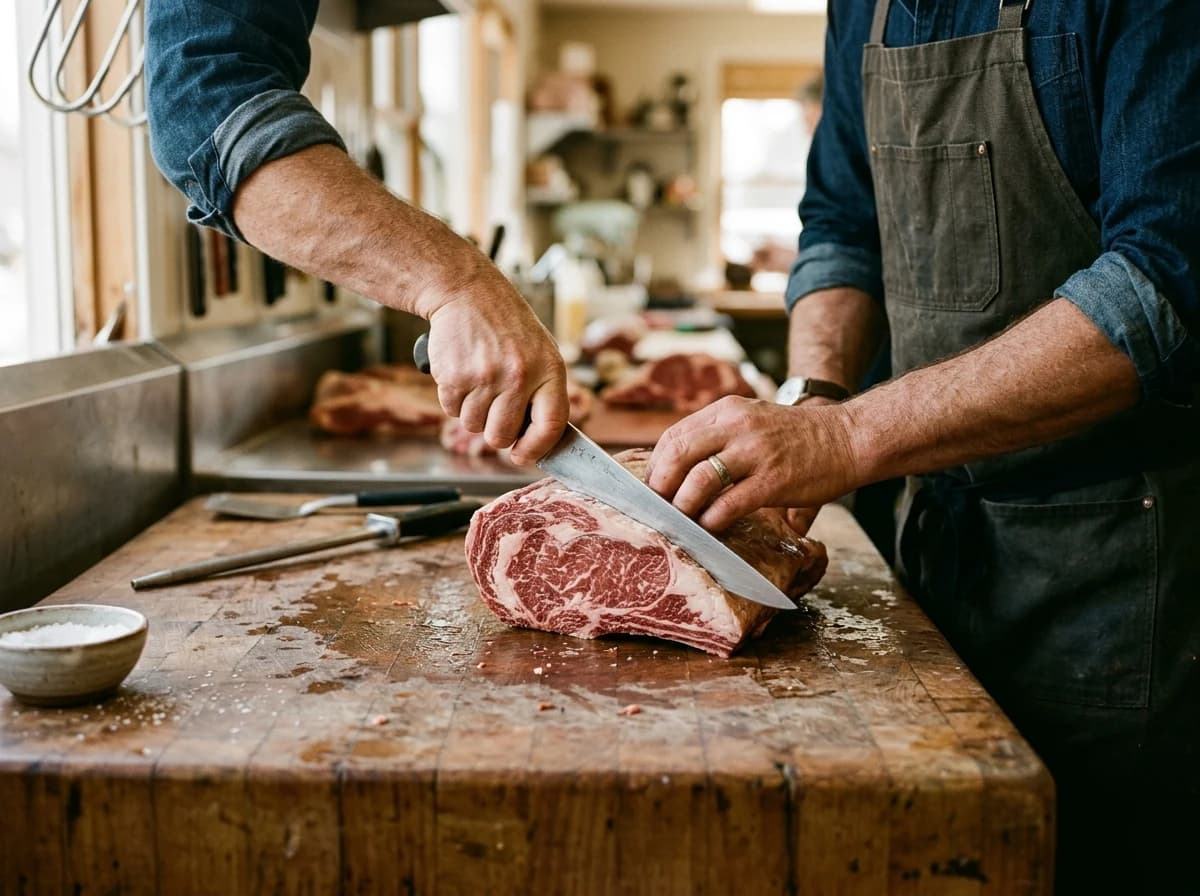
Showcase your artisanal butchery skills, explaining the difference between various cuts and preparation methods (e.g., dry-aging, custom blends). Highlight any unique services like whole animal butchery or custom processing.
Display a comprehensive list of your cuts, including beef, pork, poultry, lamb, and specialty items. Include clear pricing, weight options, and high-quality photos for each product. Highlight any seasonal or custom cuts available.
Your work, clearly presented
Interactive design inspiration. Illustrative photography and sample copy.
Plan the pages your visitors will use
The right information. A complete picture of your work.
A practical butcher website content guide. Choose the pages that fit what you do and keep the important answers close.
Product Menu & Pricing
Display a comprehensive list of your cuts, including beef, pork, poultry, lamb, and specialty items. Include clear pricing, weight options, and high-quality photos for each product. Highlight any seasonal or custom cuts available.
Sourcing & Ethical Practices
Detail where your meat comes from, emphasizing local farms, sustainable practices, and animal welfare standards. Transparency in sourcing builds trust and appeals to customers concerned about origin and quality.
Butchery Techniques & Specialties
Showcase your artisanal butchery skills, explaining the difference between various cuts and preparation methods (e.g., dry-aging, custom blends). Highlight any unique services like whole animal butchery or custom processing.
Recipes & Cooking Tips
Provide valuable content like recipes tailored to your cuts, cooking instructions, and pairing suggestions. This adds value for customers and helps them make the most of their purchases, encouraging repeat business.
Meet the Butcher & Our Story Blog
Share your passion, the history of your shop, and profiles of your team. Use a blog to discuss industry news, introduce new products, or share behind-the-scenes glimpses of your craft. This builds a personal connection with your clientele.
Learn from the pages visitors use.
Review site analytics to understand which pages people visit. Keep product menu & pricing and contact information easy to reach, and update them when your work changes.
Choose how visitors to your butcher website reach you. Make each action fit the services and processes you already use.
Give enquiries a clear route
Help visitors ask about product menu & pricing. Use a contact form that collects the details your team needs, and explain what happens after an enquiry.
Your team reviews requests and confirms the next step.
Connect the services you use
Keep specialist workflows for your butcher website in the services you already use. Add clear links and explain their process before visitors leave your site.
Your chosen provider handles its own availability, confirmations and account access.
Add commerce when it fits
If you sell products or agreed services, add Grigora Commerce product pages, a cart and checkout with your connected Stripe, Razorpay, PayPal, Paddle, or Paystack account. Explain prices, terms and fulfillment before accepting payment.
Your team manages orders and fulfillment; payment provider fees and terms apply.
Good butcher website SEO starts with useful pages. Make product menu & pricing, your contact details and your story easy to find.
Illustrative search result
Your website
https://butcher.example/
Your website | Butcher
Explore product menu & pricing and sourcing & ethical practices, learn about our approach and find out how to contact us.
Fictional example. Search engines choose the final title and snippet.
Titles and descriptions you can edit
Give pages for product menu & pricing and sourcing & ethical practices clear titles. Write descriptions that match their actual content.
Useful information for your audience
Explain product menu & pricing with original copy and relevant photographs. Keep contact details and any locations you serve accurate.
Connected hosting and published pages
Publish with hosting, HTTPS and a sitemap. Use clear navigation so visitors and search engines can reach your pages. Custom domains are available on paid plans.
Use relevant photographs, helpful image descriptions and original copy about your work and the people you serve.
Build and review your first butcher website draft with no card needed. Choose a plan before the trial ends to keep the site online.
A first draft you can review and customize
Website hosting, SSL and CDN included
Page, form and newsletter usage limits to review
Choose room for your website to grow
Compare plans for your domain and the content your butcher website needs. Paid plans keep your site online after the trial and let you connect a domain you own.
Connect a domain you own
Keep the site online after the trial
Choose capacity for your pages, content and enquiries
Check current plan limits and feature eligibility before choosing. Connected payment providers have their own terms and processing fees.
The last check before going online
Ready for your first online visitor?
Walk through your butcher website as a visitor would. Review these details before publishing, and again whenever your content changes.
0 of 5 items reviewed
Before you go online
Butcher website builder FAQs.
Clear answers about creating a butcher website, its content and the tools you can use.
Does Grigora offer secure hosting and custom domain support for a butcher shop's website?
Grigora includes free SSL, CDN, and hosting, ensuring your website is secure, loads quickly, and is always available for customers. You can also connect a custom domain (e.g., yourbutchershop.com) to establish a professional and recognizable online presence, reinforcing your brand in the community.
Can I send newsletters to announce specials or new products from my Grigora website?
Yes, Grigora features a built-in newsletter system. You can create, send, and track email campaigns to inform customers about weekly specials, seasonal products, or holiday offerings. Newsletter subscription forms and popups help you build a loyal customer base, keeping them engaged with your butcher shop.
Can I sell a meat box (like a monthly protein box) through my website?
Yes, as a one time product. There are no subscriptions or recurring billing, so each weekly or monthly protein box is a separate order, with variants for box size or cut assortment. You connect your own Stripe account and set your own shipping and tax rules, since you stay responsible for the requirements around shipping meat.
Can customers specify how they want a cut prepared, like thickness or bone-in vs. boneless, when they order online?
Yes. Grigora Commerce lets you add product options to a listing, so one product page (say, ribeye) can offer choices like thickness or cut style tied to their own SKUs and inventory counts, instead of customers having to call or email in special requests.
How do I keep a 'this week's cuts' or specials section current without redesigning the page every time?
Use a Grigora directory, a structured content collection with typed fields. Set one up for weekly specials with an image field, a text field for price, and a datetime field marking when the special ends, then add, edit, or retire entries without touching the page layout.
Can I connect the recipes I publish to the actual cuts of meat I sell?
Yes. Grigora's CMS includes recipe directories, and one of the available field types is a reference field, so a recipe entry (a brisket recipe, for example) can link directly to the product page for that cut, letting a reader click straight through to buy it.
Can I take pre-orders for holiday hams or whole/half animal shares with a scheduled pickup instead of instant shipping?
Yes. Grigora Commerce includes order tracking and manual fulfillment, so seasonal pre-orders like holiday hams or whole and half animal shares can be logged and fulfilled on your own schedule rather than forcing an automatic, immediate shipment.
How do I set up online ordering for my butcher shop?
Add each cut as a product with price, photo, and stock, group them into categories like beef, pork, and poultry, then connect your Stripe, Razorpay, PayPal, Paddle, or Paystack account so the cart can take payment. Orders land in your dashboard with a receipt, and you pack and fulfil them manually.
Can customers choose local delivery or counter pickup instead of shipping?
Yes. You define your own shipping options and rates, so you can offer a flat fee for delivery inside your postcodes and a zero cost collection option for orders picked up at the shop. Add a note field or a pickup day product so customers tell you when they are coming.
How do I move my butcher shop website off Wix?
Rebuild it in Grigora rather than importing it. Describe the shop, let the AI draft the pages, then paste over the text you want to keep and re-upload your photos. Set up redirects from your old URLs so existing links still work, and point your domain across once you publish.
How much does a butcher shop website cost?
Starter is $15 a month, or $144 a year, which works out to $12 a month, and Pro is $25 a month. You try it on a free trial first, since there is no free forever tier. Card processing fees are charged by Stripe, Razorpay, PayPal, Paddle, or Paystack, because sales run through your own account.