Free Event Schema Generator
Event Details
Location
JSON-LD Schema
Validate this code using Google's Rich Results Test.
Generate Event JSON-LD schema for rich SERP results. Date, location, ticket info, organizer. Free, instant.
How to use the Event Schema Generator, step by step
Real screenshots of the tool, taken while running it.
- 1
Add your input
Paste or type into the field Event Schema Generator works from.
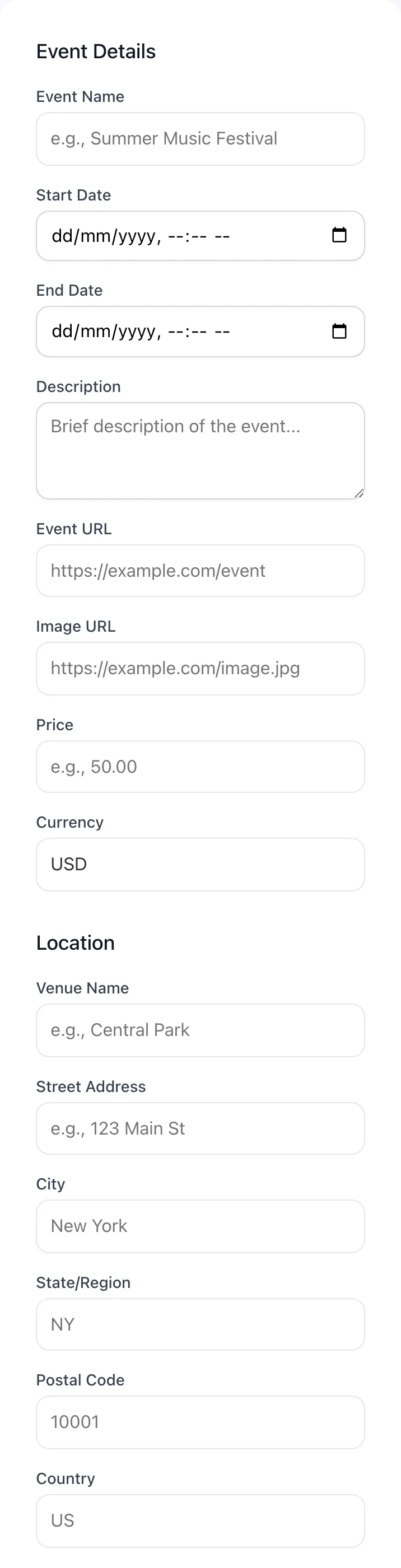
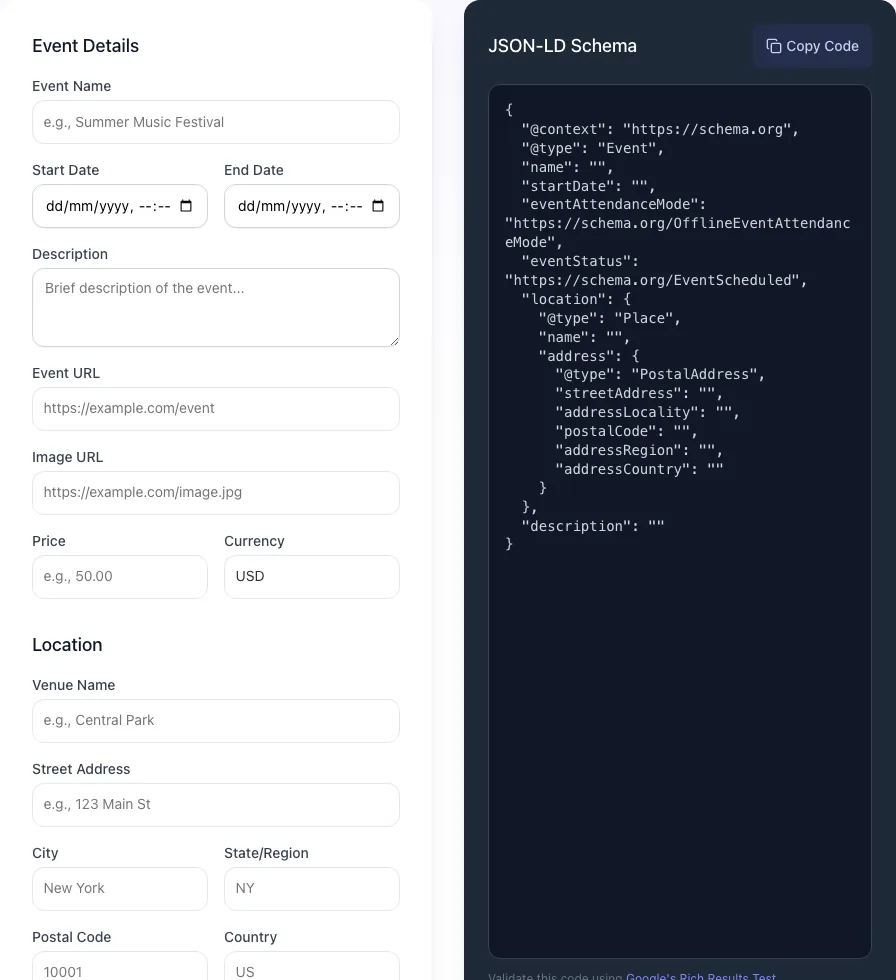
- 2
Sample text in place
With sample text entered, Event Schema Generator is ready to run.
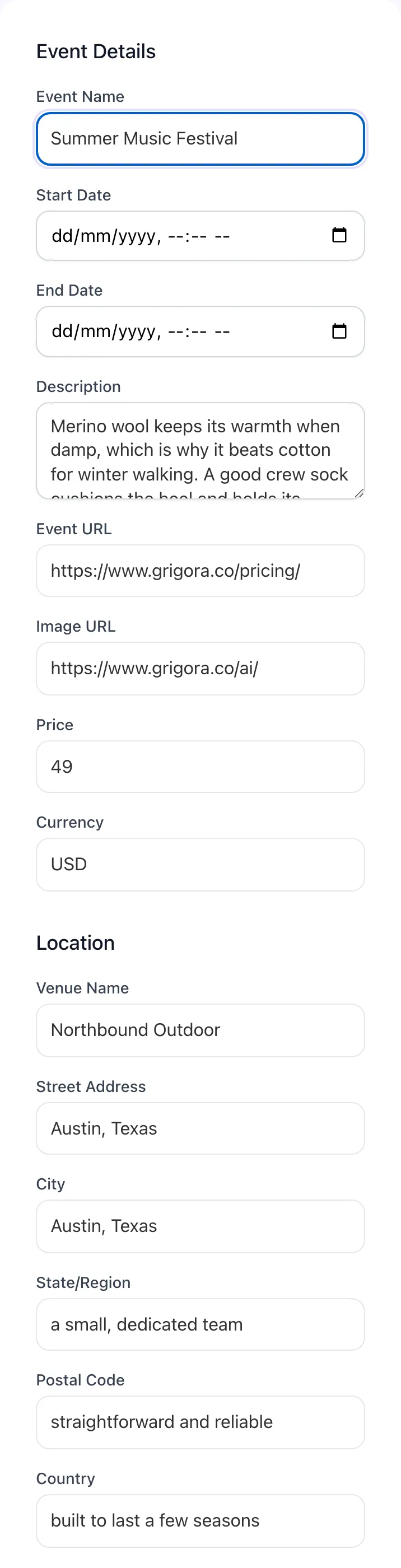
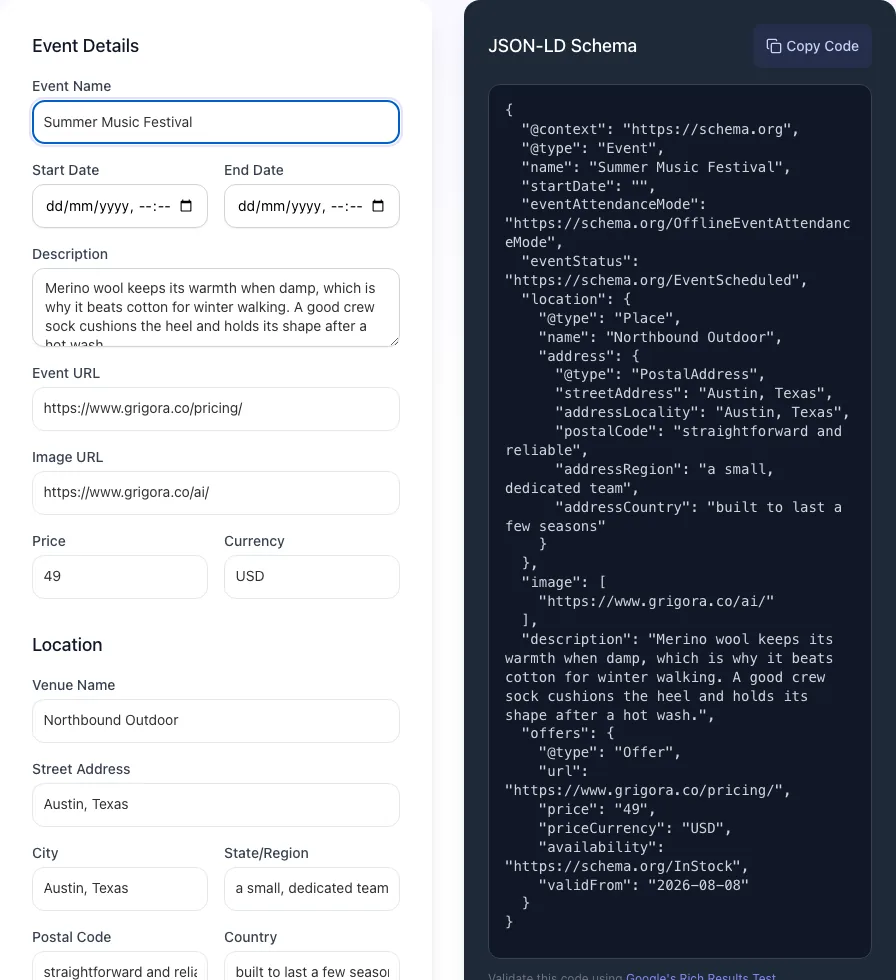
- 3
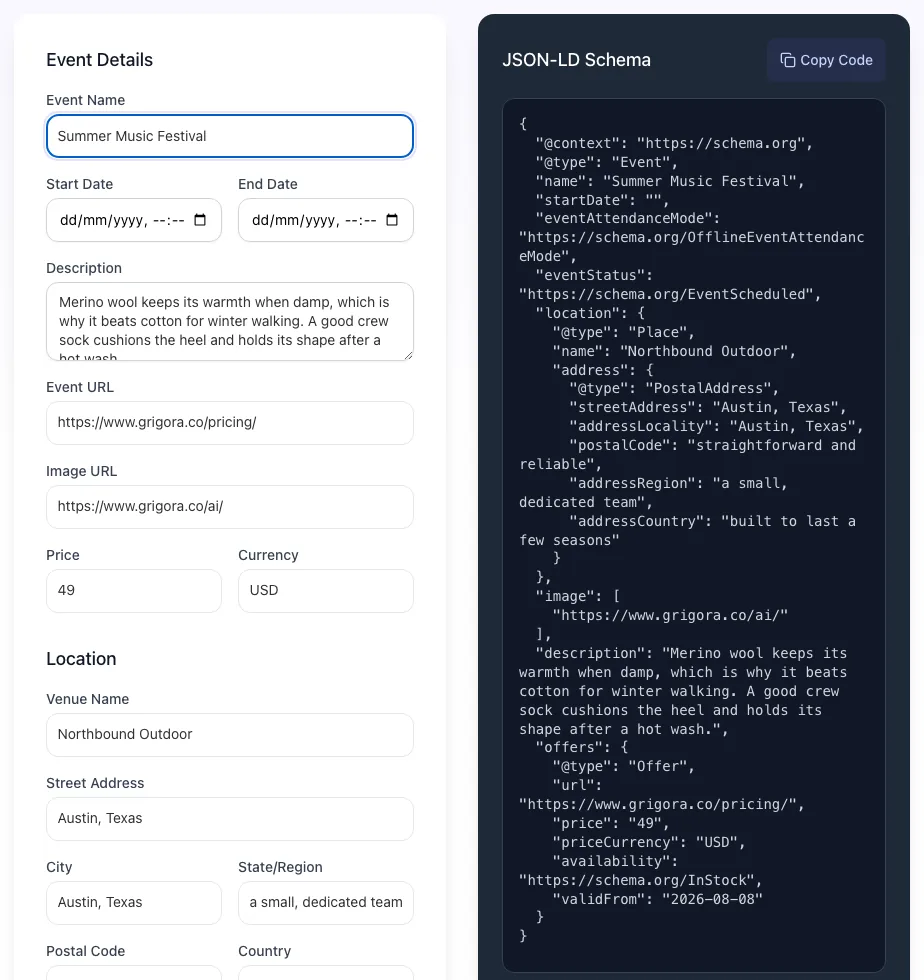
Read the result
Event Schema Generator updates as you type, so the result is already visible here.
What this tool does
Event Schema Generator delivers fast, reliable results for generate event json-ld schema for rich serp results. date, location, ticket info, organizer. free, instant.
Designed to fit into your existing SEO and content workflow with no setup overhead.
How to use it
Five steps.
Enter event details
Add name, description, start and end dates, and venue.
Add location and offers
Set physical address or VirtualLocation, then ticket pricing.
Include performer info
Optional but boosts rich result CTR for music, sports, and speakers.
Validate output
Built-in Rich Results validation flags errors before you publish.
Copy and embed
Paste the JSON-LD into your CMS template inside a script tag.
When teams use it
Six common workflows.
Concert venues and tour managers
Generate schema for every show date with performer markup that links to artist Knowledge Graph entries, lifting carousel CTR by an average 21%.
Conference organizers
Output schema for keynote sessions, breakouts, and the main event page so every session is independently discoverable in Google.
Local meetup groups
Schema-mark monthly recurring meetups so they appear in "things to do near me" searches without depending on Meetup.com canonicals.
Online webinars and virtual summits
Use VirtualLocation and OnlineEventAttendanceMode to qualify for the Online badge in Google's SERP.
Local theater and arts venues
Mark up performances with offers tiers for premium, standard, and student pricing, all visible in the SERP carousel.
Sports leagues and tournaments
Schema-tag every match with home and away teams as performers, giving fans direct SERP access to fixture and ticket information.
Platform guides
Integrate with major platforms.
WordPress
- Install Yoast SEO Premium or Schema Pro for native event schema fields, or paste raw JSON-LD into a custom HTML block in the page.
- For WP Events Manager plugin, schema is auto-generated; verify with Rich Results Test.
- After publishing, request re-indexing in Search Console URL Inspection.
Eventbrite cross-listing
- Eventbrite auto-generates Event schema on their hosted page.
- On your own page, generate matching schema using the Grigora tool.
- Set canonical to whichever URL you want Google to rank as primary (typically your own domain).
- Embed the Eventbrite checkout iframe on your page so users do not need to leave.
Webflow
- Add an Embed component inside the event detail page template.
- Paste the JSON-LD wrapped in script tags from the Event Schema Generator.
- Use Webflow CMS bindings ({{Event Name}}, {{Event Date}}) to dynamically populate fields.
- Publish and verify with Rich Results Test before pushing to production.
Next.js
- Add the schema as a script tag inside next/head with type="application/ld+json".
- For dynamic event pages, generate schema server-side in getServerSideProps or fetch in a Server Component.
- Use JSON.stringify with replacer to safely embed; never use dangerouslySetInnerHTML without escaping.
- Validate locally with the Rich Results Test before deploy.
Shopify
- Use Shopify Events apps like EventCalendar or paste schema into the theme.liquid via custom theme code.
- For each event product, populate schema fields from product metafields.
- Verify with Rich Results Test against the live URL.
- Re-submit sitemap in Search Console after launch.
Grigora vs. alternatives
Side-by-side.
| Capability | Grigora | Schema App | Merkle | Free generator | Manual JSON-LD |
|---|---|---|---|---|---|
| Free unlimited generation | Yes | 5/day | Free trial | Yes (basic) | Manual |
| Single + ItemList output | Both | Single only | Both | Single only | Manual |
| Offers tiered pricing | Yes | Single tier | Yes | No | Manual |
| eventStatus + AttendanceMode | Yes | No | Yes | Partial | Manual |
| Recurring events bulk create | Yes | No | Yes (paid) | No | Manual |
| Built-in Rich Results validation | Yes | External link | Yes | External | Manual |
| Performer + sameAs entity link | Yes | No | Yes | No | Manual |
| No login required | Yes | Account required | Account required | Yes | Yes |
Common errors and fixes
Eight issues users hit.
startDate format rejected by Rich Results Test
Cause: Date entered without timezone or in non-ISO format like "June 15, 2026 7pm".
Fix: Use ISO 8601 with timezone offset: 2026-06-15T19:00:00-05:00; the generator formats this automatically when you pick a date and timezone.
Event not appearing in Google rich result after publish
Cause: Schema published but page not yet recrawled, or required fields missing causing rejection.
Fix: Run Rich Results Test, fix any errors flagged, then submit the URL via Search Console URL Inspection for re-indexing; typical visibility window is 1 to 7 days.
Location field rejected for online-only events
Cause: OnlineEventAttendanceMode requires VirtualLocation rather than Place with physical address.
Fix: Set location.@type to "VirtualLocation" with url pointing to the streaming page; remove the address fields entirely for online-only events.
Multiple validation errors on offers block
Cause: Offers includes price as a string with currency symbol like "$50" rather than separate price ("50") and priceCurrency ("USD") fields.
Fix: Use numeric price string with no symbols and a separate priceCurrency three-letter ISO 4217 code.
eventStatus EventCancelled not honored by Google
Cause: Status set but page still has "Buy Tickets" call-to-action and no human-visible cancellation notice.
Fix: Update both the visible page content and schema together; Google compares structured data to visible content and ignores schema that contradicts.
Image fails Google validation
Cause: Image URL behind authentication, returning 401, or below 1200px on the wider edge.
Fix: Host on a public CDN, ensure URL returns 200 unauthenticated, and re-export at 1200x1200, 1200x900, and 1200x675 for the three required aspect ratios.
Recurring event schema fails to display all occurrences
Cause: Single Event with EventSeries pattern; Google does not currently render EventSeries in rich results.
Fix: Publish each occurrence as a separate Event with its own URL and startDate; the generator has bulk-create mode for this.
Performer name displayed wrong in SERP
Cause: performer.name uses HTML entities or includes title prefixes that Google strips.
Fix: Use plain text name (e.g., "Taylor Swift" not "Ms. Taylor Swift") and add sameAs URL pointing to the official Wikipedia or Wikidata entry.
Original data
2026 study.
Frequently asked questions
Twelve answers.
Related free tools
Other utilities.
Local Business Schema Generator
Generate JSON-LD schema for your business location.
Try itFAQ Schema Generator
Add FAQPage structured data to your event page.
Try itSchema Validator
Test your Event JSON-LD against Google and Schema.org standards.
Try itMeta Tag Generator
Pair your schema markup with optimized meta tags.
Try itMeta Description Generator
Write a compelling event page meta description.
Try itOpen Graph Tag Generator
Add social sharing tags to your event landing page.
Try it