Free Mixed Content Checker
Scan a published page
We fetch the page from our server, so the report also covers the security headers it was served with, and every insecure file is tested over https to see whether the obvious fix would actually work.
Public pages only. Anything behind a login returns the login screen, and local or private network addresses are refused. Use the paste option for those.
Enter the URL of an https page and see every image, script, stylesheet, iframe, media file and CSS url() still requested over plain http. Results are split into what the browser blocks and what only costs you the padlock. No public URL yet? Paste the source instead and the scan runs in your browser.
Padlock fixed? Keep it that way
Mixed content usually starts with the hosting setup.
Grigora issues and renews certificates for you and serves every page, image, form and store asset over https by default, so the only way http creeps back in is a third party embed you pasted yourself.
How to check a page for mixed content
Four steps from view source to a clean padlock.
Enter the page URL
Any public http or https page. The scan reads the HTML the server actually sends, along with its security headers.
Or paste the source
For staging builds, local files and pages behind a login, paste the markup instead. That scan stays in your browser.
Read the two groups
Active findings are blocked by the browser. Passive findings load but break the padlock.
Rewrite and re-check
Change each http URL to https, confirm the host serves it there, then run the scan again.
How to check for mixed content, step by step
Real screenshots of the tool, taken while scanning a live pricing page.
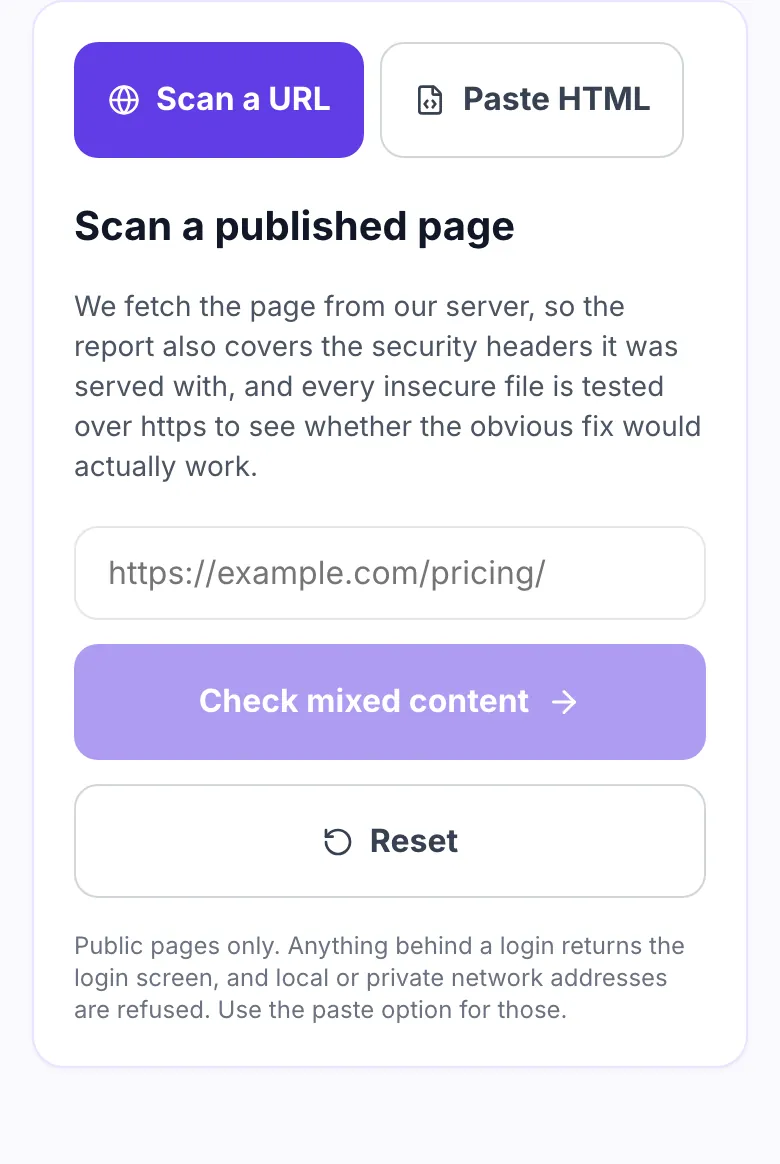
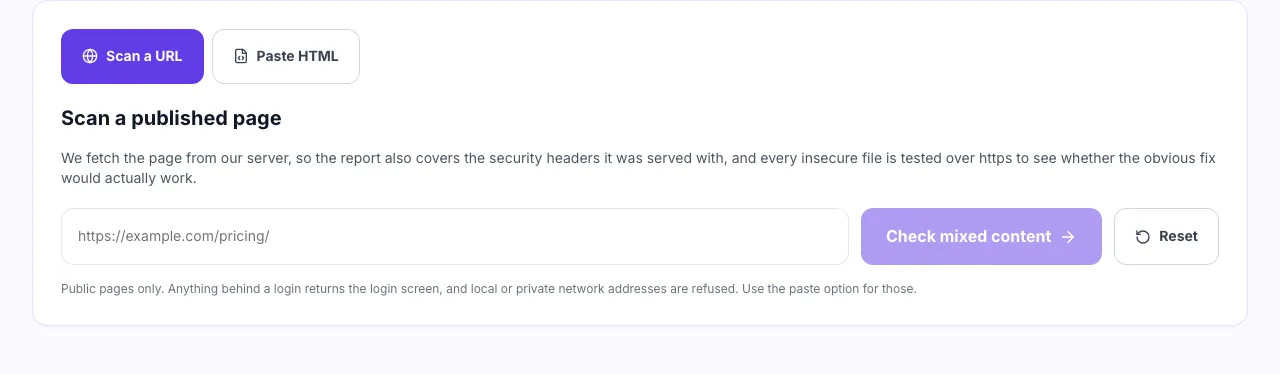
- 1
Enter the page URL
Or switch to the paste tab and check a template that is not published yet.
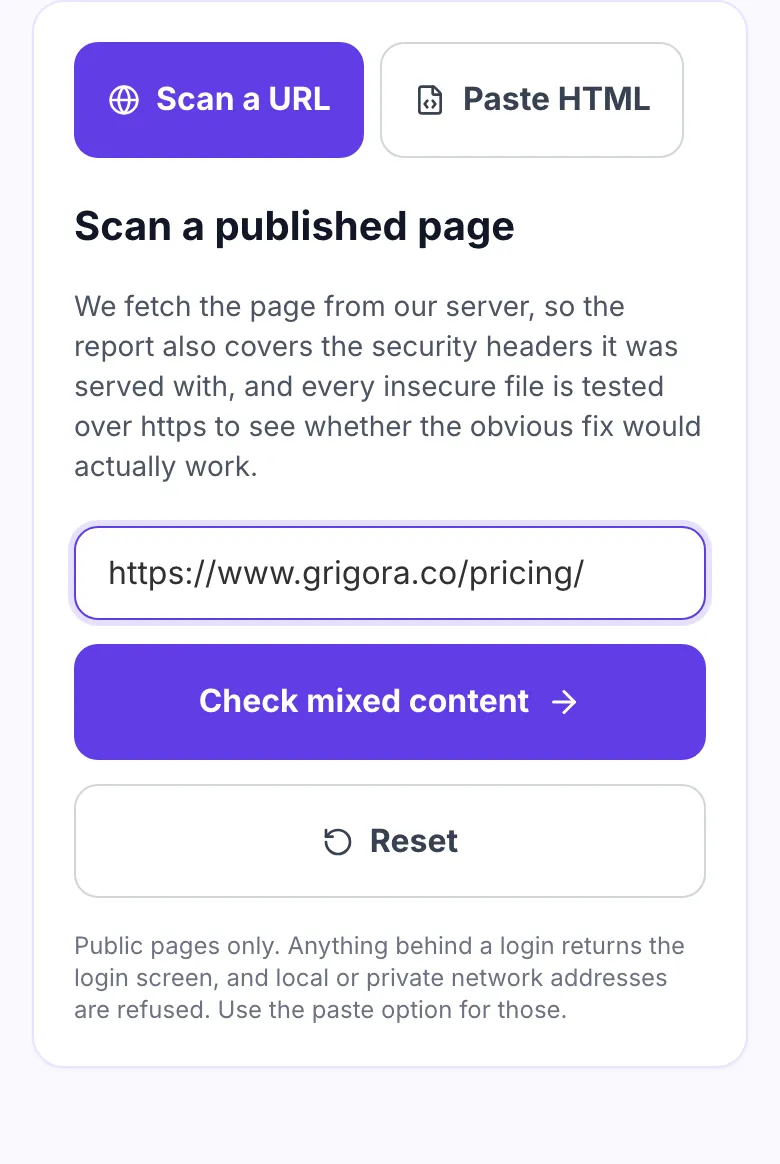
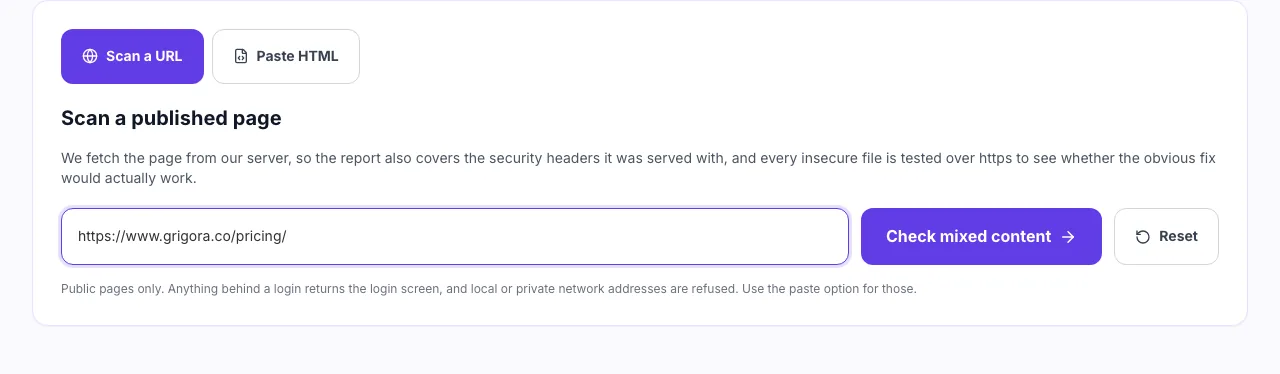
- 2
Choose the page to scan
Start with the pages carrying the most third party embeds. That is where an http reference usually hides.
- 3
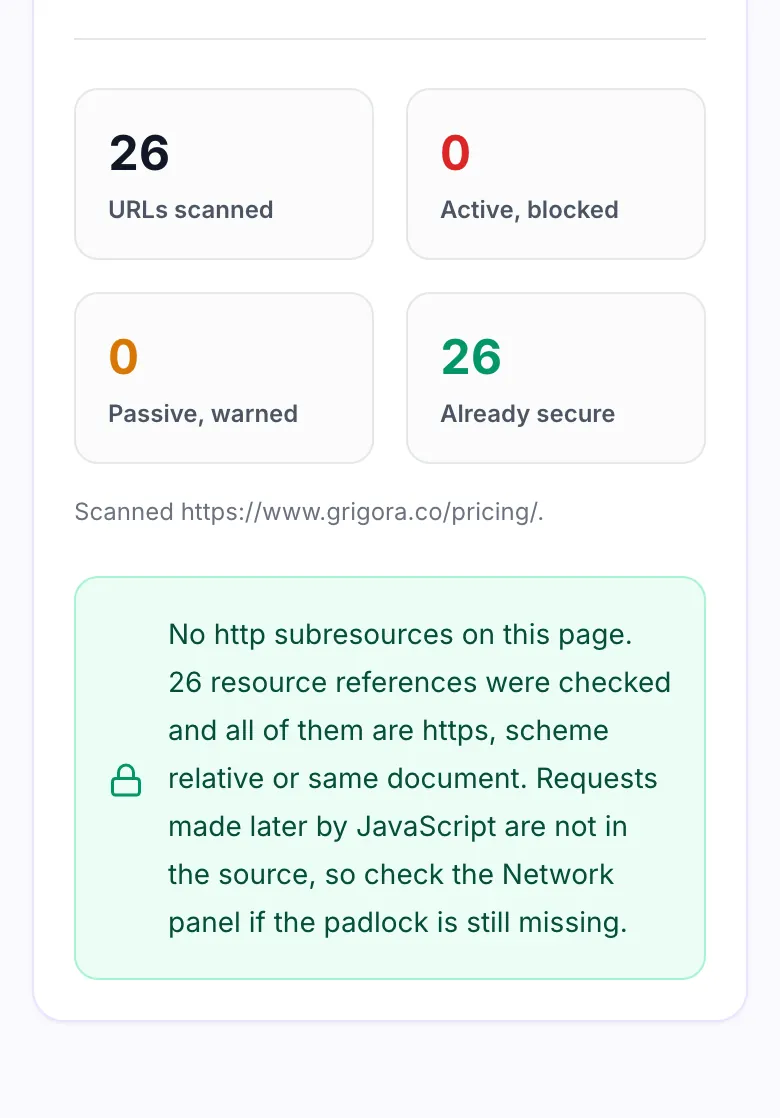
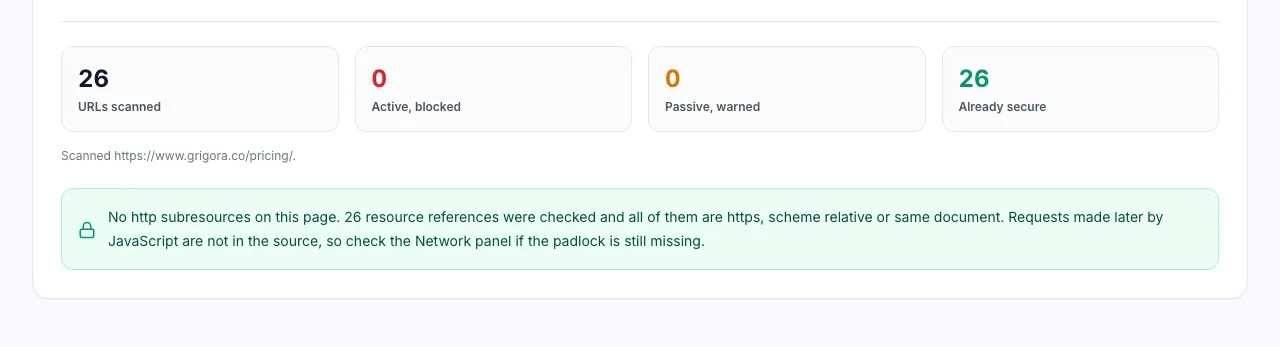
Confirm every subresource is https
Active mixed content is blocked outright by the browser. Passive content is only warned about. They are separated here so you know which one breaks the page.
When to run this check
Six moments an http subresource is the likely culprit.
The padlock disappeared
Find the one image or iframe that turned a secure page into a neutral one.
After moving a site to https
Old absolute http URLs survive migrations inside content, themes and widgets.
A widget stopped rendering
Blocked active content fails silently, so an empty box is often mixed content.
Auditing a third party embed
Ad tags and chat scripts sometimes pull assets over http from their own hosts.
Before enabling HSTS
Clear the insecure requests first, so nothing breaks when downgrades stop working.
Checking a template or theme
Hardcoded http asset URLs in a theme repeat on every page that uses it.
Fixing it on your platform
Where http URLs usually hide, by platform.
WordPress
- Run a search and replace across posts for http://yourdomain.
- Check theme and plugin files for hardcoded http asset URLs.
- Re-copy the source and scan again.
Shopify
- Open the theme code editor and search assets for http://.
- Check custom Liquid sections and any embedded scripts.
- Preview the page, view source, paste it here.
Grigora
- Every site, form and store asset is served over https by default.
- Only pasted third party embeds can introduce http URLs.
- Scan a published page to confirm the embed is clean.
Static or custom builds
- Grep the build output for the string http:// in src and href.
- Check CSS files for url() and @font-face entries.
- Add upgrade-insecure-requests to your CSP header.
Grigora vs. other ways to find mixed content
Side by side.
| Capability | Grigora | Browser console | Online scanners | Crawler suites |
|---|---|---|---|---|
| Sends your HTML anywhere | No, parsed in browser | No | Yes, uploaded | Yes, uploaded |
| Separates active from passive | Yes, with reasons | Mixed in the log | Sometimes | Yes |
| Checks url() inside CSS | Yes | Only if requested | Rarely | Yes |
| Works on a staging or local page | Yes, paste the source | Yes | No, needs public URL | No, needs public URL |
| Signup required | No | No | Often | Yes |
Common errors and how to fix them
Eight things that break a padlock, and what to change.
Blocked loading mixed active content
Cause: A script, stylesheet or iframe requested over http.
Fix: Rewrite the URL to https. If the host has no certificate, self host the file or drop it.
Padlock replaced by a neutral icon
Cause: An image, video or audio file over http.
Fix: Serve the media over https from your own domain or a CDN that supports it.
Hardcoded http in the database
Cause: Old posts store absolute http URLs in their content.
Fix: Run a search and replace across content for http://yourdomain to https://yourdomain.
A base tag poisoning every path
Cause: A base href pointing at http.
Fix: Remove the base tag or point it at https. It rewrites every relative URL on the page.
Fonts falling back to Times
Cause: An @font-face src over http, which counts as blockable.
Fix: Update the font URL to https, or host the font files with the rest of your assets.
Background image missing the padlock
Cause: A url() in a style block or style attribute over http.
Fix: CSS URLs are easy to miss because they are not in the markup. Update them too.
Form warning before submit
Cause: A form action pointing at http.
Fix: Post to the same https origin. Browsers warn the visitor and disable autofill otherwise.
Nothing found but the padlock is still off
Cause: The insecure request comes from JavaScript at runtime, not the HTML.
Fix: Open the Network panel, filter by http and reload. Fetch and XHR calls are not in the source.
Mixed content in four numbers
The rules worth remembering before you start editing.
Frequently asked questions
Ten answers about mixed content and https.
Related free tools
Other utilities that pair with the Mixed Content Checker.
Broken Link Checker
Find links on a page that no longer resolve.
Try itRedirect Checker
Follow a redirect chain and see every hop.
Try itCanonical Checker
Confirm a page points at the canonical URL you expect.
Try itAccessibility Checker
Check markup for common accessibility problems.
Try itPage Performance Checker
Spot the weight and requests slowing a page down.
Try itWebsite Launch Checklist
Work through what to verify before a site goes live.
Try itSSL Checker
Check the certificate, expiry and HTTPS redirect for a domain and its www twin.
Try itHttps on every page, without the maintenance
Site, newsletter and store on one platform, with certificates handled for you. Try it free for 14 days, no card needed.
Start building free