Free Product Schema Checker
Paste your markup
A JSON-LD object, or a full page source with ld+json script tags.
Paste Product JSON-LD, or the source of a whole product page, and see exactly which fields Google needs and which are missing or malformed. Every finding explains what the field does, so you know whether it blocks the rich result or only weakens it.
Schema clean? Keep it that way
Hand written markup drifts. Generated markup does not.
Grigora Commerce writes Product structured data from the real product record, so price, currency and stock in the markup stay identical to what the page shows. Site, newsletter and store run on one platform.
How to check Product schema
Four steps from pasted markup to a clean result.
Paste your markup
Drop in a JSON-LD object, or the whole page source and let the tool find the ld+json blocks.
Run the check
Every Product node is read and measured against the Google product structured data rules.
Fix the errors
Errors block the rich result. Warnings let it render but leave detail on the table.
Re-check and ship
Paste the corrected markup back in, confirm it is clean, then request indexing.
How to check Product schema, step by step
Real screenshots of the tool, taken while checking a Product JSON-LD block.
- 1
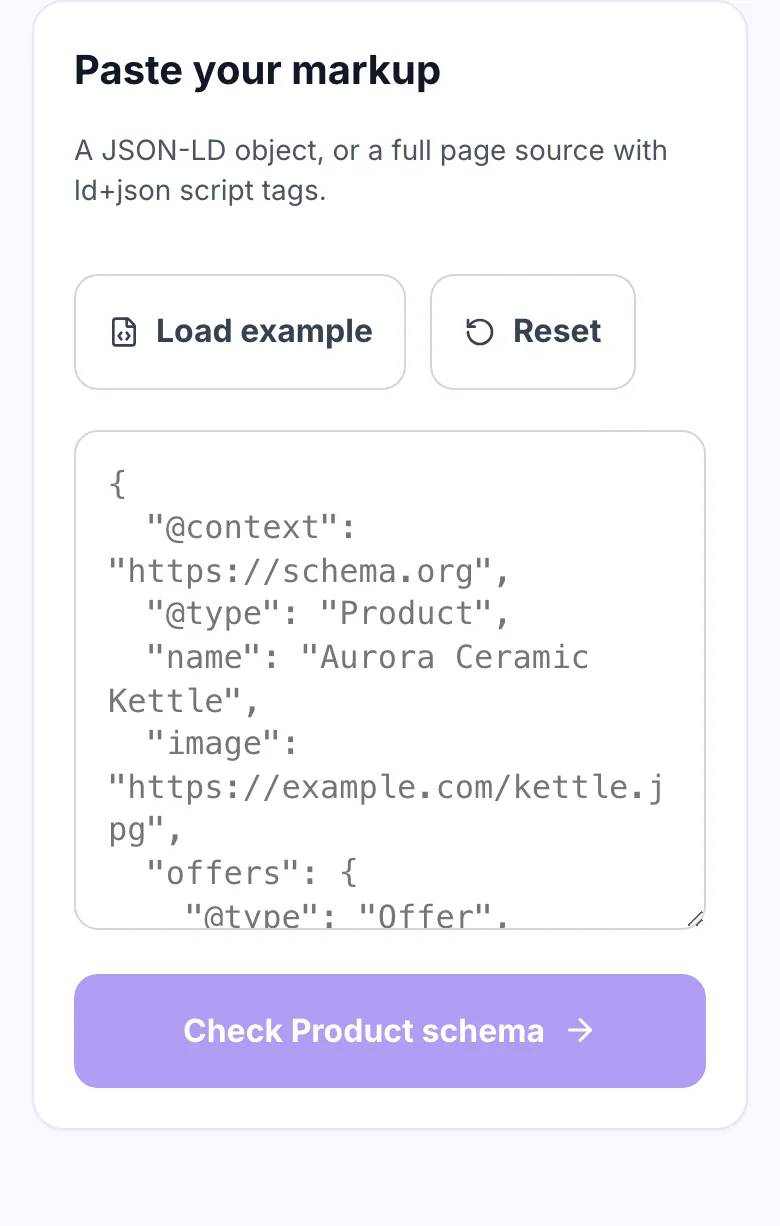
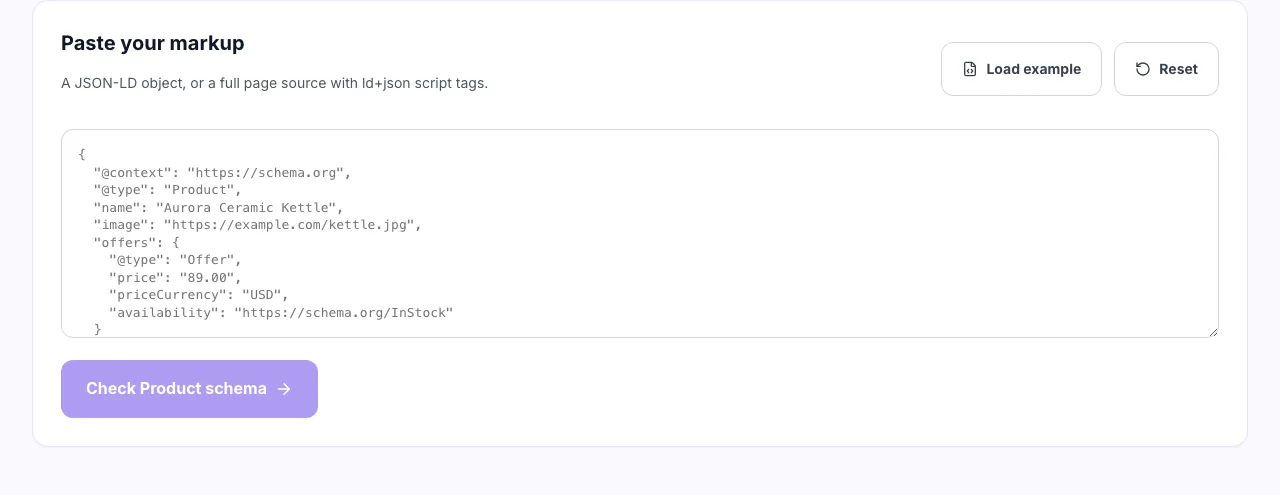
Paste your Product markup
A JSON-LD block on its own, or a whole page source. The checker finds the Product object inside it either way.
- 2
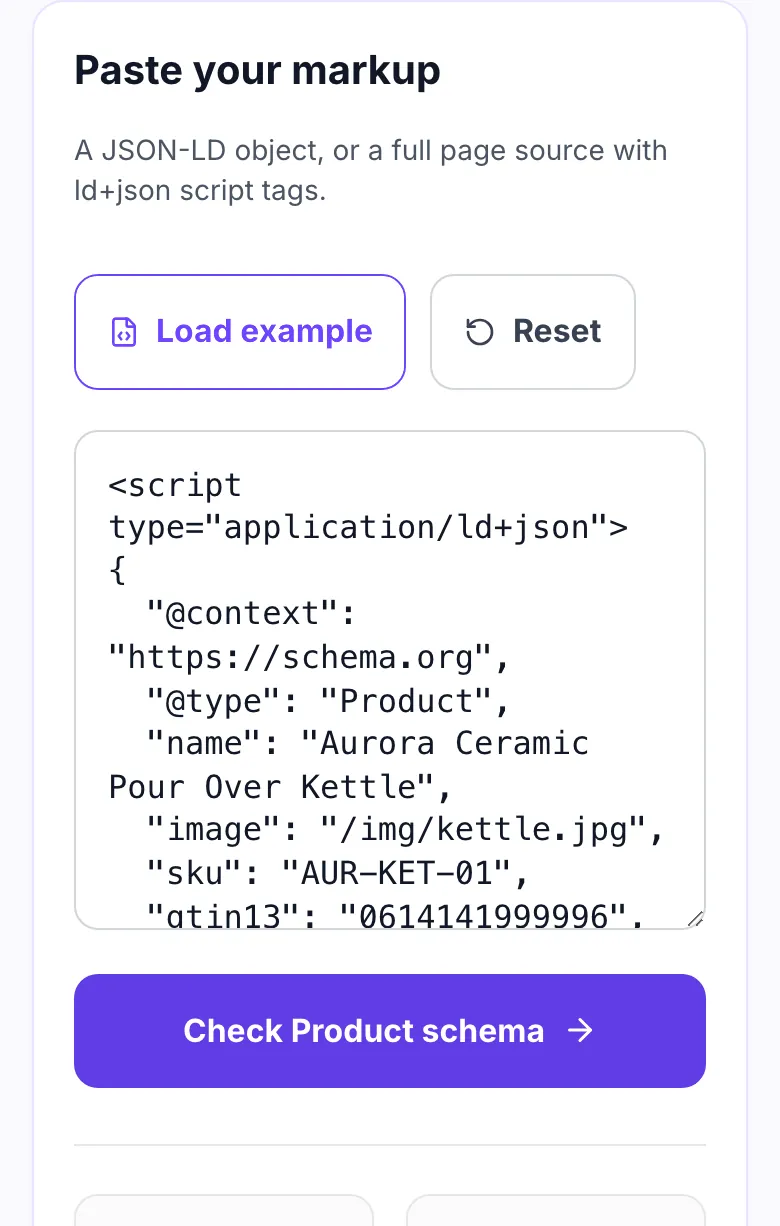
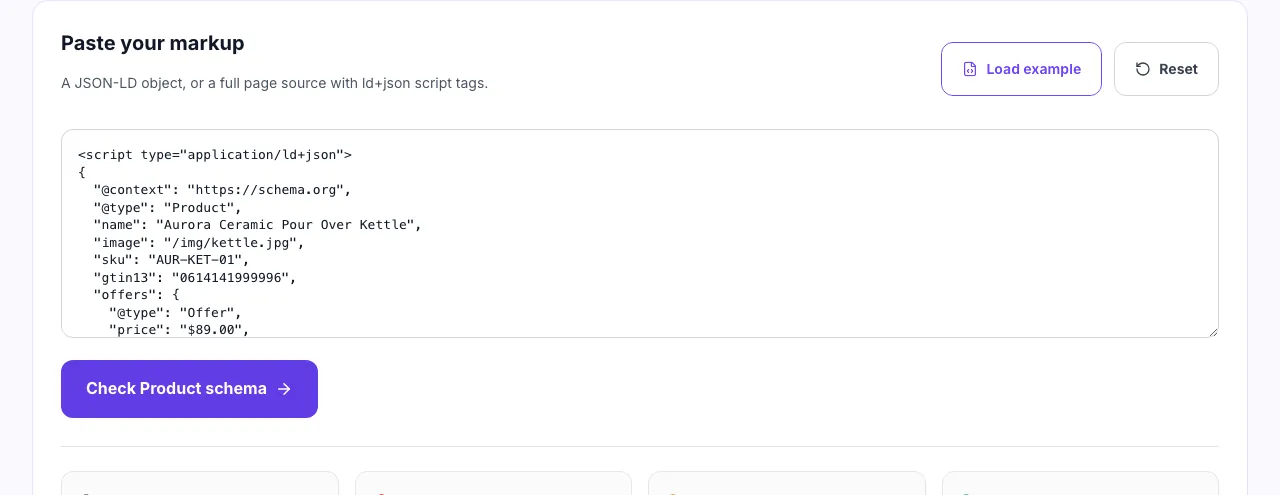
Load the example to see the shape
The example carries the fields Google reads for a product rich result, so you can compare your own markup against one that passes.
- 3
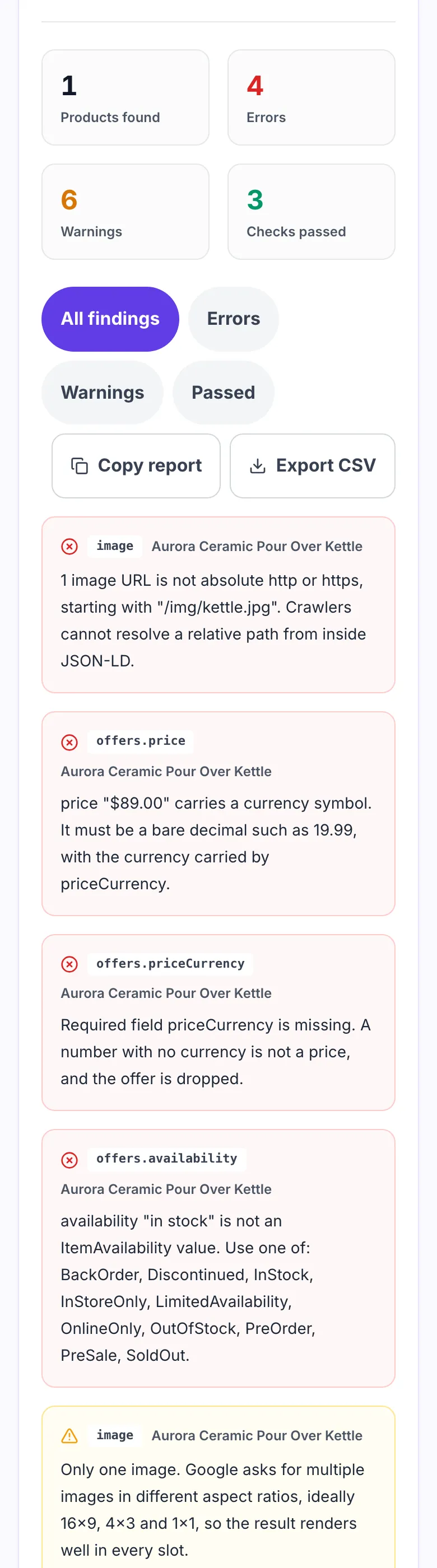
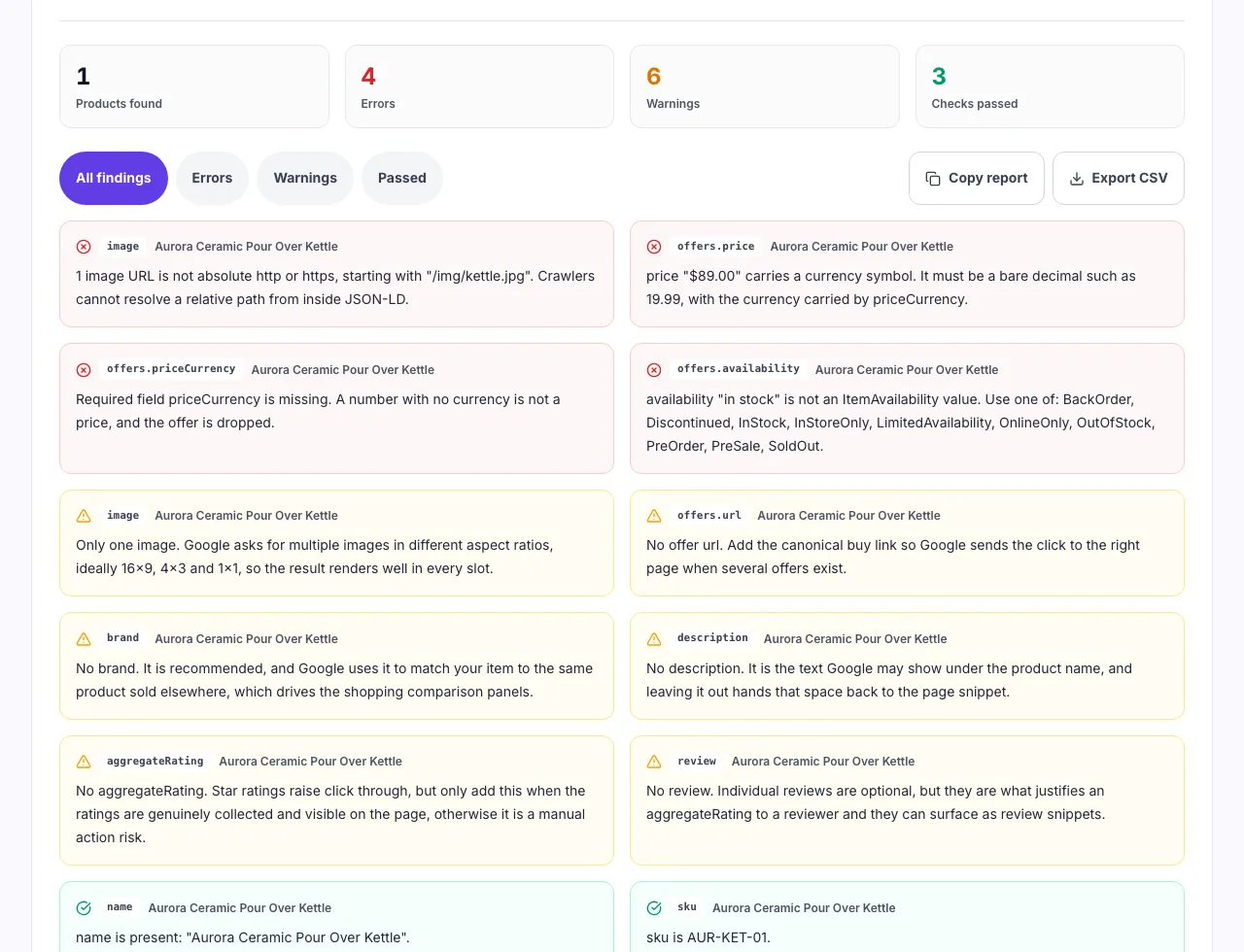
Read what would block a rich result
Required fields, price format, availability values and GTIN check digits are each tested separately, so you know exactly which one to change.
When to run this check
Six moments a schema check pays for itself.
Before publishing a product page
Catch a missing priceCurrency while the page is still a draft rather than after it is crawled.
When rich results stop showing
A theme update quietly changes the markup. Paste the live source and see what moved.
After a platform migration
New template, new field names. Confirm price, image and availability survived the move.
Auditing a client storefront
Check a sample of product pages and hand back a list of fields with the reason each one matters.
Reviewing a plugin output
Schema plugins emit whatever the settings allow. Verify what actually reaches the page.
Before a seasonal campaign
A broken offer block during a sale week costs the whole shopping surface.
Finding your markup, by platform
Where the Product JSON-LD lives and how to get at it.
Shopify
- Open a live product page.
- View source and copy the whole page.
- Paste it here to read the theme output.
WooCommerce
- Open a product permalink.
- Copy the page source, including plugin blocks.
- Paste it here to see every Product node.
Grigora Commerce
- Open a published product page.
- Copy the source, product markup is generated for you.
- Paste it here to confirm the fields.
Hand written JSON-LD
- Copy the object between the script tags.
- Paste the JSON on its own.
- Fix the errors and paste it back.
Grigora vs. other schema checkers
Side by side.
| Capability | Grigora | Rich Results Test | Schema linters | SEO suites |
|---|---|---|---|---|
| Runs without upload | Yes, in your browser | Sends the URL to Google | Uploads your markup | Requires account |
| Accepts pasted HTML | Yes, finds ld+json | Yes | JSON only | URL only |
| Explains why a field matters | Yes, on every finding | Rule name only | Rule name only | Partial |
| Checks GTIN check digit | Yes | No | No | No |
| Signup required | No | No | Yes | Yes |
Common errors and how to fix them
Eight mistakes that keep a product out of rich results.
Price written with a symbol
Cause: price set to "$89.00" or "89,00".
Fix: Use a bare decimal, 89.00, and put the currency in priceCurrency as USD.
Missing priceCurrency
Cause: Only price is set.
Fix: Add the three letter ISO 4217 code. A number with no currency is dropped.
Free text availability
Cause: availability set to "in stock" or "Available".
Fix: Use https://schema.org/InStock, or the bare member name InStock.
Relative image path
Cause: image set to /img/kettle.jpg.
Fix: JSON-LD does not resolve relative paths. Use the full absolute URL.
Empty brand object
Cause: brand set to {"@type": "Brand"} with no name.
Fix: Give the Brand node a name, or remove the field entirely.
GTIN check digit fails
Cause: One digit mistyped when the barcode was copied.
Fix: Re-read the barcode. The last digit is computed from the others.
Rating with no count
Cause: aggregateRating has ratingValue but no reviewCount.
Fix: Add reviewCount or ratingCount. An average with no sample size is ignored.
Review with no author
Cause: review objects carry only a rating.
Fix: Add an author with a name. Anonymous reviews are not used.
Product schema rules worth memorising
The constraints behind most invalid markup.
Frequently asked questions
Ten answers about Product structured data.
Related free tools
Other utilities that pair with the Product Schema Checker.
Product Schema Generator
Build valid Product JSON-LD from a short form.
Try itSchema Validator
Check any structured data type for syntax errors.
Try itRich Results Checker
See which rich result types a page qualifies for.
Try itReview Schema Generator
Write Review and AggregateRating markup correctly.
Try itFAQ Schema Generator
Add FAQPage markup to a product or support page.
Try itProduct Feed Validator
Check a Merchant Center feed before you submit it.
Try itSell from the site you already run
Product pages, correct structured data, checkout and orders in one place. Try it free for 14 days, no card needed.
Start building free